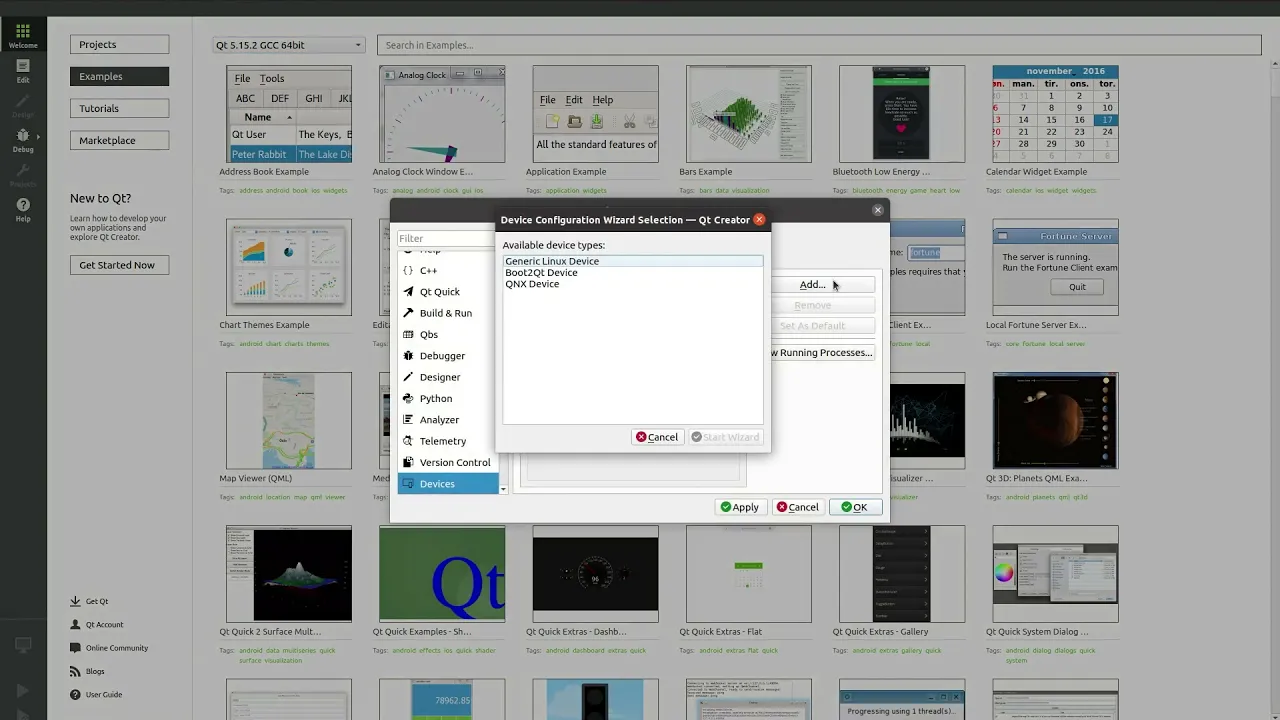
How to set up and deploy an application using Qt for Device Creation
In this video, we'll show you how to setup and deploy an example application for your device using Qt for Device Creation. We will be using the Toradex Apalis iMX6 device for this video, but the process can be followed for your own device too. It is also assumed that it is already setup so that you can boot from the SD card. If you need help with this then please contact Qt Support. The example application we will be using for this is the one from making your first Qt Quick application video.
Oh, here is more

On-Demand Webinar: Agentic Development for Embedded Devices: From Experiment to Production
Agentic development for embedded devices is moving from experiment to production, and regulated indu...
Watch Video
CRA-ready in der industriellen Automatisierung: Von der Entwicklung bis zur Integration
Industrielle Softwareteams arbeiten unter zunehmendem Druck - knappe Budgets, CRA-Compliance-Fristen...
Watch Video
Video Podcast: Five Things From Auto China 2026 That Should Change Your SDV Roadmap
The modern in-vehicle experience starts in the architecture underneath the cockpit. The world’s bigg...
Watch Video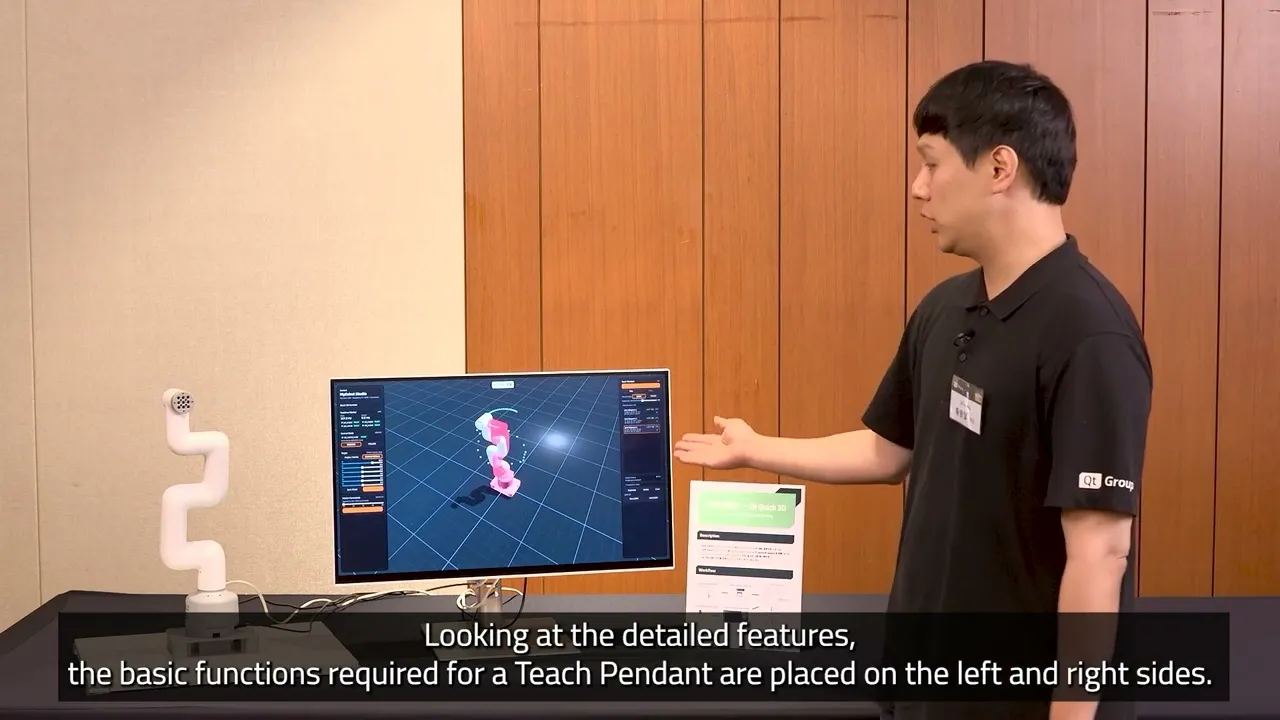
URDF to QML: Prototyping a Teach Pendant App with Qt Quick 3D
In this demo, Eric Hwang, Business Development Engineer, shows how to build a Teach Pendant by conve...
Watch Video