





Design That Performs on Real-World Devices

Tools to craft modern experiences you can rely on. Designed for how people use them.

Whatever Your Needs, We've Got You Covered

Qt Design Tools


Our tools cover all the design needs, whether you are working in Figma or looking for a new tool. We care about getting your design vision delivered to the target hardware as cleanly and effortlessly as possible. We know how hard that can feel.

Read More about Figma to Qt

Read More about Qt Design Studio
 

Qt Design Tools


Figma to Qt

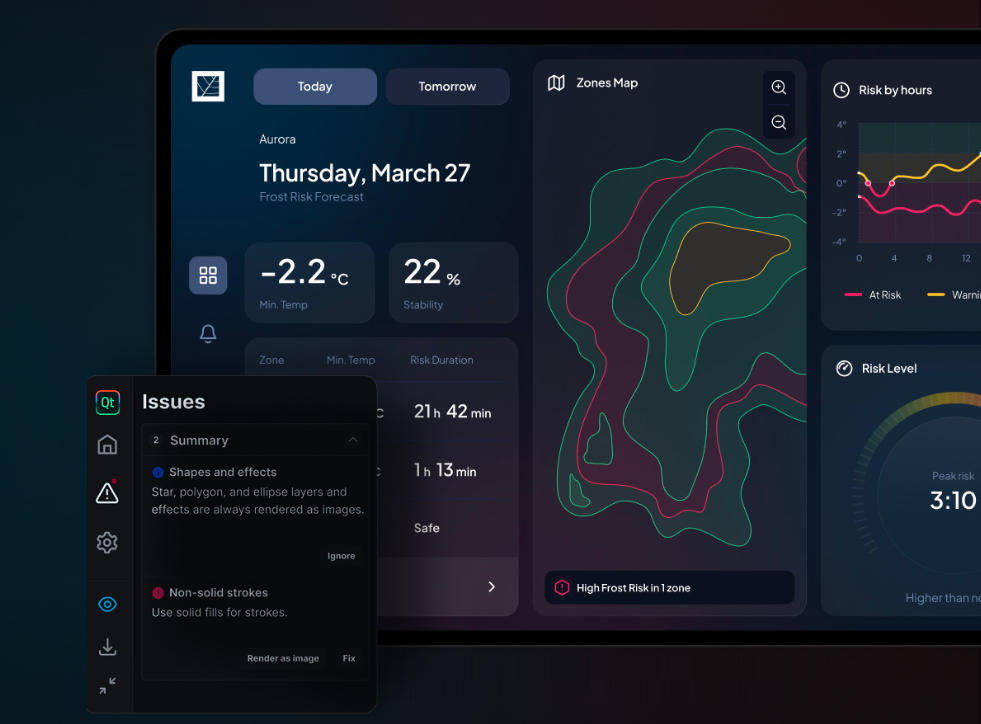
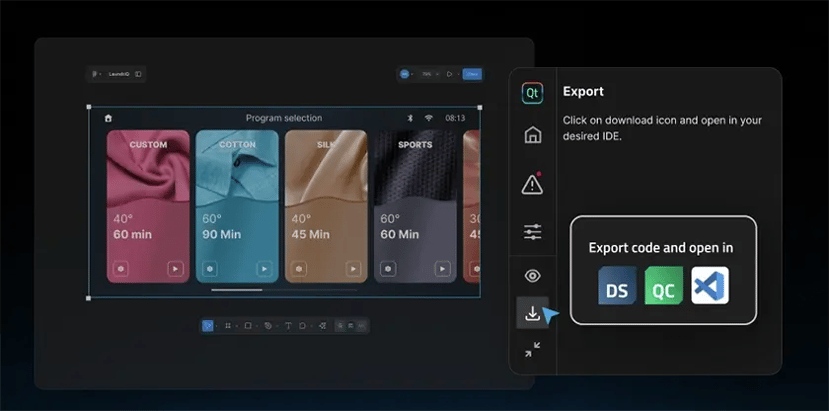
Designs that look perfect in Figma often fail on real devices. Figma to Qt is the Figma plugin that helps you catch issues early, hand off real QML code instead of static files, and align design with development seamlessly. It’s the most reliable way to bring designs from Figma to device.

Qt Design Studio

Qt Design Studio is the tool where technical artists and front-end developers can find a powerful 3D editor for advanced graphics in modern user interfaces. It's the best way to combine 3D and 2D in the same screen, while still delivering a user experience that is clean and performant.

I use Figma and Qt Design Studio in parallel, and I have a streamlined workflow. I like Qt Design Studio because it is much more intuitive and interactive when creating and laying the components out. It enables me to develop the product rapidly.

Tero Ohranen, UX/UI Designer, Verge Motorcycles

Success Stories

Learn more about how our customers have benefitted from integrating our design tools into their development process. For a full list of success stories from various industries, please visit our Design Success Stories.

Article: From Figma to Qt, A Comparison Between Manual and Assisted Workflows

Article: From Figma to Qt, A Comparison Between Manual and Assisted Workflows

Our partner UXDivers built the same embedded UI twice: once by hand, once with Figma to Qt. They wanted to assess how much time the plug-in assisted w...

Read More

Keurig | Built with Qt

Keurig | Built with Qt

Keurig's coffee machines provide a better brewing experience and cut development time with Qt Design Studio and Qt for MCUs.

Read More

CTE | Built with Qt

CTE | Built with Qt

CTE (CTE TECH CORP.), a leading Taiwanese Tier 1 supplier, specializes in digital dashboard displays for a wide range of vehicle applications. By adop...

Read More

Verge | Built with Qt

Verge | Built with Qt

Verge has built a superior riding experience on their electric motorcycles, reducing the memory footprint by 85%.

Read More
design-industries

Craft Modern Experiences in Every Industry

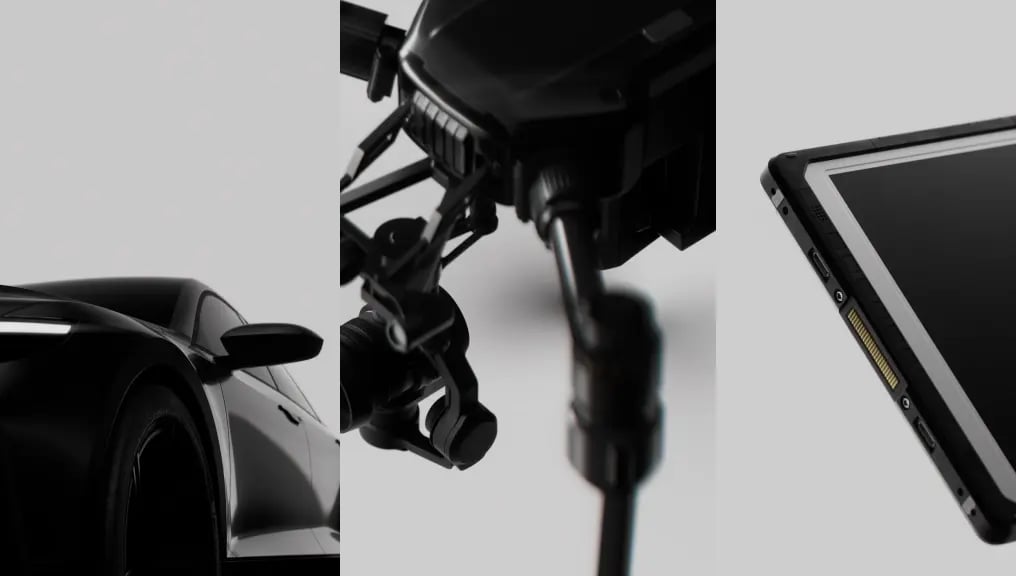
With Qt Design Tools, you can be sure the user experience you craft will work on devices for users and professionals across a variety of industries. The confidence that comes from the framework powering more than one billion devices worldwide.
What's New in Design Tools?

The latest product releases and highlights across the Design Tools portfolio.

From Figma to Qt: A Comparison Between Manual and Assisted Workflows

We know that one of the biggest challenges for embedded UI/UX designer...

Read More

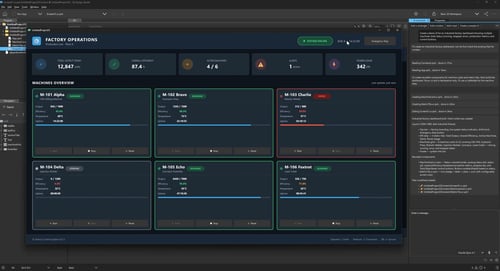
Figma to Qt 1.1: Test Design Live, Ship It Anywhere

Click, drag, and tweak your design in Live Preview before a developer ...
Read More

AI Assisted Design in Qt Design Studio: AI Assistant Just Got Smarter

Qt Design Studio 4.8.2 ships a major upgrade to the AI assistant, tran...

Read More

UX Designers on AI

An honest conversation with two experienced embedded UX designers.

Figma to Qt Demo

Learn how to use Figma to Qt with this step-by-step demo.

Will AI Replace UX Designers?

Here's what a year of using AI in UX design actually changed.

From Figma to Qt: A Comparison

Our partner UXDivers built the same embedded UI twice: once by hand, once with Figma to Qt.

Designing for Embedded

Ready to Try It Out?