Cross-Platform Support
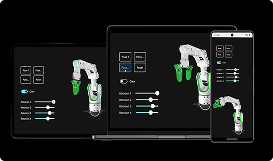
2D & 3D Combinations
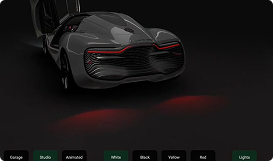
Easy Prototyping
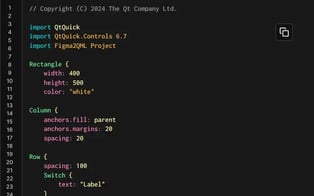

Re-Usable Components Across Platforms
Eliminate the need to keep various code bases in sync.
Use the same business logic, backend, and toolset in your multiplatform app development. Re-use both UI components and core functionality, and establish a clear separation between the frontend and backend.
Easily learn Qt's fully declarative UI language, QML, and use it as the one UI language across all platforms.
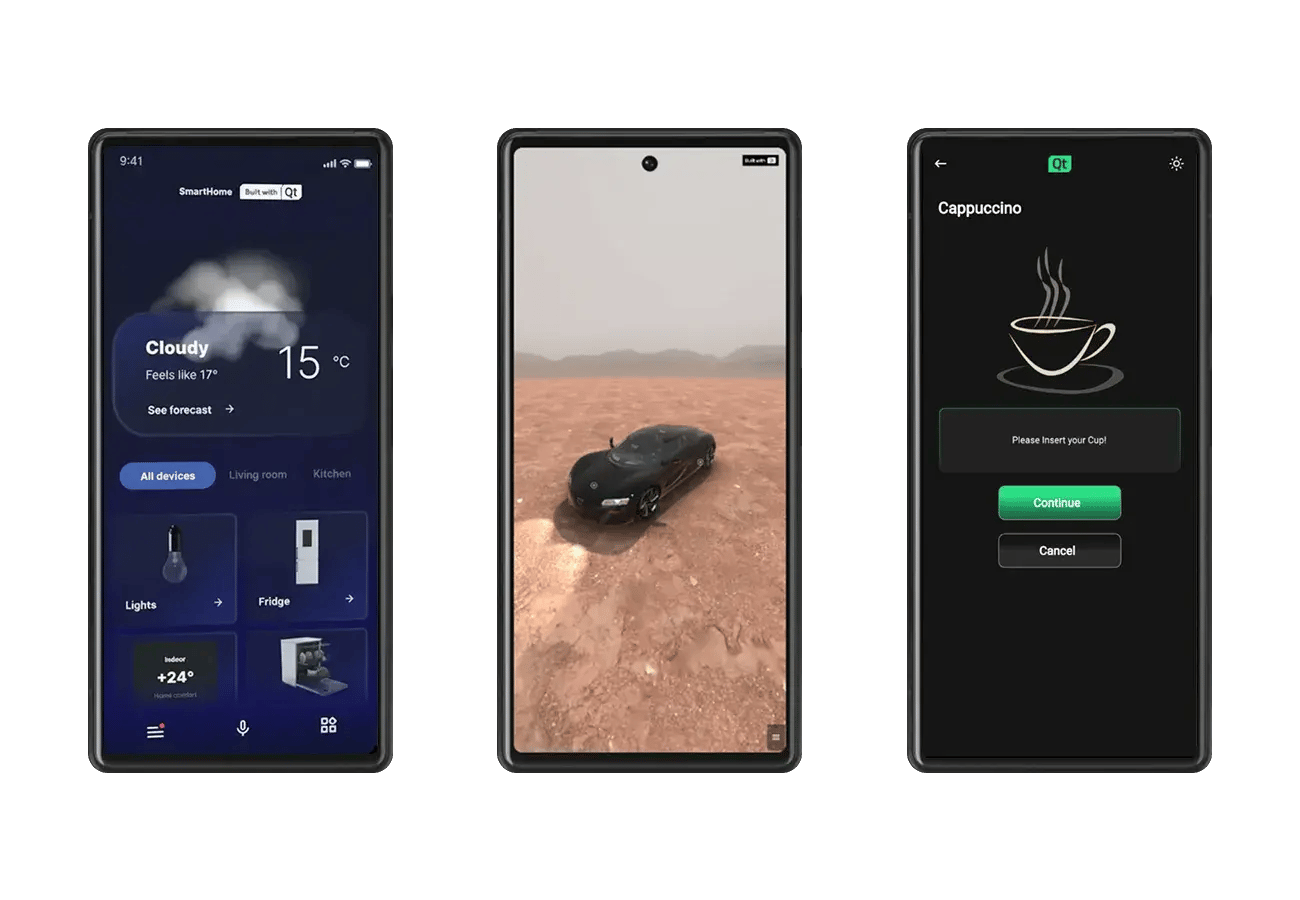
Deploy your Qt-powered software across desktop and embedded targets as well as the Android and iOS mobile platforms, automatically adapting styles and adding mobile-specific elements only where needed.
Qt for Android
Develop Qt applications for Android devices.
Get Started with an Online Course Explore the Qt for Android Documentation Add 3D and Graphs to Native Android AppsQt for iOS
Develop Qt applications for Apple's iPhone and iPad devices.
Get Started with an Online Course Explore the Qt for iOS Documentation
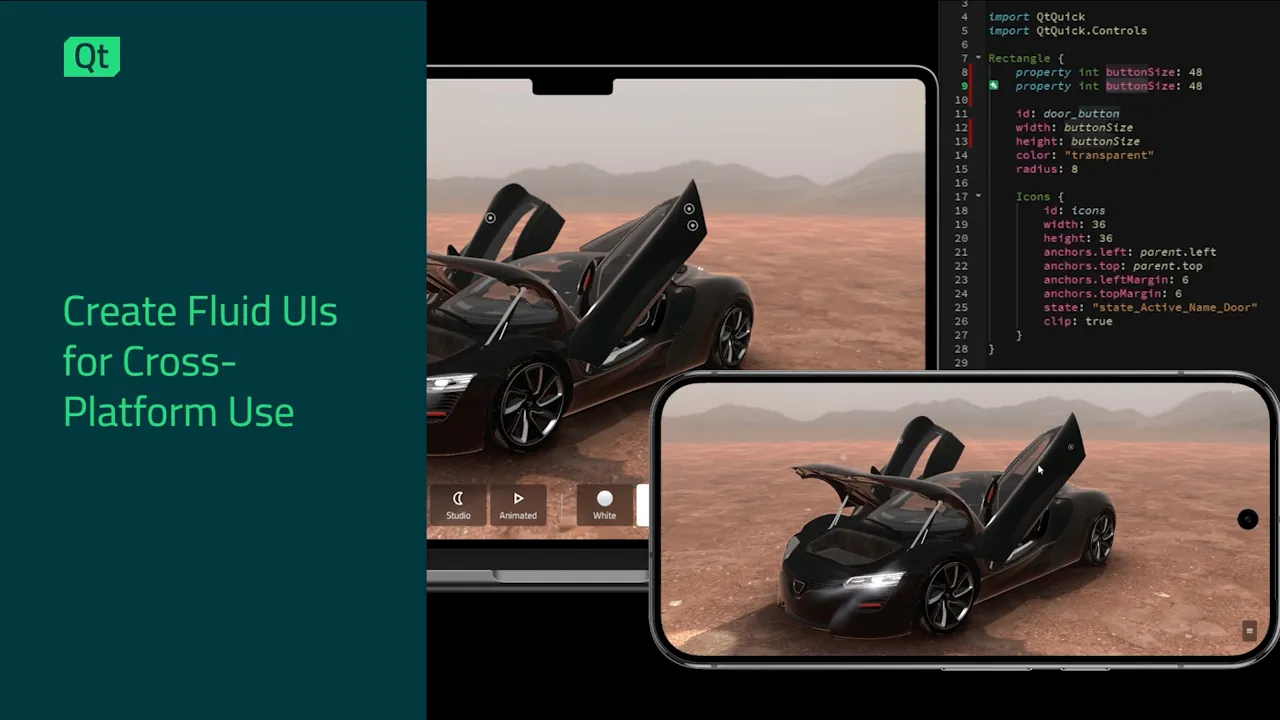
COMBINE 2D, 3D & GRAPHS
Add Some Flare to Your Mobile App
All the ready-made, customizable Qt Framework components can be easily re-used in your mobile app development with minimal re-work. This includes:
- Basic controls & effects,
- Advanced 2D & 3D graphics and graphs,
- Secure networking, connectivity, & data handling.
Qt allows to edit, preview, and run 2D and 3D elements in the same language and technology, and create mobile apps that work seamlessly across multiple mobile platforms.

FOR EXISTING ANDROID APPS
Add 3D & Graphs to Native Android Apps
Typically, adding 3D graphics to enhance your UI, or graphs to visualize data, is not easy in native Android applications. However, Qt allows adding these elements also into native mobile applications written with Kotlin and Java, making use of the powerful Qt Quick and QML capabilities.
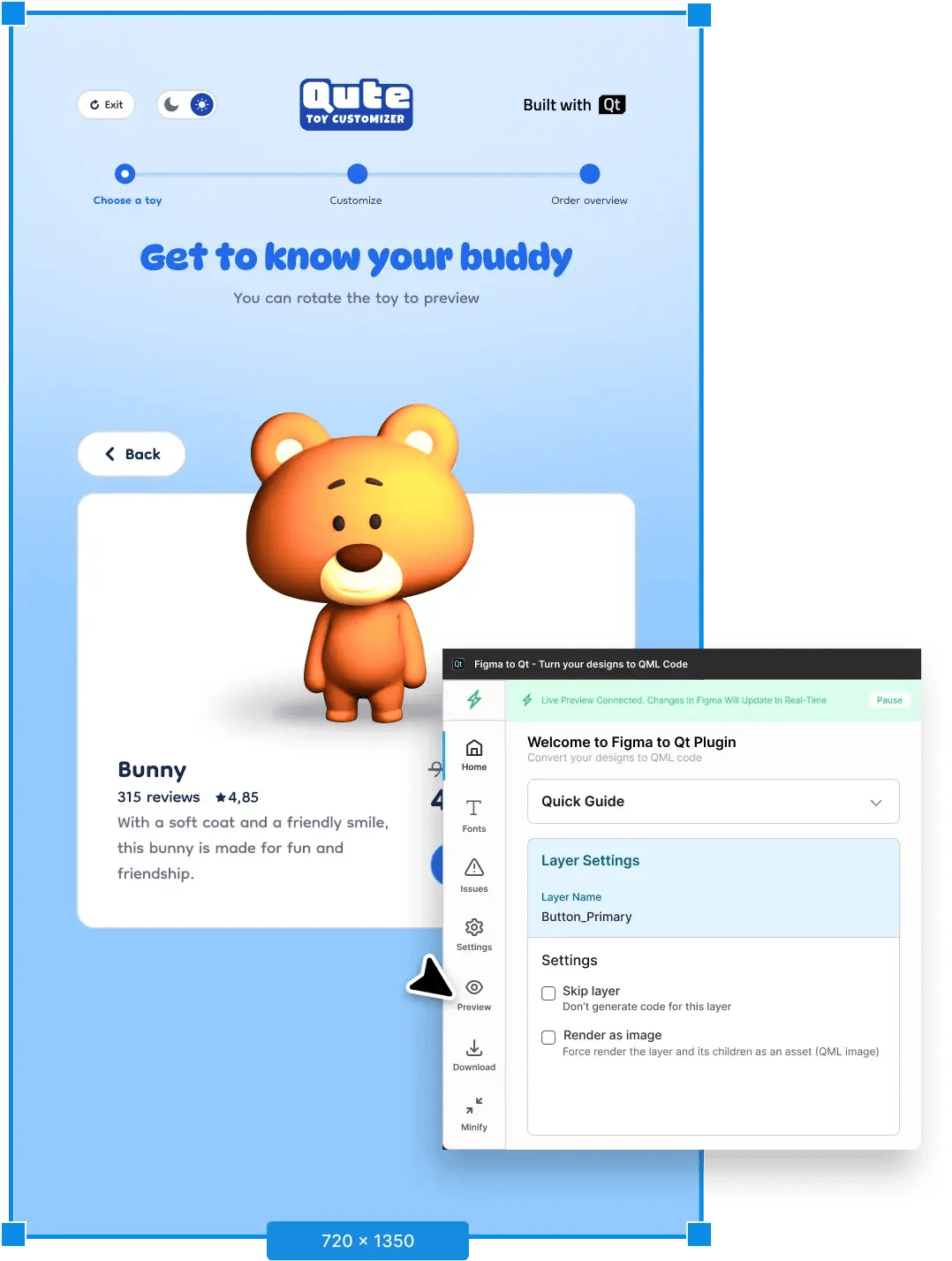
EASY PROTOTYPING
Iterate Smoothly from Design to Testing
Iterate throughout the product development cycle with synergies from Qt Group's offering.
Create prototypes in seconds with Qt’s design tools for ready-made QML code, making use of its multiplatform adaptability also for mobile app development.
Benefit from multiplatform UI testing with object introspection using Squish, even in the face of product evolution.
.webp?width=600&height=600&name=Qt_Phone_Pine_Green%20(1).webp)
MULTI-SCREEN & FOLDABLE PHONES
Mobile Apps also for the Foldables
Many multiplatform mobile apps still don’t use the potential that flippable and foldable phones provide.
Qt applications using Qt Quick adapt to the target screen, providing out-of-the-box:
- Full support for resizing and aspect ratio changes,
- Ability to react to screen changes, such as folds or hinges,
- Continuous improvements, such as the FlexboxLayout as one of the latest examples.
Your application can more than just work on foldables. With Qt, you can utilize the full potential of multi-screen and foldable phones, often with zero re-work.
1000s of Mobile Apps Are Built with Qt





Python Mobile App Development: Bringing PySide6 on iOS
Python mobile app development reaches iOS in Qt 6.12. PySide6 develope...

Qt Gradle Plugin 1.4 is released
Qt Gradle Plugin 1.4 (QtGP) is now "at your service, M'am!" A tool tha...

Student project: Remote push notifications
Introduction From left to right: Jakob Mats Emil Wirén, Bror Wetlesen ...

Qt Jenny 1.0 Released
Have you heard about Jenny? No, I do not mean, the girl next door, nor...