Qt Quick 3D Particles, Mesh Morphing and Instancing Using Qt Design Studio | Graphics | #QtWS21
Join Jarko to discover how you can add advanced 3D features directly from Qt Design Studio. Continuing the story from 2021 spring's DevDes'21 event - this session focuses on how you can implement nice-looking 3D effects into your user interface project directly using Qt Design Studio. The session is split between theory and hands-on as in the session we will be using Qt Design Studio to create a sample application that showcases these features.
Speaker: Jarko Vihriälä (Senior Product Manager, The Qt Company)
Oh, here is more

Webinar: The Cyber Resilience Act: What Waiting is Costing US Software Teams
Starting September 11, 2026, the EU Cyber Resilience Act (CRA) requires companies to report actively...
Watch Video
Video: The Making of The Outpace Project
Project Outpace – Qt's Reference Panoramic 3D Automotive Cockpit. Don't Choose Between The Design Yo...
Watch Video
On-Demand Webinar: CI/CD and Continuous Compliance of Embedded Software for Aerospace and Defense
Today, CI/CD for pure software products is well understood. But hardware dependencies and embedded d...
Watch Video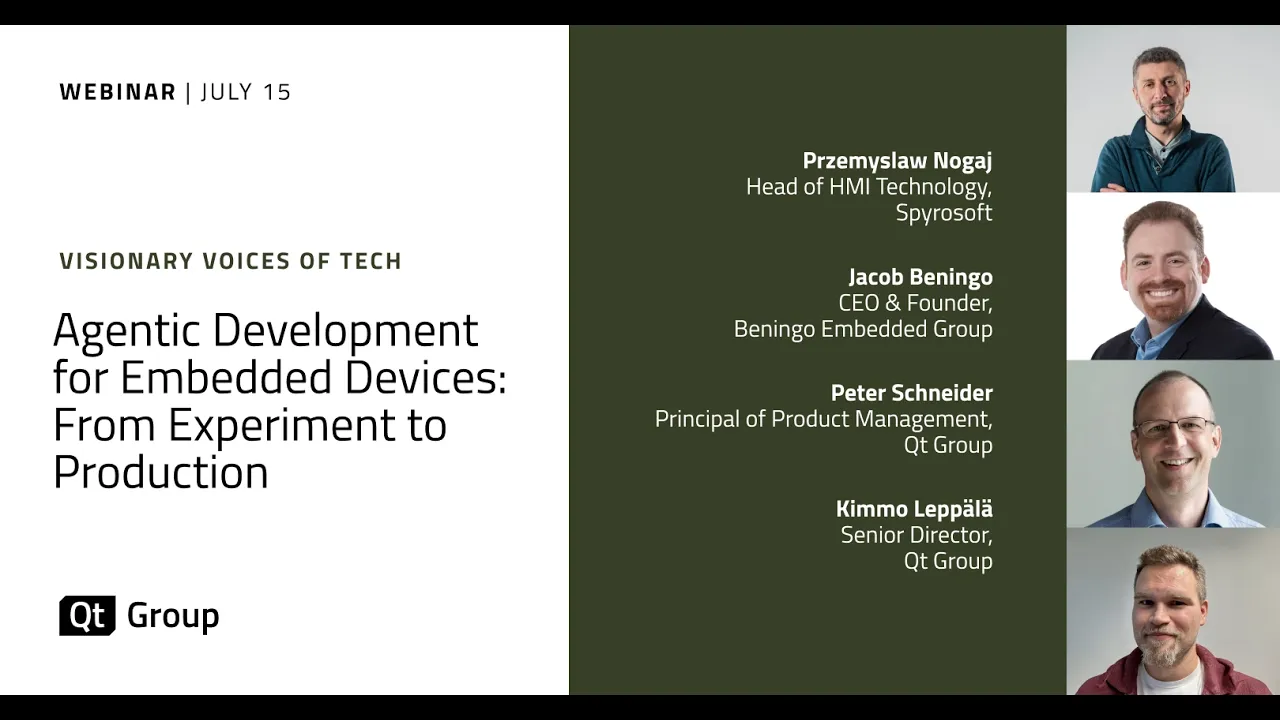
On-Demand Webinar: Agentic Development for Embedded Devices: From Experiment to Production
Agentic development for embedded devices is moving from experiment to production, and regulated indu...
Watch Video