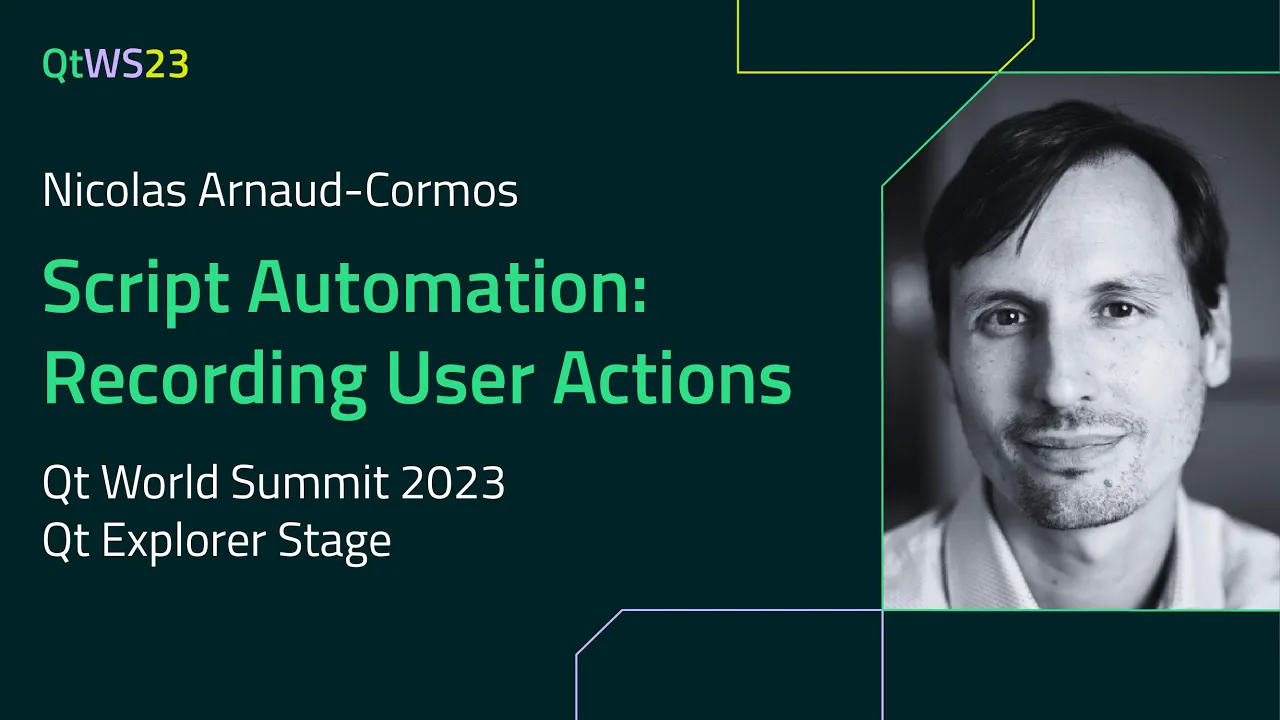
Script Automation: Recording User Actions with Nicolas Arnaud-Cormos | #QtWS23
Abstract: QML is a versatile and powerful component of all Qt applications, beyond the already established use case of building advanced UIs. It can be easily used for in-application scripting [1], leveraging the C++/QML integration in Qt. This has been used internally in our migration helper tool, but beyond just script automation one of the features we wanted was a way for the user to record a script based on the actions he was doing, so he can save it and replay it later. The underlying idea is close to what the text editing macros in Qt Creator can do, with the difference that the output is a script that can be easily edited or amended after recording. In this session, I will show how such a system can be added to an existing application in the least intrusive way possible, how to make it generic enough for handling almost any kind of API, what are the prerequisites for such a system, and how to handle some corner cases.
About the Speaker: Nicolas Arnaud-Cormos has been working with Qt for more than half of his life already, on multiple Qt widgets or QML projects, with a particular emphasis on API design and software architecture. He is a senior software engineer and trainer at KDAB since 2007, and a runner enthusiast in his free time.
Oh, here is more

Webinar: The Cyber Resilience Act: What Waiting is Costing US Software Teams
Starting September 11, 2026, the EU Cyber Resilience Act (CRA) requires companies to report actively...
Watch Video
Video: The Making of The Outpace Project
Project Outpace – Qt's Reference Panoramic 3D Automotive Cockpit. Don't Choose Between The Design Yo...
Watch Video
On-Demand Webinar: CI/CD and Continuous Compliance of Embedded Software for Aerospace and Defense
Today, CI/CD for pure software products is well understood. But hardware dependencies and embedded d...
Watch Video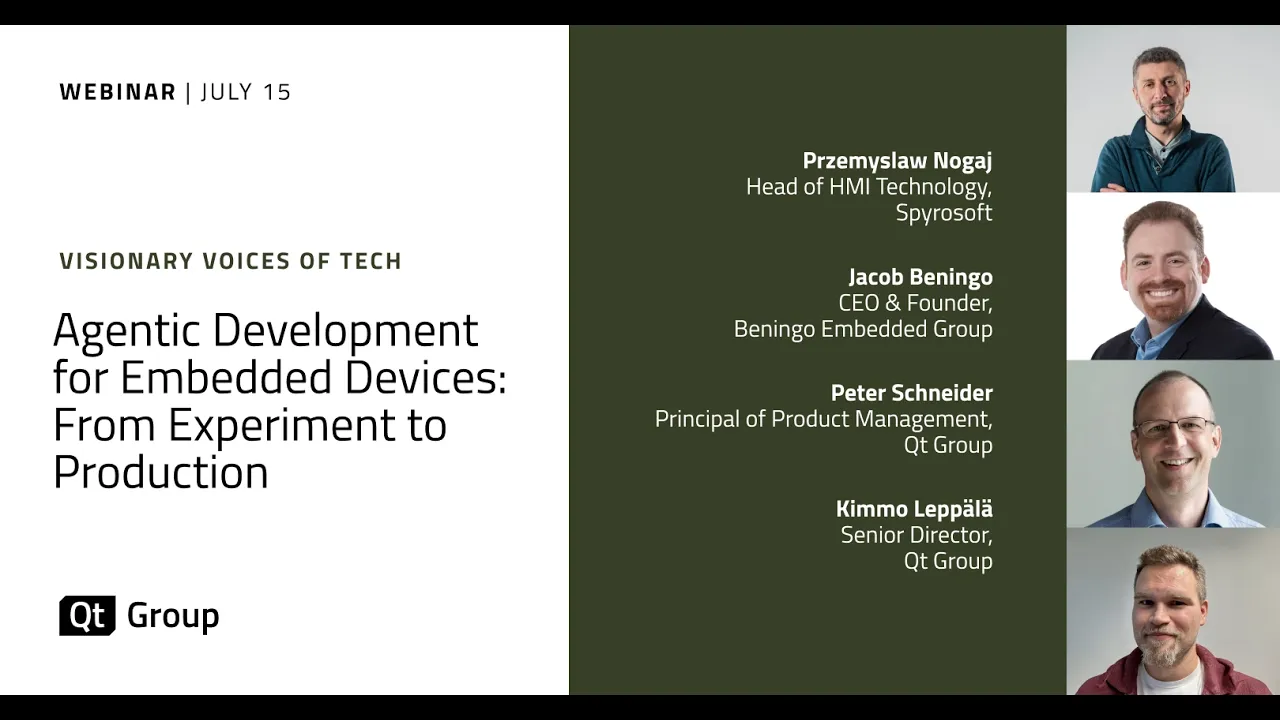
On-Demand Webinar: Agentic Development for Embedded Devices: From Experiment to Production
Agentic development for embedded devices is moving from experiment to production, and regulated indu...
Watch Video