.png?width=850&name=ADAS%20Template%20(10).png)
Why 3D Graphics
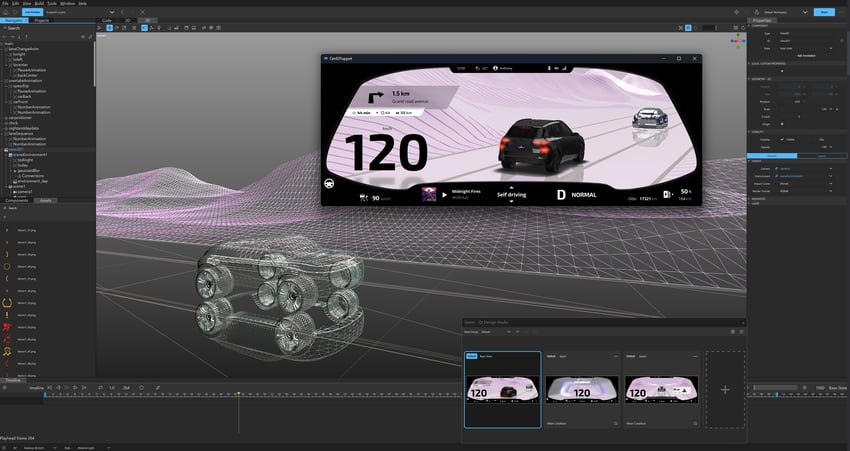
Graphics are an essential element of modern software, making applications more immediate, easier to use, and to understand. Today, 3D graphics are used, beyond gaming and simulation, in the automotive sector and other industrial applications to represent real-world objects and life-like situations on the display.
With 3D graphics, complex situations can be quickly and easily grasped at a glance. For instance, advanced driving assistance systems (ADAS) in cars increasingly include the real-time rendering of the car in its environment. Real-time reflections, shadows, and other effects contribute to making the resulting 3D scene on the dashboard nearly indistinguishable from the physical car’s surroundings.
In addition to real-time control of machines and devices, advanced 3D graphics are dominant in gaming and simulation applications. However, the type of software that runs on a car dashboard is rather different from that running in games or simulations. For instance, while in automotive displays the real-time interaction is more complex, the processing power is typically lower, and should be used sparingly to handle a variety of concurrent processes.
Resource Constraints of Embedded Systems
The embedded devices powering automotive HMIs are typically "resource-constrained" devices with very limited processing power, memory, and storage capabilities that need to handle multiple processes in parallel. For instance, ADAS must integrate data from various sensors, UI interaction, mapping and navigation, telltales and safety system, and more, in addition to high-fidelity graphics.
On the other hand, the desktop PCs running games or simulation applications are very powerful devices, fully dedicated to a single application, with unlimited boot time, etc.
Clearly, the way computational resources are utilized in the two settings differs significantly, and in the following sections, we present the setup and results of our comparison of Qt Quick 3D, Unreal Engine, and Unity 3D on the same app, including a 3D model running on an embedded system.
.png?width=850&name=Qt%20Quick%203D%20Dev%202%20(3).png)
The Benchmark Setup
All three engines were tested on identical Pixel tablets, running Android Automotive OS. The test consisted in the real-time 3D rendering of a photorealistic 3D pickup truck model with detailed geometry, materials, and lighting. The scene includes a realistic urban environment with architectural background elements. The vehicle model continuously rotates to maintain a consistent GPU load during testing.
The benchmark demonstrates each engine's efficiency in rendering complex, photorealistic, real-world automotive scenes that could realistically enter a car display, for instance, in ADAS or the vehicle digital twin.
Using the same 3D model, materials, and lighting setup, the three engines produce closely aligned visual quality.
Readers can independently assess the quality of the resulting apps by inspecting the images below.
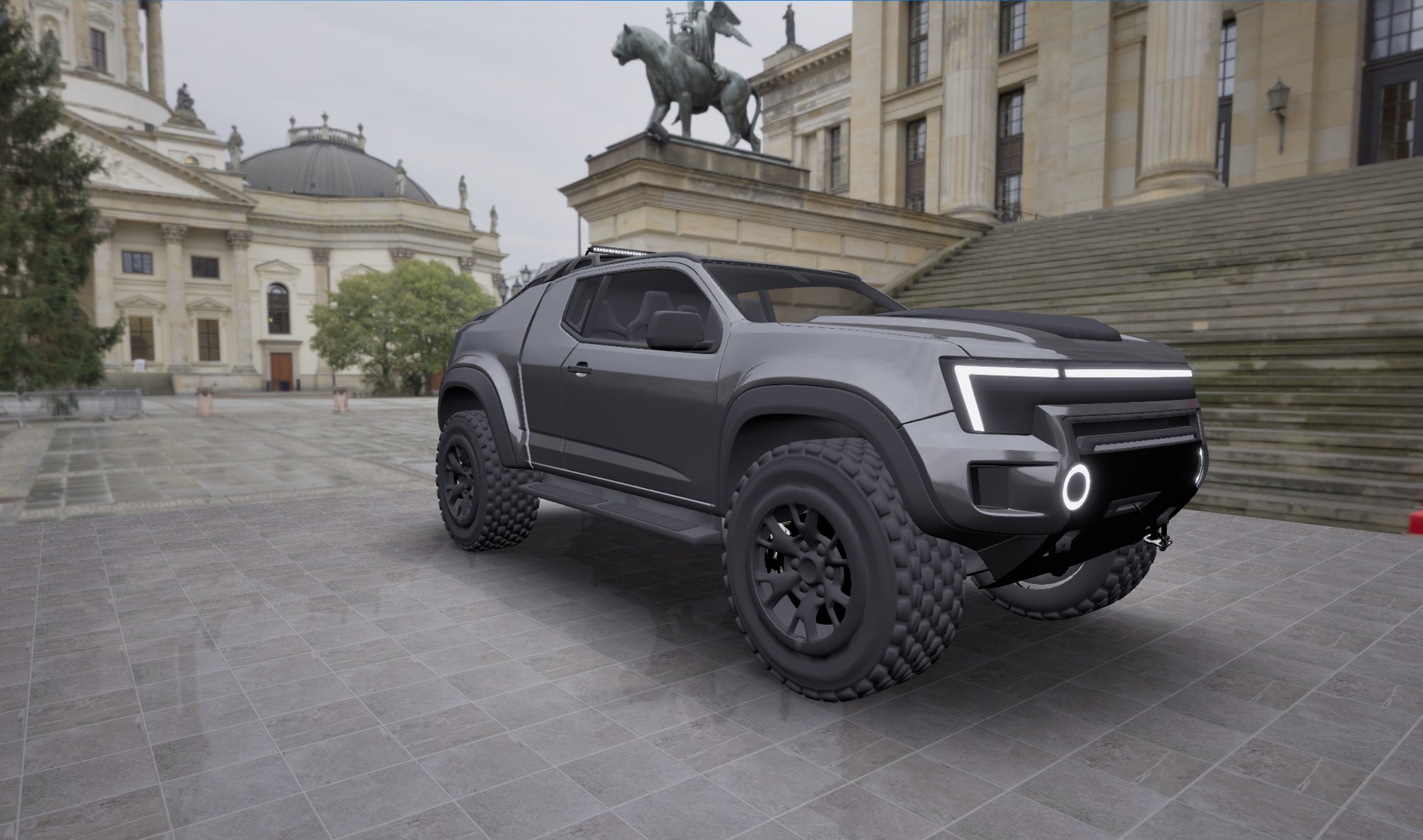
Unreal Engine
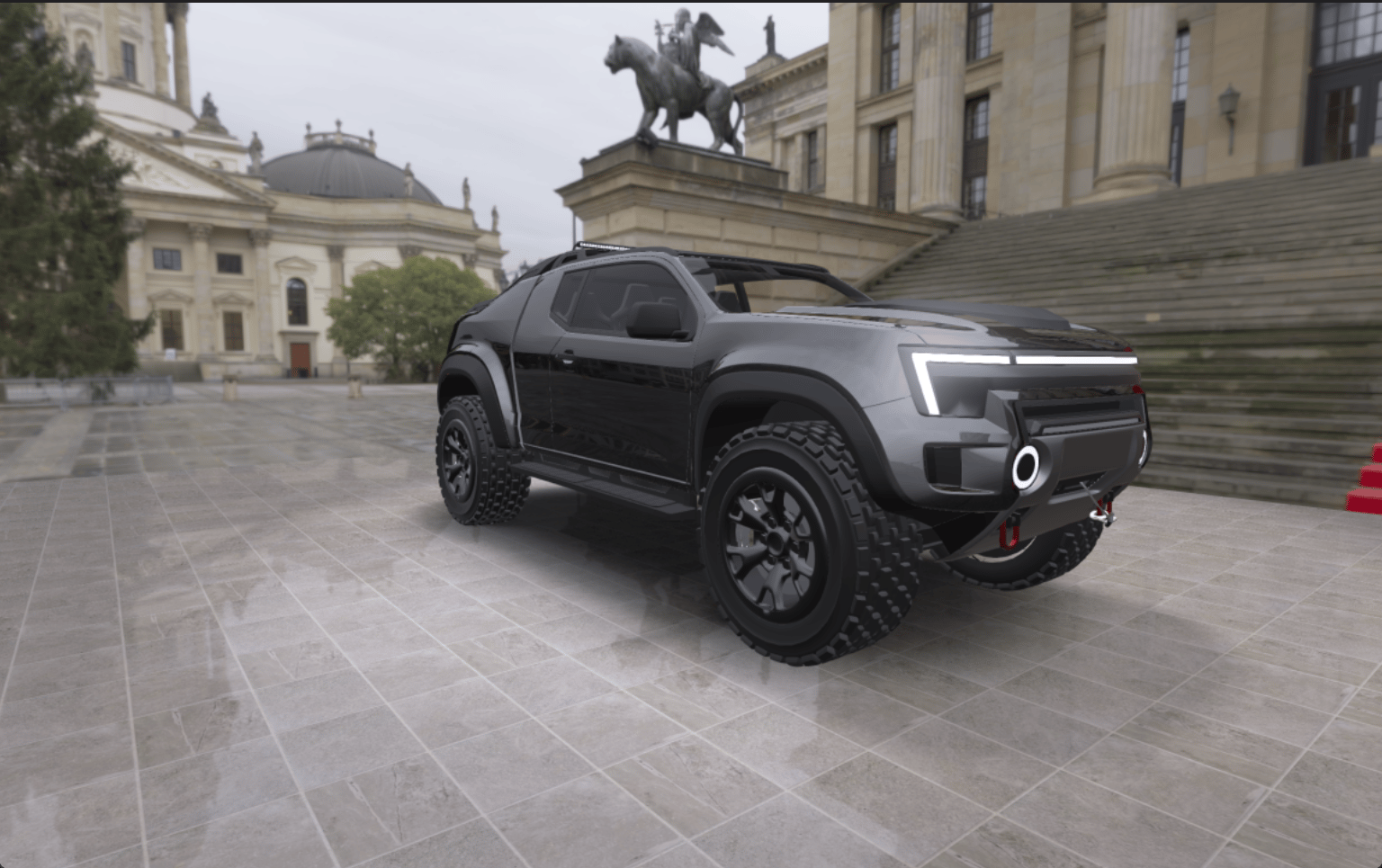
Qt Quick 3D
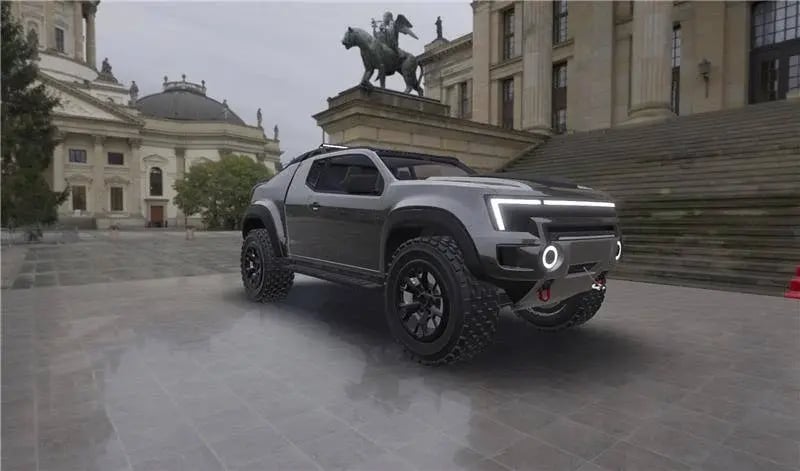
Unity 3D
Memory Footprint
Qt Quick 3D uses 45% less RAM than Unreal Engine and 41% less than Unity 3D. Qt VRAM usage is 38% lower than Unreal and 39% lower than Unity.
In embedded automotive systems where memory resources are carefully allocated across multiple ECUs and applications, the efficiency brought by Qt enables more sophisticated functionality within existing hardware constraints.
CPU & GPU Performance
Qt demonstrates high CPU efficiency, using less than half the CPU resources of both Unreal Engine (53% reduction) and Unity 3D (50% reduction). This translates to increased battery life, better thermal performance, and headroom for application logic on embedded systems.
At the same time, higher GPU utilization indicates Qt leverages GPU hardware acceleration more effectively while maintaining lower CPU usage.
The overall system efficiency (CPU + GPU combined load) is advantageous for embedded applications.
Startup Time
Start-up times of around 3 seconds were found across the three applications. It should be noted, however, that Qt Framework does not require Qt Quick 3D to be loaded to display 2D assets and therefore is capable of shorter startup times, if needed.
Other Differences
When playing a game or running a simulation, if you die, you have another life. In reality, it is not like that. Jokes apart, industrial applications and automotive software need to meet stringent safety regulations and include a certified safety-critical component for alarms, speed, warnings, turn signals, gear, etc. This component runs deterministically on a separate ASIL-D certified real-time operating system (RTOS). Unlike game engines, Qt supports such architecture and safety-critical applications with Qt Safe Renderer, and compatibility with a variety of RTOSs is one of the strong differentiators of Qt for industrial systems.
Adding to this, being optimized for high-end gaming PCs and consoles with dedicated graphics cards, Unity and Unreal require high-end automotive processors, with a strong impact on bill of materials. Instead of forcing users into costly high-end hardware, Qt cross-platform capabilities enable code reuse from high-end to low-end devices, paving the way to cost-efficient solutions, like microcontrollers, whenever advanced 3D graphics are not required.

Conclusions
Our benchmark demonstrates that all three engines produce photorealistic rendering with equivalent graphical fidelity.
On the other hand, Qt Quick 3D shows better performance on embedded systems, in terms of memory, CPU, and GPU.
This is probably not surprising, considering that Qt has been optimized for 3 decades for performance on embedded systems and is today, across industries, the world standard for human-machine interaction.
Perhaps the surprising aspect is that even in the 3D space, where game engines like Unity or Unreal have set standards so far, Qt shows indistinguishable results, though more performant and better suited to embedded systems.
Discover More Through Our Customer Cases:

Foilone | Built with Qt
Learn how Qt Professional Services helps the Marine Industry fast-track HMI development with out-of-the-box solutions that are deployed in a week whil...
Read More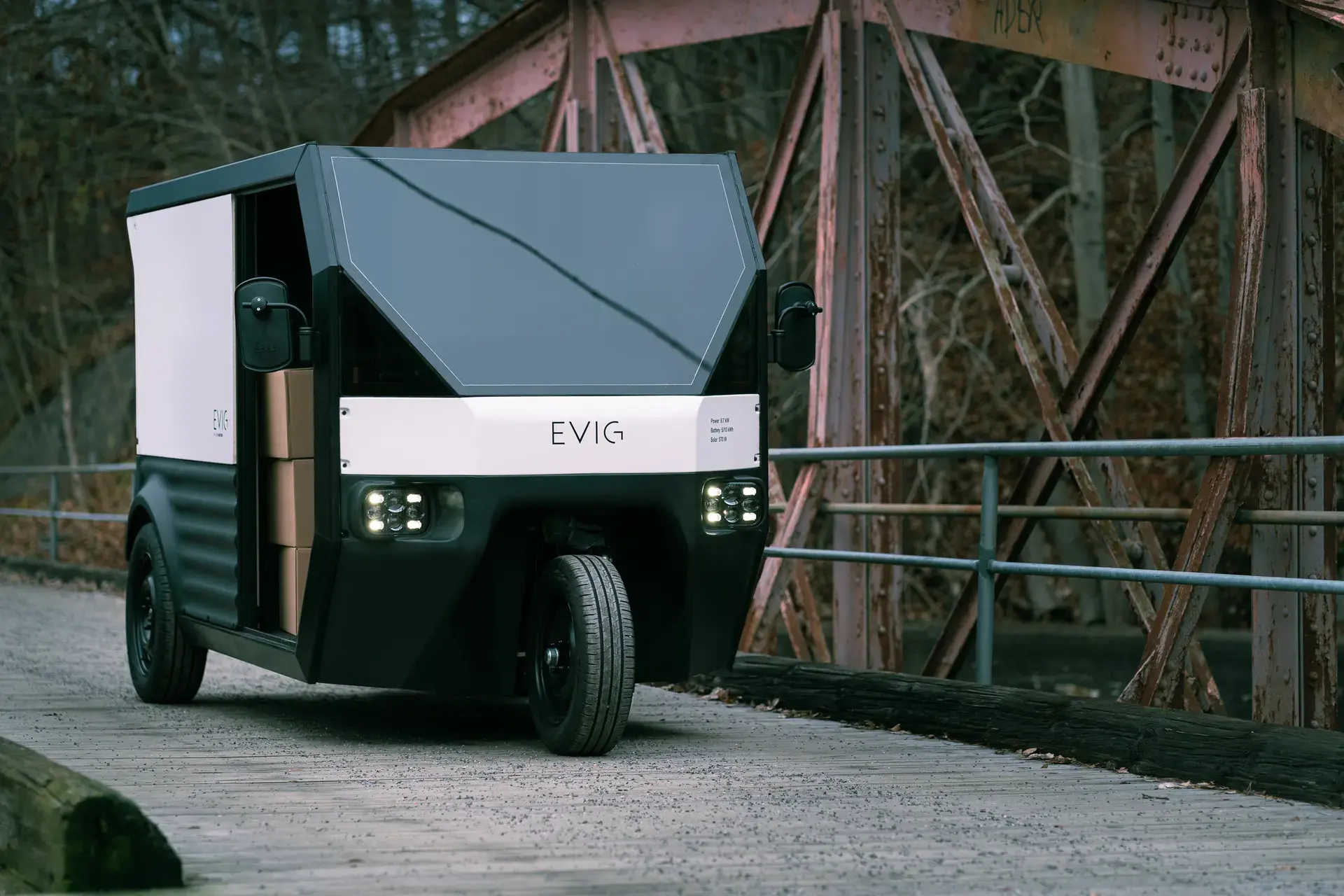
CLEAN MOTION | Built with Qt
Learn how Qt Professional Services helps the Motor Vehicle's industry fast-track HMI development with out-of-the-box solutions that are deployed in a ...
Read More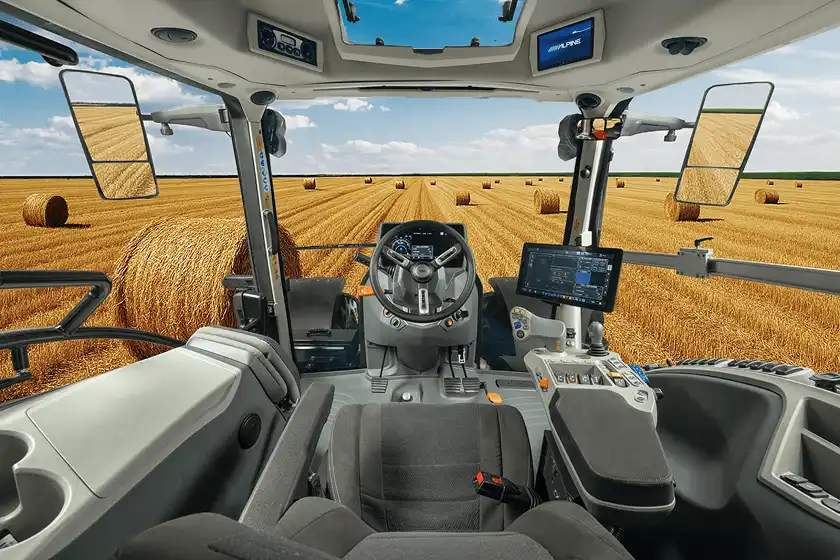
Argotractors | Built with Qt
Argo Tractors delivers smartphone-like user experiences to their tractors, while reducing development time by 40% thanks to Qt.
Read More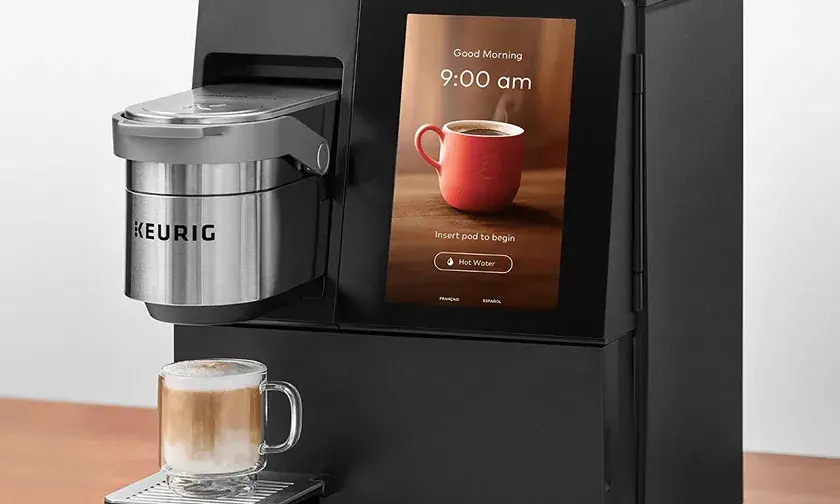
Keurig | Built with Qt
Keurig's coffee machines provide a better brewing experience and cut development time with Qt Design Studio and Qt for MCUs.
Read More