
Development Tools
Choose Your Tooling to Develop With Qt
Develop your Qt applications using the development tools that you’re most comfortable with, be it agentic AI tools or an integrated development environment (IDE) of your choice.
MULTIPLIED PRODUCTIVITY
Cross-Platform Development goes Agentic
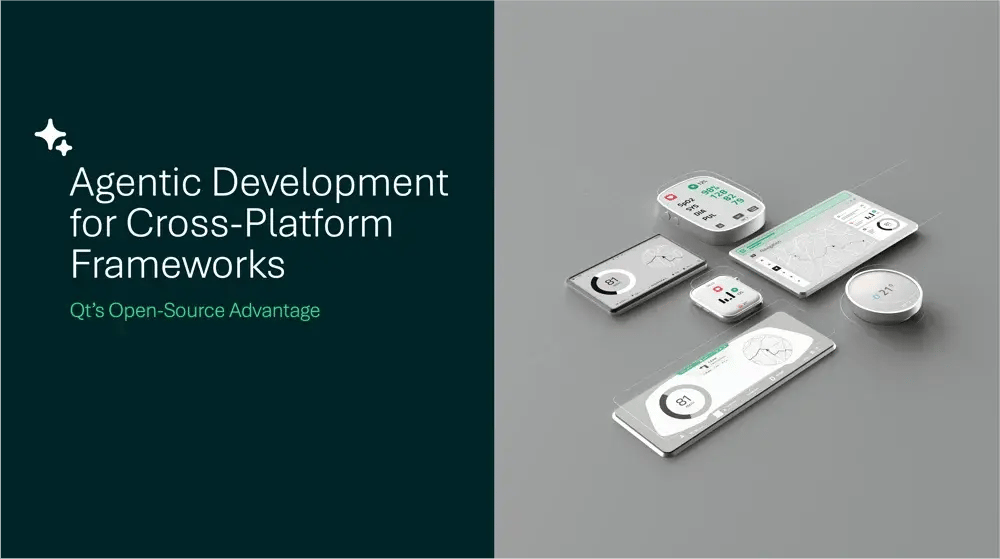
Agentic development is transforming programming with productivity levels that no individual developer can match alone. Workflows for writing code, generating tests, and navigating projects are executed by AI agents, and the human-in-the-loop remains the director of those workflows.

Qt Creator IDE
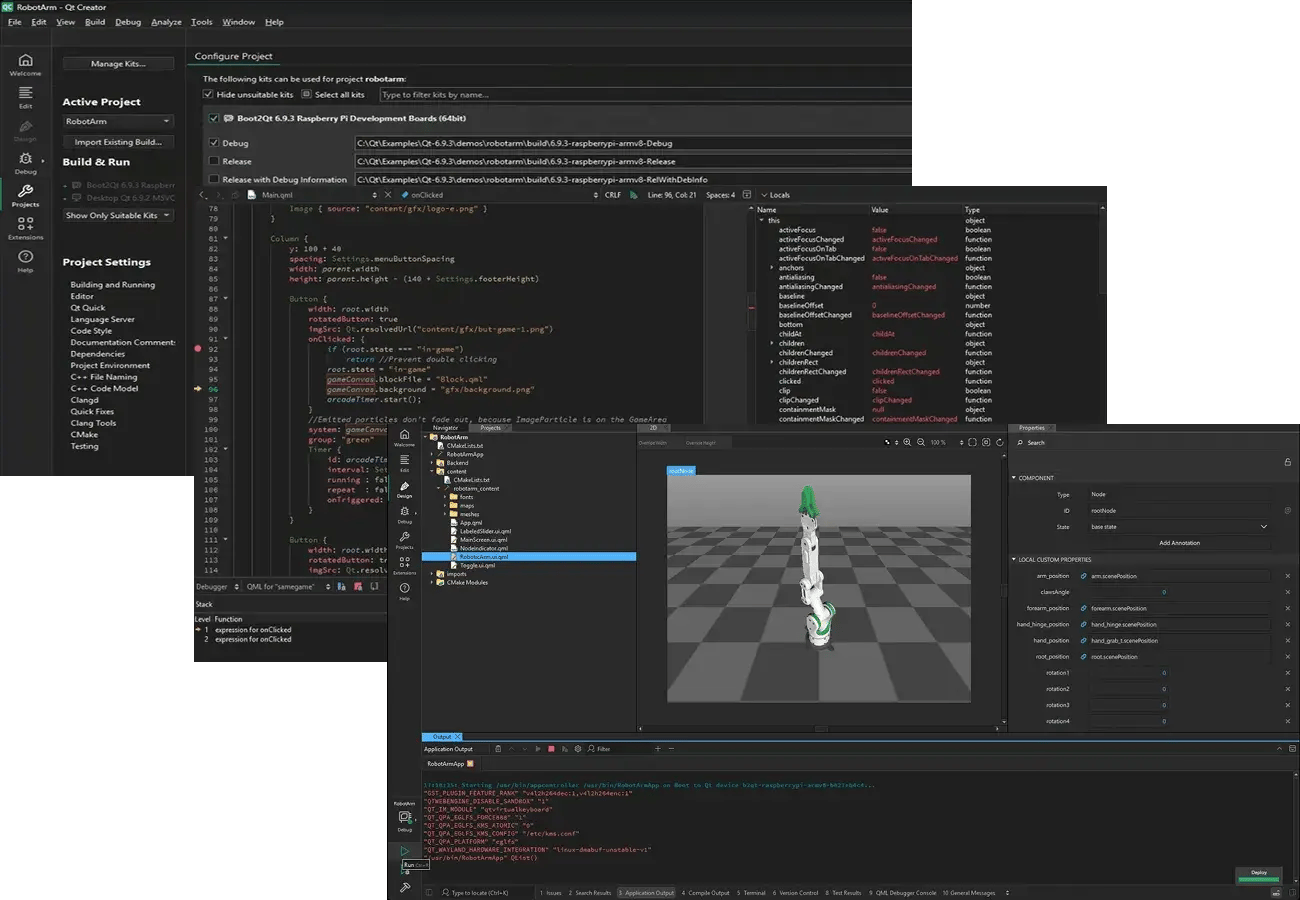
The most comprehensive IDE for developing with Qt. Great support on QML and C++, as well as cross-platform embedded development. Your preferred tools for the full development cycle. Agentic AI support.

Qt in VS Code
Official Qt Extension for Visual Studio Code. QML syntax highlighting, refactoring, and code completion. Integrates with the CMake build system and Qt documentation.

Qt in Visual Studio
Official Qt Extension for Microsoft Visual Studio for using the most commonly used Windows development environment.

Qt in Android Studio
Official Qt Extension for creating a new or importing an existing Qt Quick project to an Android Studio project.

Qt in CLion
Qt-supported extension for CLion, provided by the JetBrains IDE vendor, for Qt project development.
PICK YOUR DEVELOPMENT TOOLS
Tooling for the Full Development Cycle
Use suitable tools, be it AI agents or an IDE, to serve your needs for the full development cycle:
-
Creating and managing projects,
-
Coding, debugging, and profiling,
-
Unit testing and analyzing your code,
-
Deployment to target platforms and devices.
Keep up-to-date with with how our tooling evolves.
Latest Blogs on Development Tools

Qt AI Assistant Retires As We Invest in Agentic Development Tools
The Way Developers Use AI Has Changed When Qt AI Assistant was introdu...
Qt Creator 20 released
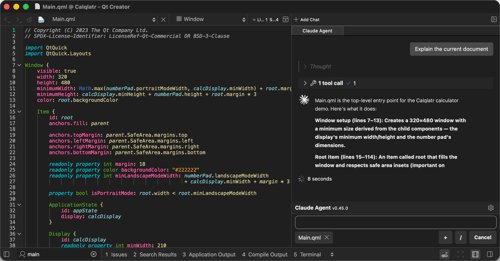
Release 20 of the Qt Creator IDE adds support for working with AI codi...
Introducing the Documentation MCP Tool for Qt
How a Documentation MCP Tool Saves LLM Token Usage Agentic development...
Introducing Qt Agentic Development Skills
Today, we are releasing the first set of skills for agentic Qt develop...