Published On
Nov 28, 2025
Read Time
8 mins
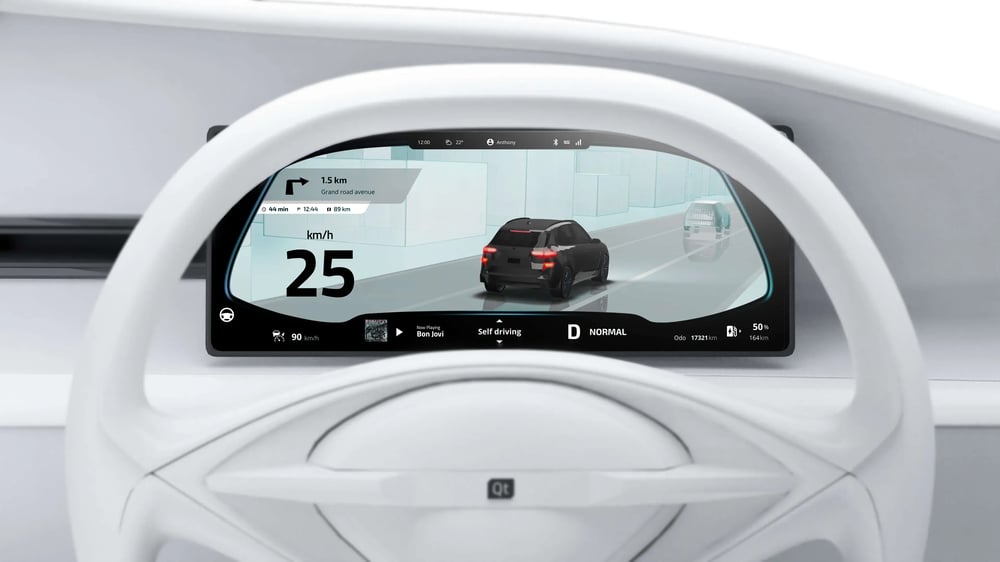
The software-defined vehicles era has placed a heavy emphasis on software, significantly transforming the automotive software ecosystem. According to Gartner® research, Emerging Tech: The Future of the Automotive Software Ecosystem, "Software will serve as the catalyst for product and business innovation in the future automotive landscape."
According to Gartner® research, Emerging Tech: Roadmap Implications for Vehicle E/E Architecture Evolution, "A software-centric development approach in automotive will decouple hardware and software development, with software being the critical component and primary driver for a vehicle's capability and performance".
Automotive Human-Machine Interfaces (HMIs) become the most visible expression of this shift, being the primary point where users experience new features through each software update. As the panelists noted during Qt Group's recent Visionary Voices of Tech Webinar on Software-Defined Vehicles, HMIs are a strategic focal point for brand differentiation, with consumer expectations leaning toward richer, more personalized interactions, and every automotive OEM aims to create unique advantages in their user interfaces. Through these interfaces, valuable usage data can also be generated for data-driven development.
Within automotive HMIs are user interface (UI) applications, which distinguish themselves from other software types through the presence of visual interfaces that enhance user interactions. Visuals make software more intuitive and immediate, making it easier to use and understand. Elements such as colors, icons, and animations provide non-invasive visual cues and status updates, while charts, graphs, and maps effectively convey complex information. Advanced 3D graphics can represent real-world objects and life-like situations on the UI, further enriching the user experience. Beyond their utility, visually appealing designs also add aesthetic value to software, reinforcing brand identity and shaping how users emotionally connect with the interfaces.
Graphics Foundations for Modern Automotive HMI Development
A UI application comprises various elements, such as widgets, charts, and interaction areas, that work across one or multiple screens to deliver essential information to users, enabling them to perform tasks efficiently. Unlike other visual software, such as CGI or video games, UI applications require dedicated tooling and a development environment that a UI framework provides. The framework further provides rich 2D and 3D capabilities for creating everything from basic layouts to intricate 3D scenes, as well as features that deliver high-quality graphics on a wide range of devices for diverse use cases.
Real-Time Rendering for Embedded Automotive HMIs
In contrast to pre-rendered cinematic graphics, embedded UI applications depend on real-time rendering to create a dynamic and interactive user experience. Such a dynamic nature calls for real-time graphics, allowing on-screen images to adapt instantly based on user interactions or live data. Real-time animations enhance user engagement by providing intuitive feedback; for example, buttons that expand on hover or react when pressed signal the system's responsiveness to user actions. Real-time graphics empower interactive visualizations, whether in the form of 2D charts or complex 3D objects.
Data Binding for Live Vehicle Information
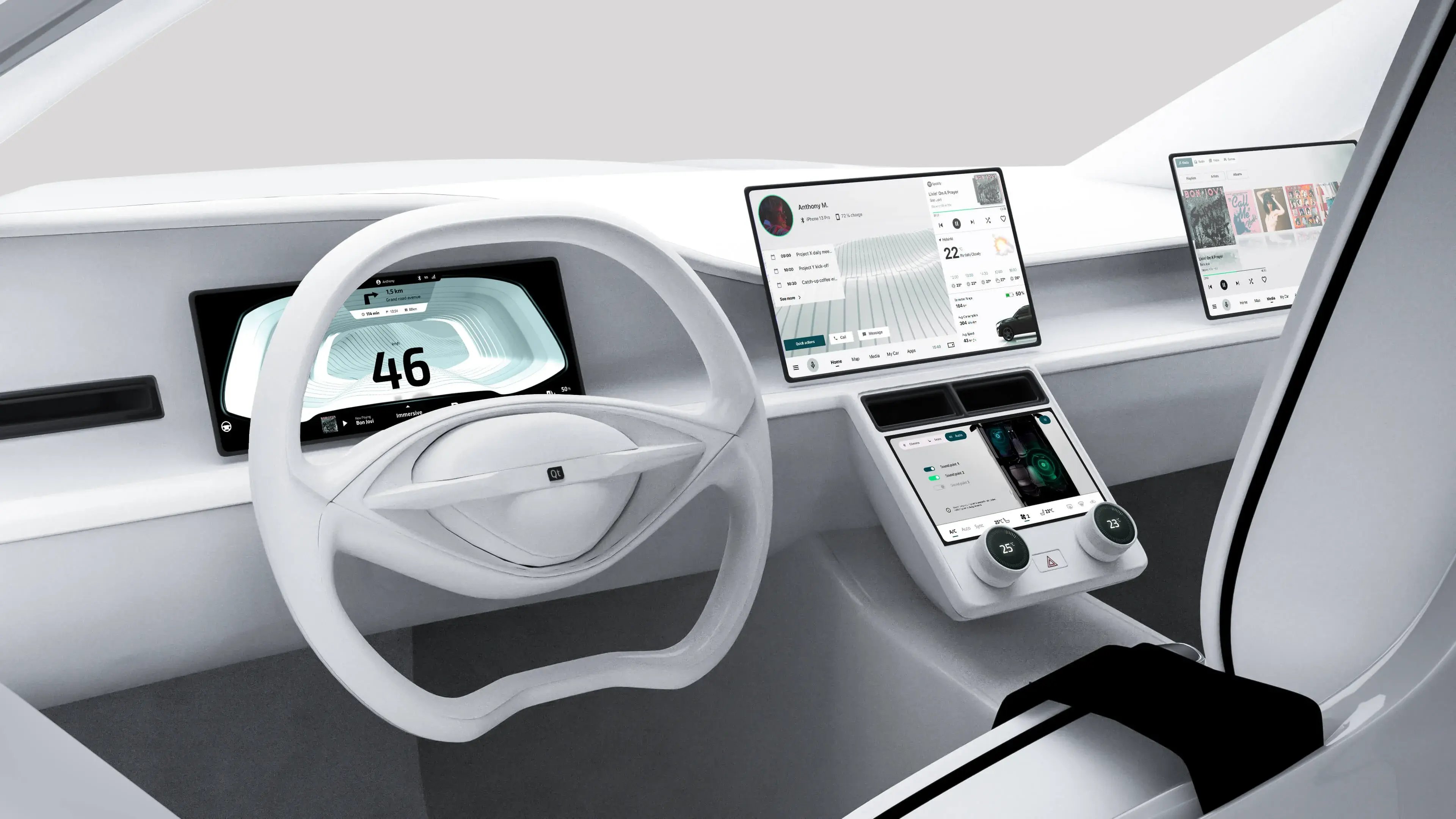
Central to UI applications' ability to dynamically and interactively represent real-world scenarios is the capability to link and synchronize visual properties of the UI with actual data. For example, the fuel gauge on a car's dashboard accurately reflects the vehicle's actual fuel level. Advanced data-binding mechanisms within the UI framework enable this seamless connection, allowing developers to create links through simple drag-and-drop actions and automatic synchronization.
The Interplay of 2D and 3D Graphics in Automotive UIs
Typically, the UI layout is created using 2D graphics tools, which facilitate the easy setup of ground elements, such as frames, buttons, icons, charts, or text. However, the demand for photorealism has led to the combined use of user-friendly and less resource-intensive 2D graphics, along with more expressive 3D graphics to illustrate real-world entities. This interplay enhances performance and realism, allowing users to navigate complex scenarios in 3D space through simple 2D controls. For this synergy to be effective, the UI framework must ensure flawless synchronization between 2D and 3D components.
High-Quality 3D Graphics and Rendering Capabilities for Automotive HMIs
The UI framework is a powerful real-time graphic engine optimized for interactive, embedded, multi-device, and branded experiences. Within the automotive HMI framework, which serves as the foundation, the UI framework supports real-time data and UI updates derived from the car environment, such as speedometer and tachometer animations, vehicle status visualization, and navigation map movement and zoom.
Furthermore, 3D graphics are being increasingly employed in automotive applications to represent complex real-life situations that can be quickly and easily grasped at a glance. For instance, advanced driving assistance systems (ADAS) in automotive displays incorporate the real-time rendering of the car in its actual driving environment. Applications of avatars or digital twins are also emerging in various industries, including the automotive sector. Developing these visually rich UI applications thus requires advanced design tools and rendering engines capable of high-fidelity, real-time displays.
Additionally, the adoption of gamification in the automotive user experience has driven a demand for advanced hardware capable of processing vehicle sensor data and visualizing it in 3D, for example, Rivian's cel-shaded take on 3D or Ford's enhancement of the Mustang's user experience with 3D visualizations of vehicle modes. 3D rendering in the automotive industry has evolved from a "nice-to-have" option to a prerequisite feature for any premium brand.
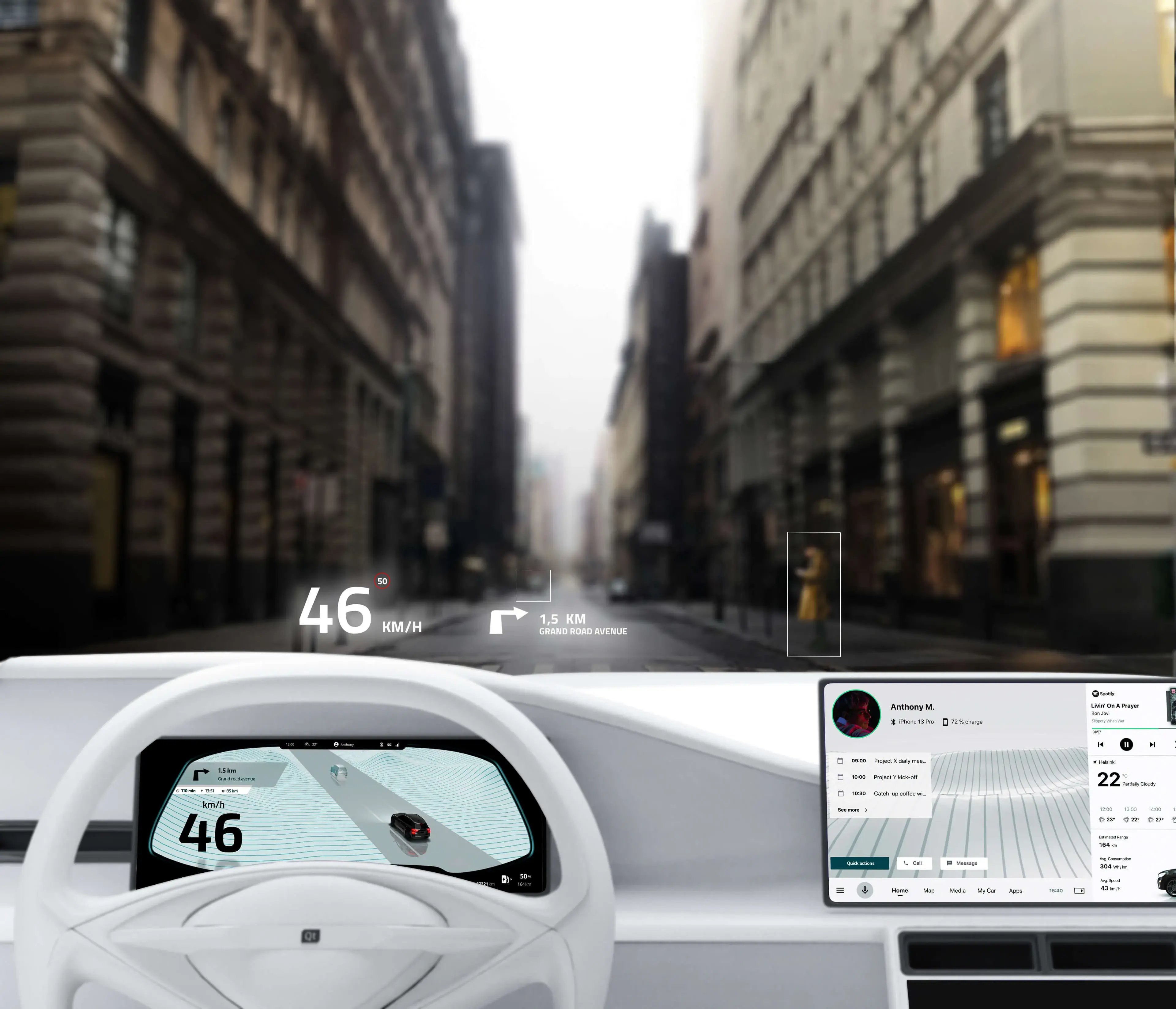
For these rising demands of modern automotive HMIs, the UI framework provides capabilities such as Physically Based Rendering (PBR), High Dynamic Range (HDR) lighting, and postprocessing effects, similar to those found in real-time graphics engines.
PBR ensures the realistic rendering of materials and lighting, simplifying the creation of high-quality graphics and allowing for more consistent and predictable results across different lighting conditions and materials. With the growing popularity of PBR, UI designers further have access to numerous online 3D models tailored to their needs.
HDR lighting enables the creation of photorealistic, vivid 3D environments, while postprocessing effects apply before the actual graphics hardware renders each frame to improve its visual quality or tweak the overall look and feel of the scene with little setup time. As the quality standard is primarily set by the CGI offering, the UI framework's graphics subsystem also needs to incorporate advanced algorithms to eliminate any glitches that can compromise photorealism.
In addition, maintaining a consistent UI across applications and platforms through theming—managing colors, fonts, icons, and widget structures—ensures cohesive branding and functionality in various vehicle models and configurations.
In summary, a comprehensive UI framework lays the groundwork for fulfilling increasing graphic expectations in automotive HMIs, supporting both stylistic expression and functional clarity in next-generation in-vehicle experiences.
Read Automotive HMI Frameworks: Driving UX for SDVs
Unified Frameworks for Automotive HMI Development
Qt provides a unified HMI development process within a single UI framework, enabling scalable solutions with customizable, high-quality, standardized HMI components. Its extensive library includes ready-made menus, widgets, animations, and visual effects, all designed to elevate dashboard functionality with advanced graphics.
Qt has been expanding beyond the traditional role in 2D UI development to become a powerful platform for real-time 3D graphics. Qt Quick 3D is specifically optimized for embedded devices and delivers high-quality visuals, making it ideal for automotive applications. It offers a high-level API for creating 3D content and interfaces based on Qt Quick, seamlessly integrating with existing 2D interface features. Qt Quick 3D also supports XR and VR applications through Qt Quick 3D Xr.
Explore: Building Exceptional 3D Embedded Experiences with Qt
Moreover, Qt Design Studio connects design and development workflows, streamlining asset transfer, interaction authoring, and iteration. This unified workflow shortens development cycles, reduces complexity, and supports consistent visual quality throughout the software development lifecycle.
And as modern automotive UX teams increasingly combine 2D design tools and real-time 3D engines during early concept development, designers may prototype layouts in platforms like Figma while exploring immersive 3D scenes and interaction models in dedicated environments. To bring this creative exploration closer to production, a unified HMI framework like Qt would typically support various graphics APIs (such as OpenGL, Vulkan, and Direct3D) and can also easily leverage content produced by game engines. The latter can be achieved either by embedding such content within a UI window or by acting as middleware for integrating the game engine's advanced visual and physics features with standard UI services, such as input management, networking, media, and even certified safe-rendering solutions. This flexibility becomes particularly valuable when balancing high-fidelity graphics, performance, safety, and cross-platform needs. Furthermore, the release of APIs like Qt ActivityView enables fluid integration of third-party Android apps directly into the Qt Quick applications, bringing a new level of flexibility to Qt for Android Automotive user interfaces.
Balancing Visual Appeal with Safety Requirements in Effective Automotive HMI Design
While stunning graphics can significantly enhance the user experience, safety remains the top priority in automotive HMI development. Compliance with ISO 26262 functional safety is essential, as it ensures that electronic systems operate safely even in the event of faults or malfunctions. This standard classifies risk levels through Automotive Safety Integrity Levels (ASIL).
To be compliant, Qt offers tools and components designed for safety-critical HMI development. For example, Qt Safe Renderer enables the rendering of essential UI elements, such as warning indicators and telltales, even if the main HMI system experiences failures. It operates independently of the non-safety UI and adheres to strict coding guidelines, like MISRA C++, with all memory allocated at startup to mitigate runtime risks.
Additionally, Qt Group's Software Quality Solutions also support ISO 26262 up to the highest level ASIL D, helping developers validate their software through static analysis, code coverage, and automated testing. These solutions ensure that critical vehicle information is displayed reliably, reinforcing safety and user trust.
Explore Functional Safety in the Automotive Industry
Gartner, Emerging Tech: Roadmap Implications for Vehicle E/E Architecture Evolution, 07 February 2024.
Gartner, Emerging Tech: The Future of the Automotive Software Ecosystem, 24 December 2024.
GARTNER is a registered trademark and service mark of Gartner, Inc. and/or its affiliates in the U.S. and internationally and is used herein with permission.
All rights reserved.
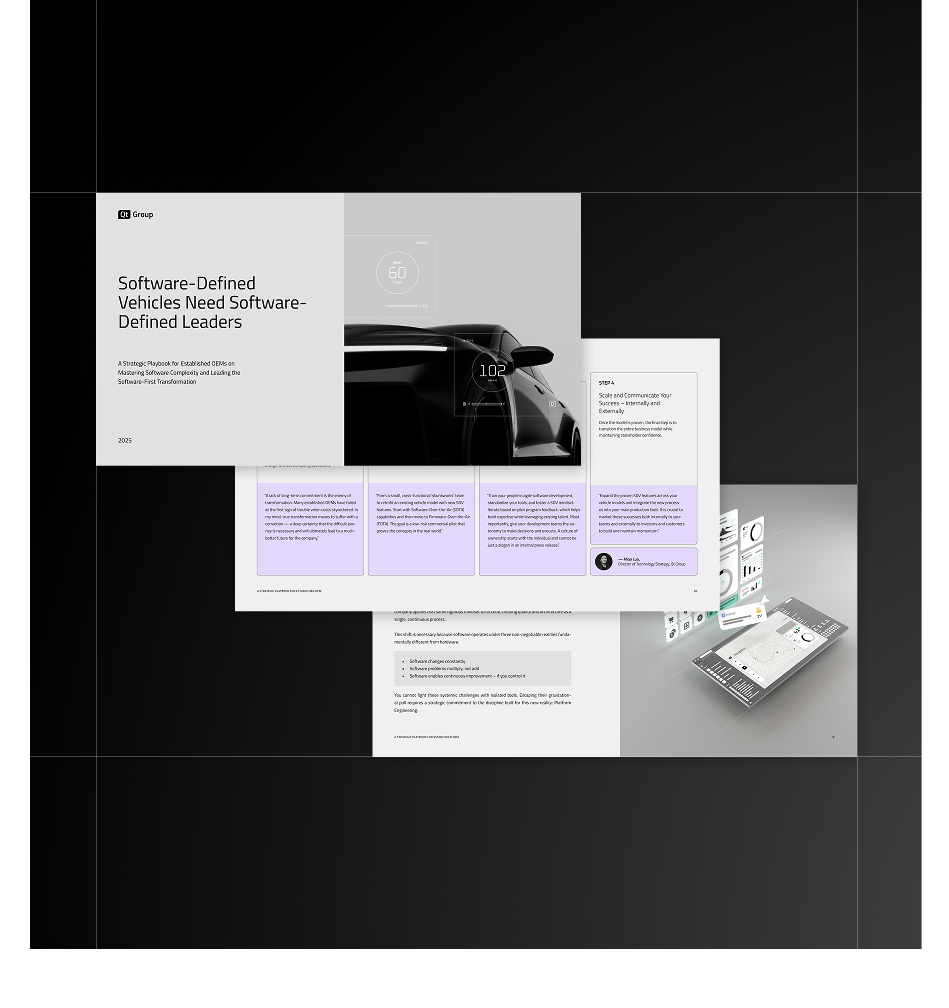
Software-Defined Vehicles Need Software-Defined Leaders
You are delivering the software-defined vehicles the market demands. But the constant struggle with complex integrations, painful compliance, and costly software recalls proves hardware-first processes are still broken and slowing you down.
This playbook isn't for companies that are failing. It's for technical leaders who know the current cost of success is unsustainable. Learn how to shift to a software-first mindset and discipline, and take ownership of your architecture to eliminate complexity at its source.

No sign-up required
-webp.webp?width=500&name=Multi-panel%20(1)-webp.webp)