Qt Creator IDE: Development with Qt Made Easy
The best Integrated Development Environment (IDE) for Qt. The Qt Creator IDE provides cross-platform tools for the full development cycle to get started fast, collaborate, and keep on delivering.
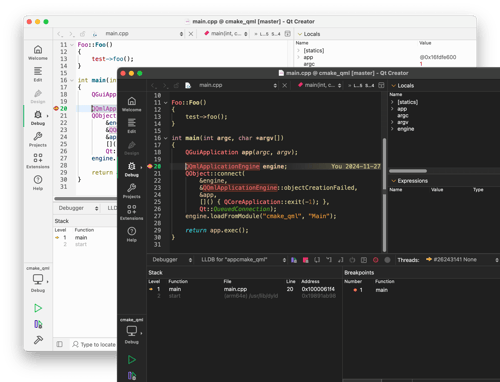
Full QML Support
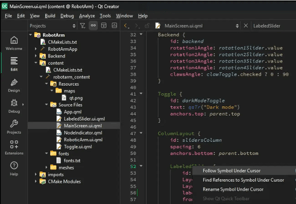
Cross-Platform Deployment
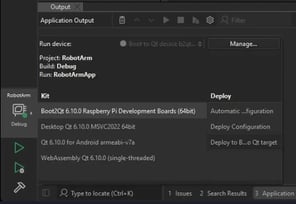
Agentic AI Support
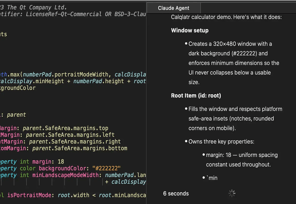
OUT-OF-THE-BOX SUPPORT
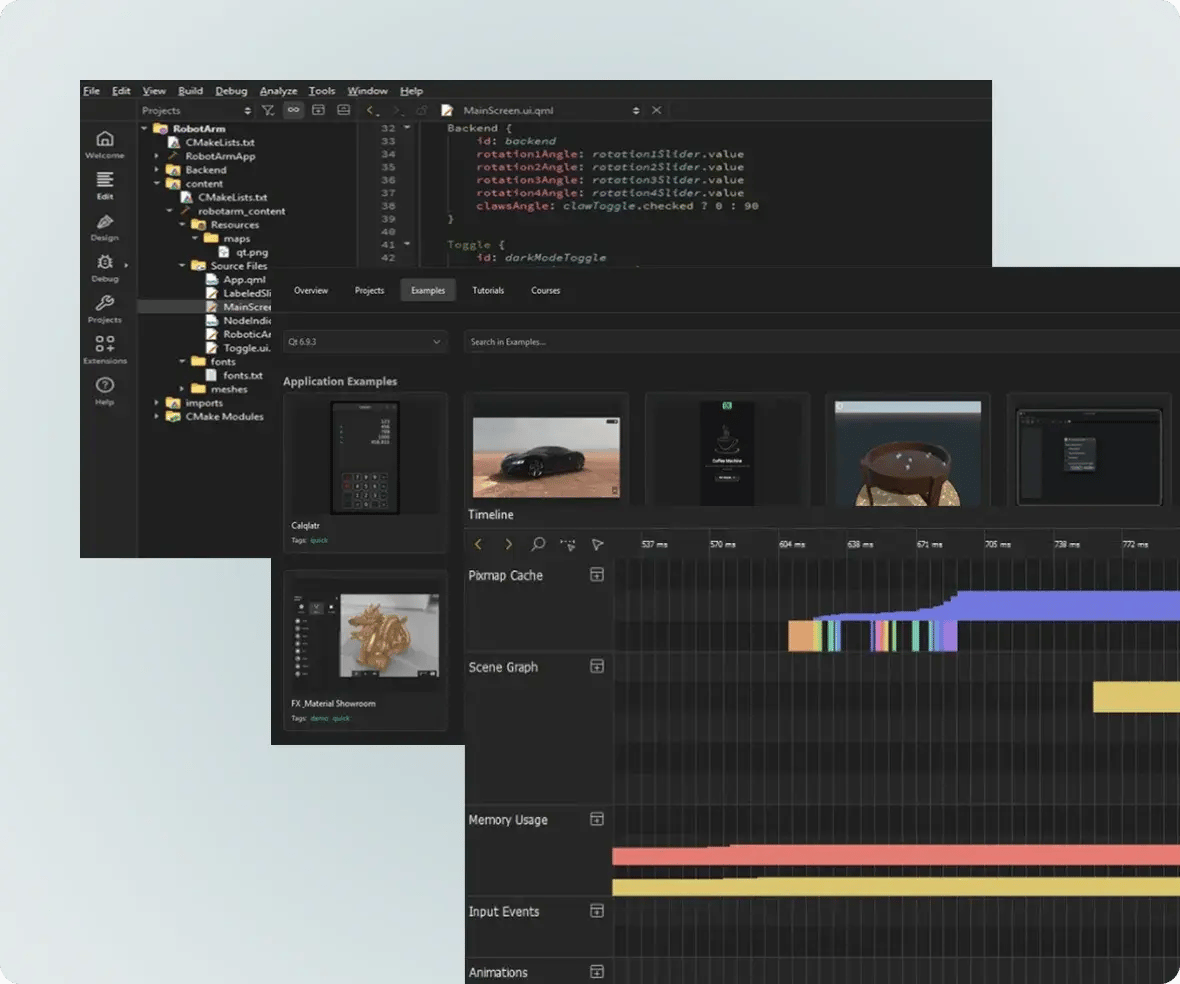
The Best IDE for Qt, QML and C++
The Qt Creator IDE provides the best-of-class experience for developing with Qt Framework throughout the software development life-cycle, across platforms and from small to very large projects.
Highlights include:
- Language servers for QML and C++
- Very efficient refactoring for QML and C++
- Excellent capabilities on inspecting Qt classes
- QML profiling
- Integration to Qt documentation and examples
- Qt project templates to get you a head start with Qt
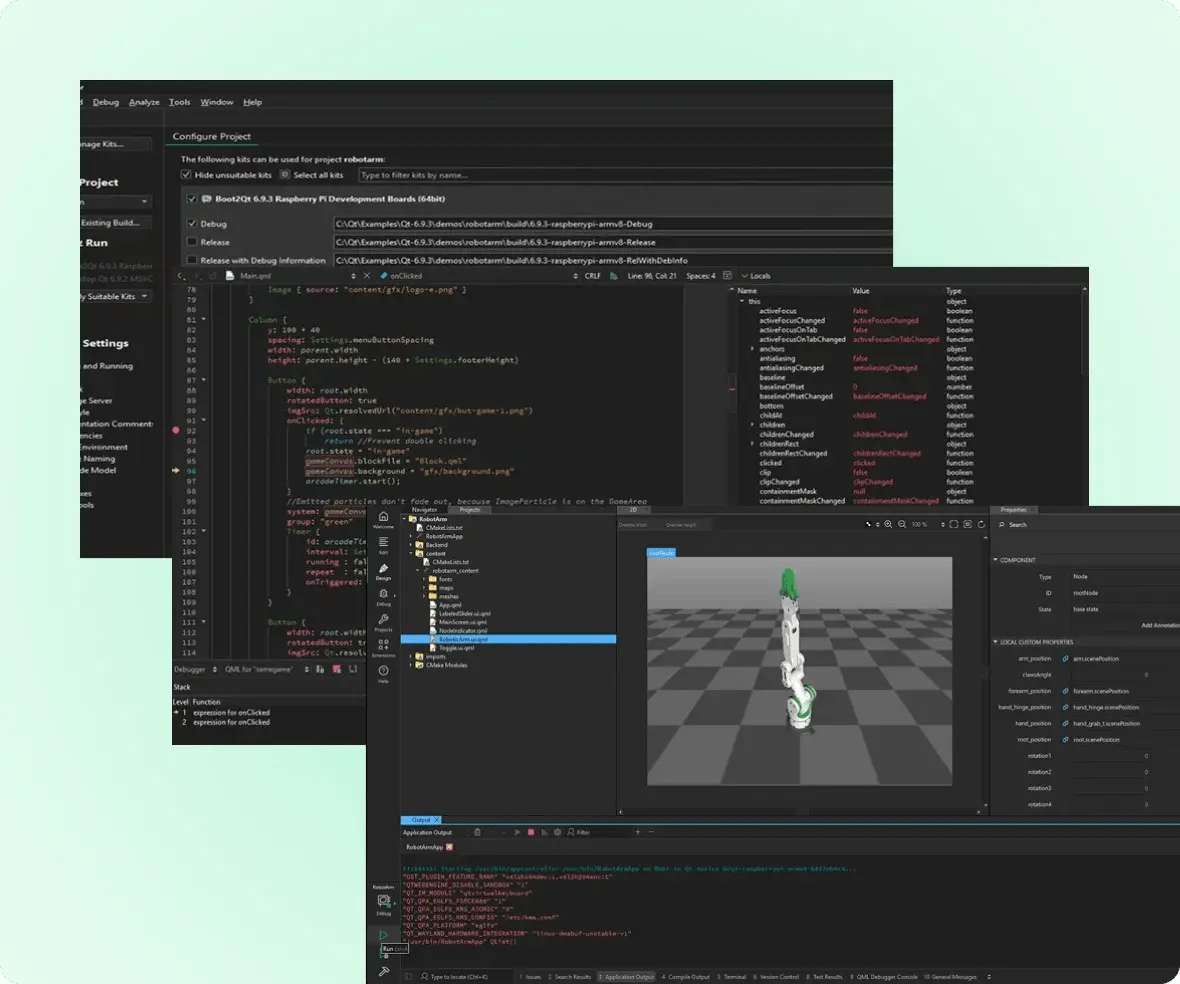
CROSS-PLATFORM EFFICIENCY
Enjoy the Smoothness of Graphics Acceleration
Whether you’re starting your very first embedded project, or a new project with unfamiliar hardware, the Qt Creator IDE gets you started fast.
Boost your embedded development with:
- Support for a wide range of targets; architectures, boards, and operating systems,
- Fast and easy set up of the development environment,
- Very automated deployment to devices for unit testing; simply select the Qt version and your devices, and build.
You can also make use of the Qt-optimized, hardware-independent BootToQt. It is a lightweight, full software stack for embedded Linux systems.
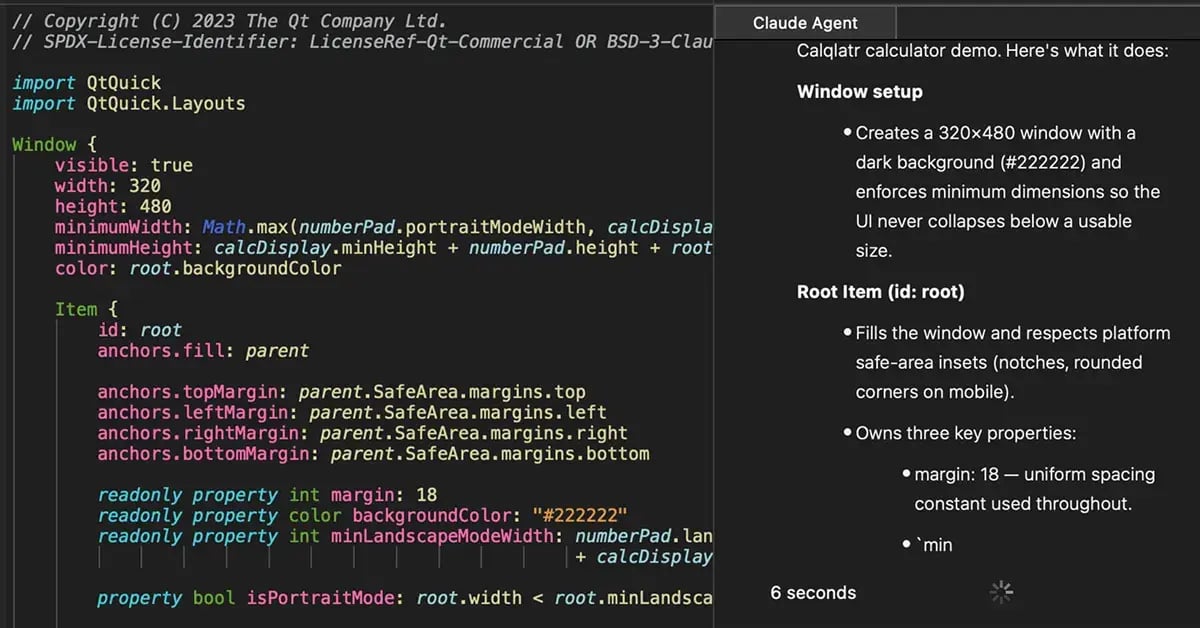
QT CONTEXT TO AI AGENTS
Qt-Aware Agentic AI in Your IDE
Qt Creator allows you to easily use AI agents within the IDE, having them perform various actions on your behalf. For example, AI agents can:
-
Analyze your code,
-
Create and update code based on natural language prompts,
-
Run commands,
-
Trigger builds.
AI agent of your choice: Use preset configurations for common agents, e.g. Claude Code, Codex, GitHub Copilot, and more.
Qt context: Make your agent smarter about your Qt project through the MCP Server extension.
Not just in your IDE, also aware of it: Get an extra boost from how Qt Creator's own state is exposed as context.

Coding, Debugging, & Profiling
Write, edit, and navigate smoothly in your source code. Gain efficiency with code completion, syntax highlighting and agentic development. Become proficient with even inherited code fast with language servers for QML and C++. Use linting, refactoring and localization tools. Efficiently debug & profile your code, also for QML.

Creating & Managing Projects
Collaborate across functions. Create and manage projects in various formats. Use your preferred build system, for example, CMake, and a version control, for example, Git, making various code reviews.

Unit Testing & Analyzing Code
Write and run tests as a part of your development cycle. Use testing frameworks such as Qt Test, Boost.Test, Catch2 or Google C++. Manage your development testing, be it test- or behavior-driven.

Deployment to Target Platforms & Devices
Automate deployment as a part of your test or development cycle. Efficiently deploy your project to various target devices and platforms, including Android, iOS, embedded Linux, etc.
SCALE UP YOUR DEVELOPMENT
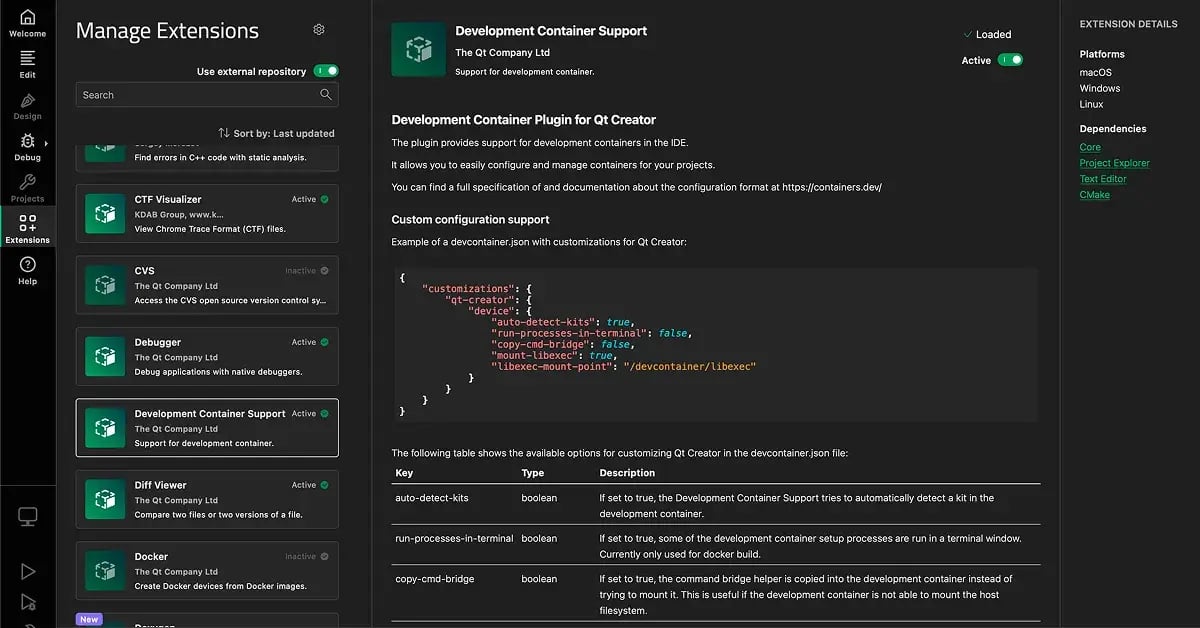
Qt Creator IDE Extensions
Qt Creator hosts various IDE extensions, plugins and other supplementary components for you to choose from.
The extensions provide additional capabilities to scale and extend the IDE and bring efficiency to your development. They include, for example, AI, productivity improvements, visual tweaks, or integrations to version control or build systems, or additional programming languages.
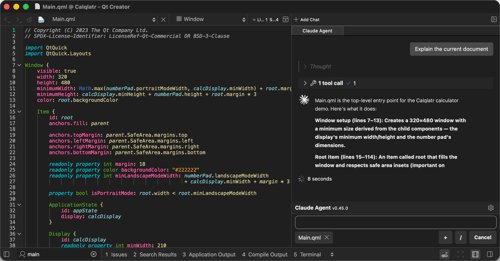
Qt Creator 20 released
Release 20 of the Qt Creator IDE adds support for working with AI codi...
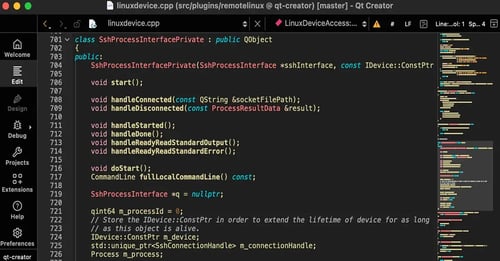
Qt Creator 19 released
We are happy to announce the release of Qt Creator 19! Release 19 for ...
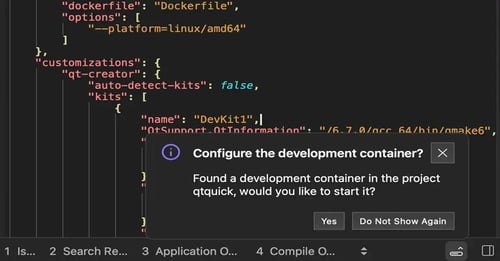
Qt Creator 18 released
We are happy to announce the release of Qt Creator 18! Qt Creator 18 a...