Published On
Jul 10, 2025
Read Time
3 mins
Developing apps for Android Automotive comes with a unique set of challenges. If you’re building in-car infotainment systems, you already know that testing these apps is far from simple.
In our recent webinar, Andreas Muss, from the Qt Group walked through these challenges and showed how Automated GUI Testing can help teams test apps more easily and reliably without needing deep technical knowledge or expensive tools.
Here’s a simple breakdown of what was covered.
The Testing Challenges Teams Face with Android Automotive
1. Limited Access and System Restrictions
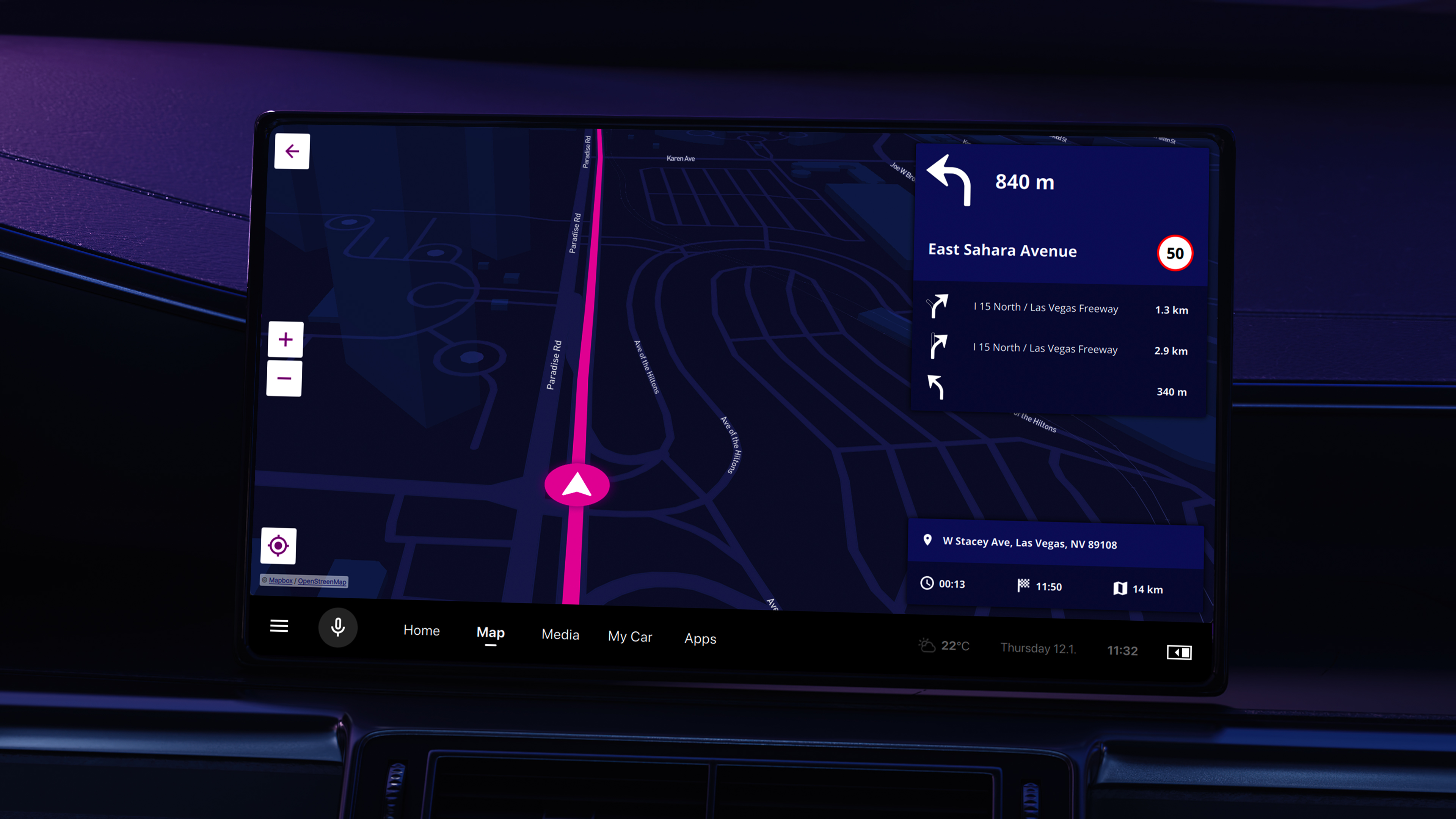
Unlike regular Android apps, Android Automotive apps run directly on car hardware. The system has strict rules to separate safety-critical features from entertainment or navigation.
This makes it hard to simulate real use cases and interactions, especially when you can’t control things like vehicle state (driving vs. parked) from your app.
2. Customized Versions Make Testing Harder
Car manufacturers often customize Android Automotive for their own needs. This means every system can behave a little differently. Testing the same app across these systems can be time-consuming and inconsistent.
3. Many Apps Are Built into the System
Many Android Automotive apps are “system apps”: they come pre-installed as part of the operating system. Standard testing tools that rely on app packages from the Play Store won’t work well here.
How Squish GUI Tester Makes Testing Easier
Squish is a powerful automated GUI testing tool that helps teams test user interfaces for desktop, mobile, embedded, and now Android Automotive without requiring deep programming knowledge or access to the app’s internal code.
Squish for Android Automotive is built to solve these problems without adding complexity:
| No Need for Source Code |
Squish doesn’t require access to the app’s internal code or object IDs. This means testers without programming knowledge can still create and run meaningful tests. |
| Test Apps Just Like a User Would |
Squish lets you interact with apps on three levels:
|
| Test More Than Just the App | With Squish, you can also test system-level settings like Wi-Fi, brightness, or Bluetooth: things that can affect how your app behaves. |
| Fits Into Existing Development Pipelines | You can plug Squish tests into continuous integration systems like Jenkins or GitLab CI, so you can automate testing every time the app updates. |
| No Extra Costs for Android Automotive | Squish for Android Automotive is included in the standard Squish license. No surprise fees. |
See How Top Teams Are Solving Android Automotive Testing Challenges
Testing apps for Android Automotive is tough: limited access, custom systems, and manual processes slow everything down. But it doesn’t have to be this way.
Join the live webinar on November 18, 2025 to learn how leading teams are:
-
Automating in-car app testing without needing source code
-
Interacting with apps visually—through images, text, and UI objects
-
Saving time by plugging automated tests into their existing workflows
If you’re struggling to scale or speed up testing for Android Automotive, this session is for you.