Navigate the sections below to get started
This evaluation guide assumes you have an active Coco evaluation or commercial license.
1. Account activation
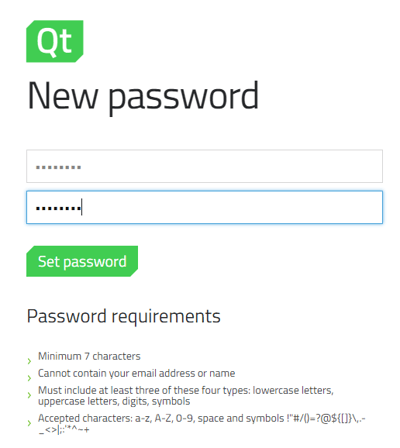
- Check your inbox for the Qt Account activation email.
- Click the verification link, set your password, and log into the customer portal
2. Your license key
To configure which end users should have access to the product licenses & downloads:
-
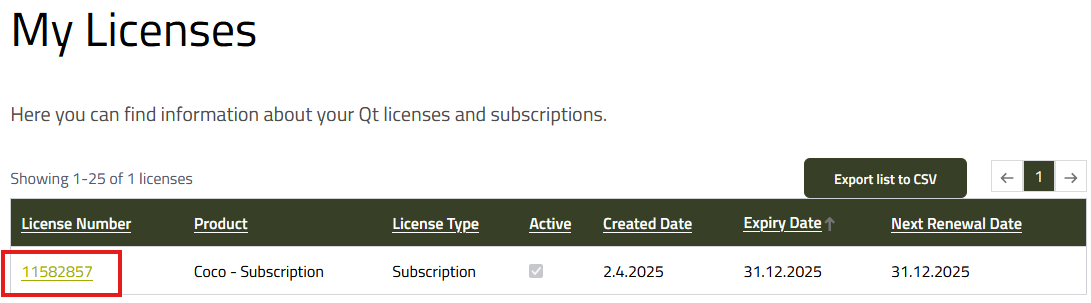
Select your Coco subscription:
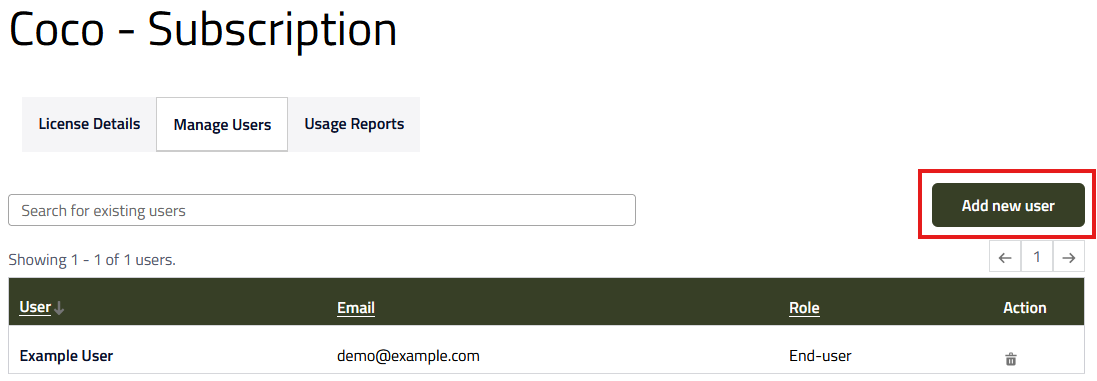
- Open the "Manage Users" tab and press "Add new user" to add end users
Follow this link for additional information and documentation on the license assignment process: https://doc.qt.io/qtlicenseserver/qls-how-to-manage-acls-on-cloud.html
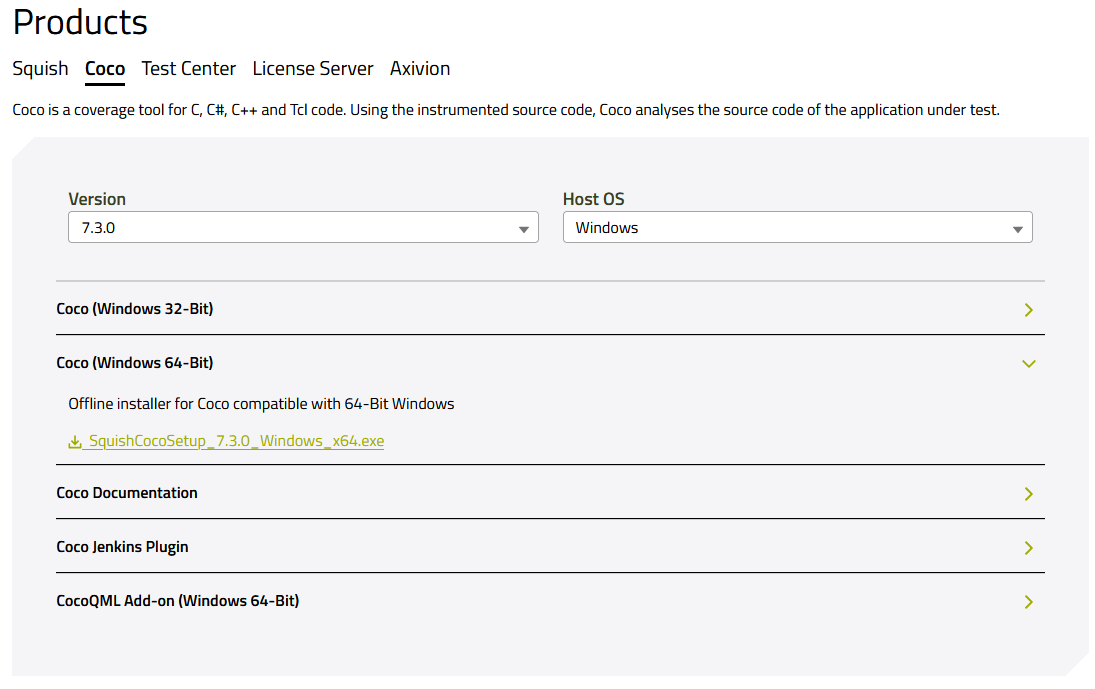
3. Download installer
To download the Coco installer:
-
Open the Qt Customer Portal and navigate to "Downloads / QA Software"
-
Select the "Coco" tab and choose your "Host OS"