AI-Powered UI Testing With Squish
Ready to Experience how the AI Features for Squish can Enhance Your GUI Testing Workflows?
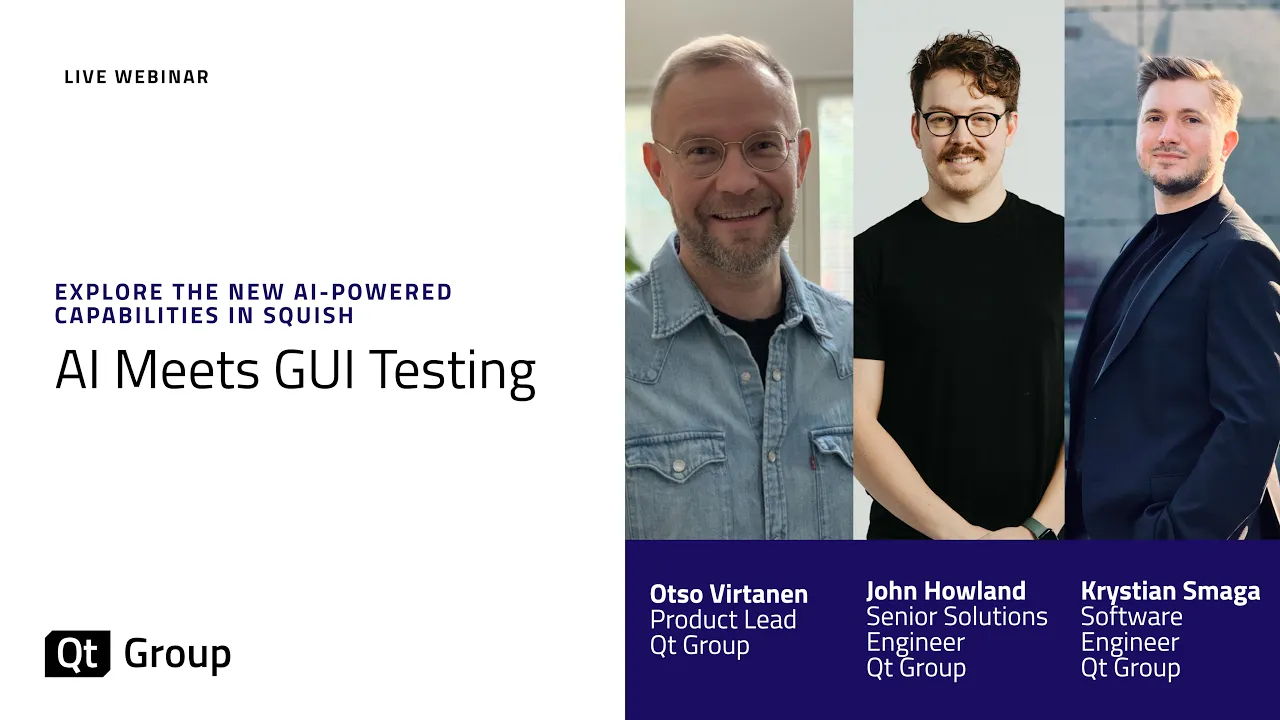
In our AI Meets GUI Testing webinar we showcase several ways on how to enable AI-powered approaches to boost your productivity when working with Squish. We show how to enable the Squish AI Assistant inside the Squish IDE, work with the Squish MCP server, and give a sneak peek at Squish Vision, a brand-new approach to GUI testing powered by computer vision coming soon to Squish.
Here you will find all the information you need to get started with your AI setup, as we walk you through the AI-enhanced testing workflows shown in our webinar. If you are new to Squish, you can start your free trial today.
Built-In Squish AI Assistant
Squish AI assistant is built directly into the Squish IDE. It helps you write test scripts, understand error messages, and fix failures, right where you're already working. No switching tools, no copy-pasting logs into a chat window. Watch the video below to see how Squish AI Assistant works.
Getting Started With Squish AI Assistant
If you don't have Squish yet, explore the Squish Tour and start your own trial with the Squish Evaluation.
Both the new and existing Squish users can download the free Squish AI Assistant Extension in Qt User Portal.
If you need help, visit our documentation on Downloading and Installing the Squish AI Assistant Extension.
More info on setting up the Squish AI Assistant with the LLM of your choice can be found in the Squish AI Assistant documentation.
AI-Powered GUI Test Script Generation
If your team is already using Cursor, GitHub Copilot, Windsurf, or similar tools, Squish MCP Server is for you. In the video below we'll show how the Squish MCP Server lets those tools write, run, and iterate on Squish test scripts, so AI-assisted testing fits naturally into the workflow you already have.
Getting Started With Squish MCP Server
To get a good idea of how to get started with test script generation, see the Squish MCP Demo.
The setup shown in the demo consists of the following:
-
Qt Creator 19: Free download available here
-
Satellite Info Demo App: An example Application provided with Qt Creator. For more information see Qt Creator Tutorial: Build & Run
-
Squish 9.2: Existing users can download Squish 9.2 here. If you are new to Squish, get your fully-functional Trial Version here and get started right away.
-
Squish MCP Repository: The exact setup like shown in the demo including generated requirements and generated snapshot test script can be found here. The general Squish MCP server repository can be found here.
Note! Squish MCP Server is still in technology preview, with further development still ongoing. This example gives only one view on what can be achieved through connecting AI code assistants with the GUI testing capabilities of Squish via MCP.
Coming Soon: Squish Vision
A Brand-New Approach to GUI Testing Powered by Computer Vision
Many teams invest heavily in UI test automation — and then end up spending more time fixing tests than writing them. Squish Vision solves this problem by running UI tests visually rather than programmatically. This keeps tests stable even when the UI changes. That means less maintenance, faster releases, and a QA process that truly scales.
Want to hear more about Squish Vision? Contact us to hear what we have on our future roadmap.
Ready to AI-Powered UI Testing With Squish?
Step 1: Register for your Squish Evaluation
Step 2: Download trial and install
Step 3: Read our "Getting Started Guide" or check documentation
Step 4: Follow the guidance on this page to experience the AI features in action
Step 5: Test your own application
Frequently Asked Questions
Does using AI for UI testing work in regulated industries such as automotive, medical, or aerospace?
Can I use the AI features without sending data to a cloud provider?
Is Squish Vision the same as image-based GUI testing?
Does Squish Vision require a GPU, and what are the hardware requirements?
What is the Squish MCP Server and how does it work?
Which AI models does the Squish AI Assistant support?
Can AI generate Squish test scripts automatically from requirements?
What happens to the AI Assistant suggestions? Are they applied automatically?
How does the Squish AI Assistant help with test failure analysis?
Do the AI features work with my existing test suites and object maps, or do I need to start over?
What UI frameworks and platforms does the Squish MCP Server support for test generation?
Can I try the AI features before buying a full Squish license?
Strengthen Every Step of Your Software Quality Process
From code analysis to test execution and reporting, these tools work together to help QA teams improve coverage, detect issues early, and maintain long-term software quality