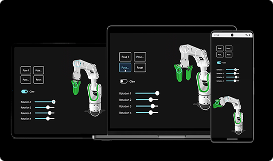
Ready-Made UI Accessibility for Cross-Platform Use

Easily create products for all users, regardless of their ability or environment. Qt's ready-made, cross-platform UI accessibility capabilities are also easily customizable and help comply to various regulations.

High-Contrast Mode

high-contrast-mode_accessibility

Accessibility Metadata

accessibility-metadata

Screen Reader Support

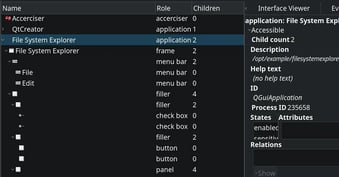
QtFramework-UI-Accessibility-Example-AccessibilityTree

Create Accessible Products Easily

Ensure your product is accessible to everyone. Qt's ready-made UI accessibility capabilities work out-of-the-box across different platforms and devices and are easily customizable.

Out-of-the-Box Accessibility Features

Make your product accessible effortlessly with default functionality such as the high-contrast mode and scaling, as well as metadata and accessibility tree structure for e.g. keyboard navigation and screen readers.

Learn More

Enriched Custom Styles

Even when using custom styles, amplify your setup easily for improved accessibility. Make use of Qt's defaults where suitable and when needed, edit or set your own control names, descriptions, styles and so on.

Learn More

Easier Compliance to Regulations

Ensure your compliance to various accessibility regulations, such as the Web Content Accessibility Guidelines (WCAG), the EU Accessibility Act (EAA) and the Americans with Disabilities Act (ADA).

Learn More

Accessibility Goes beyond Disabilities

When it comes to UI accessibility and the use of assistive technologies, the first thought is often on users with disabilities, such as limited vision, hearing or cognition. And that is one of the key focuses, indeed.

However, accessible products serve everyone.

Not only does improving accessibility improve also the overall usability, but also, it can dramatically change the user experience, for example, in bright sunlight or extreme heat, in noisy environments, or when wearing gloves.

SIMPLY COMPILE AND GO

Ready-Made & Cross-Platform

Qt provides a lot of the building blocks needed for providing UI accessibility in your product, ready-made.

The out-of-the-box capabilities include:

  • High-contrast mode
  • Global scaling
  • Readily provided metadata
  • Accessibility tree structure

With the Qt defaults, your product will readily allow, for example, the use of keyboard navigation and screen readers.

In addition, the Qt defaults are readily available for cross-platform use. If you use the defaults, re-compiling your application towards the latest Qt version will instantly level up your product’s UI accessibility.
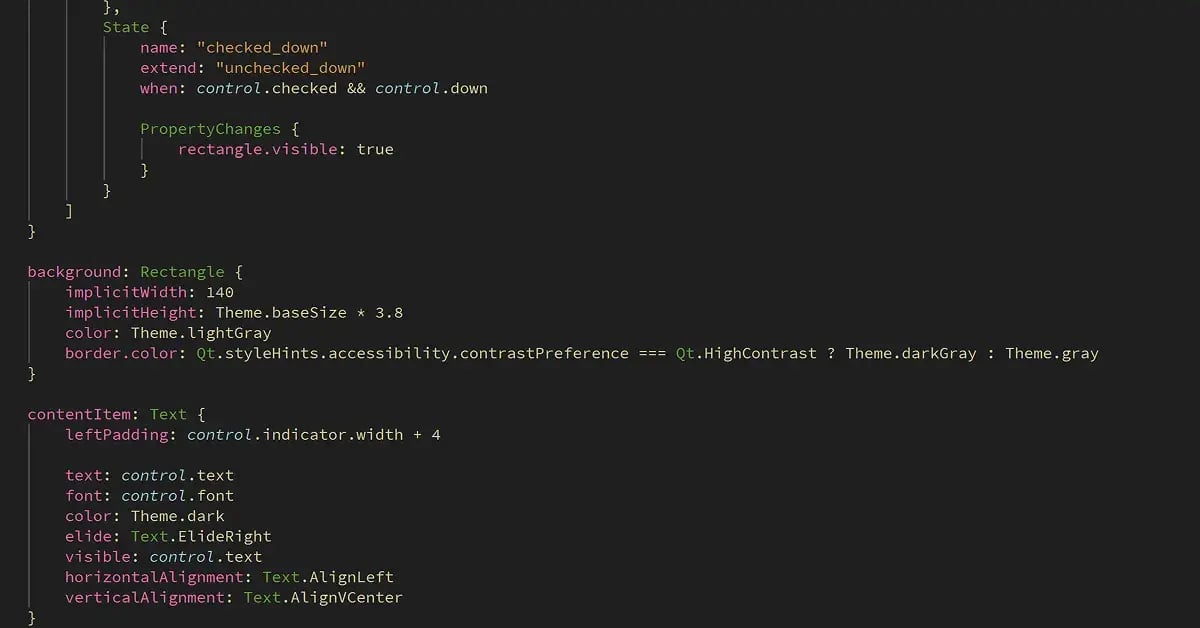
QtFramework-UI-Accessibility-Example-ControlCustomization
ENRICH YOUR CUSTOM STYLES

Amplified UI Accessibility

When using custom styles, Qt makes it easy and fast to enrich your product’s UI accessibility without needing to start from scratch.

You can still make use of Qt's defaults where suitable. For example, if you use Qt APIs, a customized push button is still a push button, allowing screen readers and other assistive technologies to work without extra effort.

When needed, you can flexibly edit the defaults. If you create your own controls, Qt APIs make it simple to set your own names, descriptions, styles, etc. for them.

Qt Capabilities for UI Accessibility

High-Contrast Mode

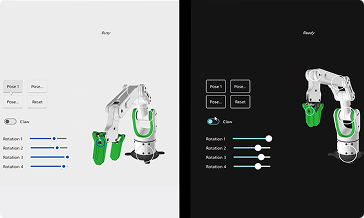
Provide a ready-made high-contrast mode, with e.g. color schemes, framing, font size, and contrast, for your users to turn on on the operating system.

See a Deep-Dive Blog on High-Contrast

High-Contrast Mode Example

Accessibility Metadata

Get UI element properties such as control names and descriptions ready-made, or edit your own, to enable e.g. keyboard navigation and screen reading.
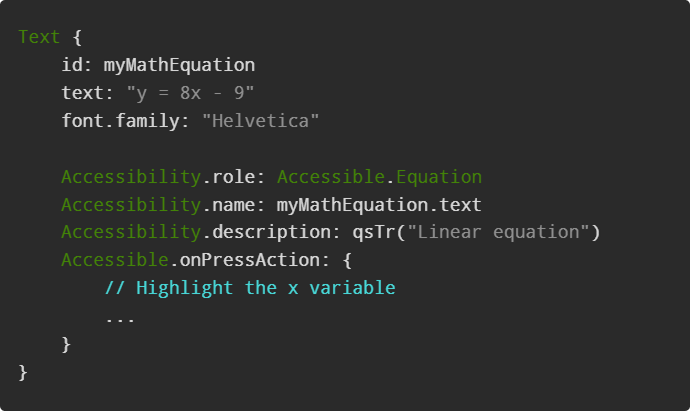

Go to Documentation on Accessibility Metadata

accessibility-metadata 6 1

Global Scaling

Allow your UI to dynamically scale e.g. into different sizes and resolutions and be used with custom fonts and font sizes, with a sophisticated layout system.
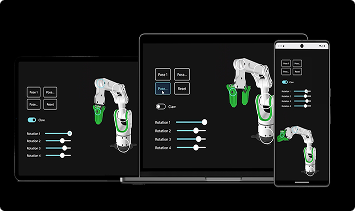

Go to Documentation on Accessibility

Rectangle 4190

Keyboard Navigation

Enable users to navigate the UI by using, for example, the arrow keys. Define keyboard shortcuts for often used functionality, or provide a virtual keyboard.
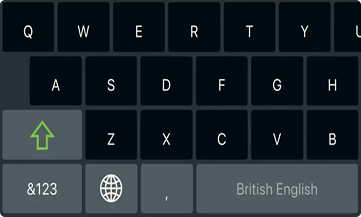

See a Virtual Keyboard Example

On-Screen Keyboard

Sound & Speech

Implement sound notifications with multimedia features, or speech input and output to read out texts with a synthesized voice.
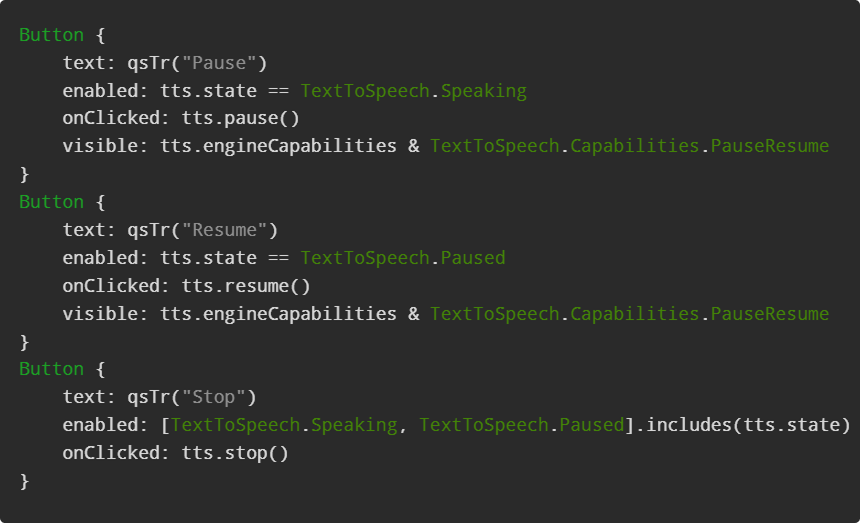

See a Quick Text-to-Speech Example

sound-speech-accessibility 2

Screen Reader Support

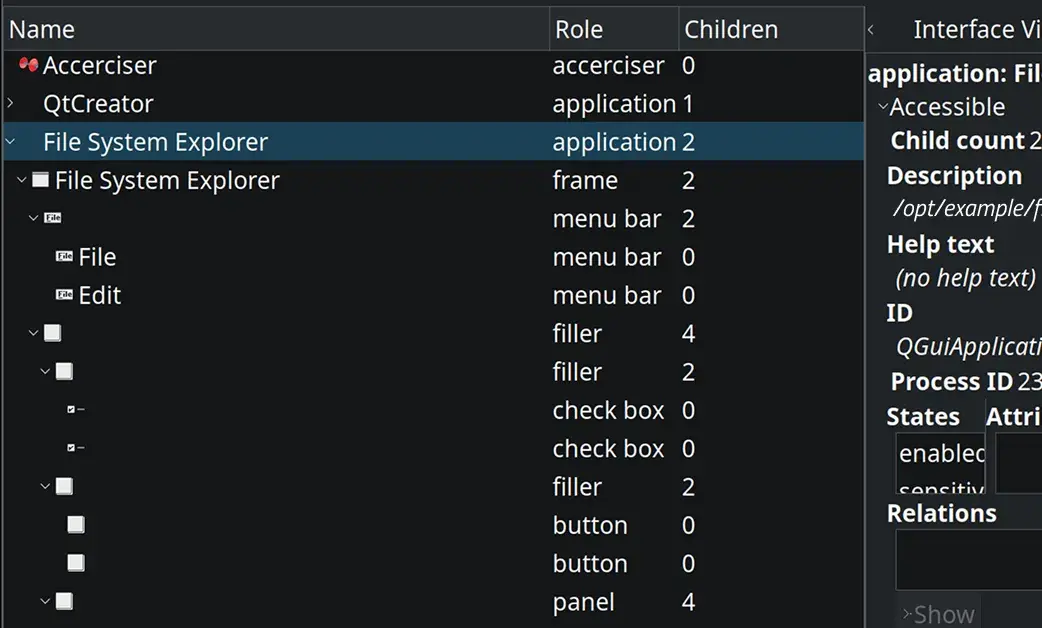
Allow your product to be used via assistive technology such as screen readers and braille displays, describing the controls, structure, text, images, and functionality.

Go to Documentation on Accessibility

QtFramework-UI-Accessibility-Example-AccessibilityTree4
READY-MADE BUILDING BLOCKS

Easier Compliance to Accessibility Regulations

Legislation and regulations on accessibility are evolving rapidly and becoming more and more common globally.

Some of these regulations are:

  • Web Content Accessibility Guidelines (WCAG)
  • EU Accessibility Act (EAA)
  • Americans with Disabilities Act (ADA)

Qt’s ready-made building blocks help you get your product compliant and keep up with the evolving regulations easier.

More on Qt Framework

Qt Framework’s comprehensive set of libraries take away your routines from middleware to UI, 2D to 3D, platform to platform.

More on Releases & Licensing

The regular Qt Framework release cycle and the flexible licensing options allow you to choose the best fit to your product’s needs.

Improve UI Accessibility Easily with Qt