The Most Complete UI Framework to Mix-and-Match From
Build your user interface with Qt's extensive, cross-platform UI framework. Flexibly combine basic controls with enriched 2D & 3D graphics, graphs, multimedia, and shaders, as well as ready-made and customized components.
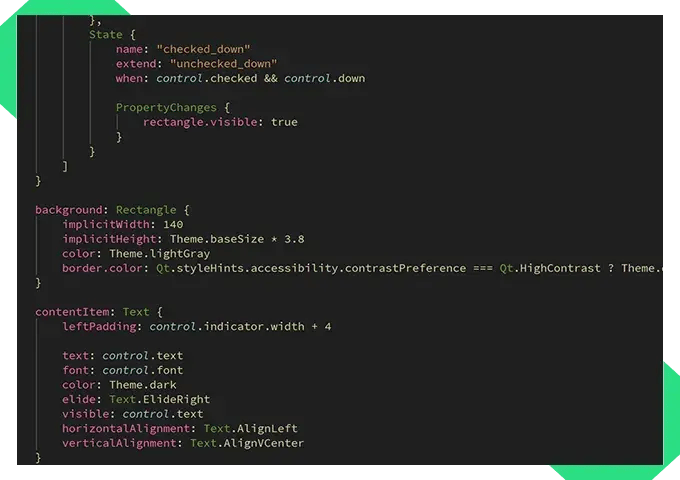
Basic Controls

3D Graphics

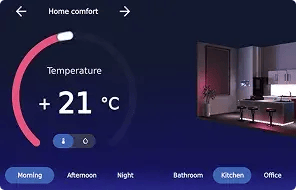
Custom Components
Cross-Platform User Interfaces
The most extensive cross-platform UI framework available, Qt allows you to combine a wealth of ready-made and customized components to build up your user interface. You get not only basic controls but also the complex components as a natural part of your UI, eliminating friction and providing a clear separation between your UI and backend.
Fluid UIs on All Platforms
Create your UI for embedded, mobile, desktop, and full-screen HMIs, delivering native performance.
ExploreThe Kind of UI You Need
Choose from ready-made and customizable components, and create a UI as suits your needs.
Rich UI Components
Efficiently incorporate enriched components, such as 3D, multimedia, or graphs, into your UI.
ExploreWe evaluated different UI frameworks but selected Qt for its platform independence enabling deployment to different types of embedded hardware with good performance.
Carsten Leischner, Director of Software Engineering, Dräger
DELIVER NATIVE PERFORMANCE
Fluid Cross-Platform UIs
Qt applications run on any platform. They have a clear separation between the user interface and backend, are memory-safe, and fully cross-platform on the language-level, utilizing the Qt Quick libraries and UI language, QML.
You can use the same UI framework to create:
- Full-screen HMI
- Mobile applications
- MCUs for resource-constrained devices
- Desktop applications using separate windows
In addition, Qt Quick and QML are extremely fast to learn, and they allow mixing with other UI technologies for hybrid UIs.
BUILD YOUR UI FASTER
Ready-Made UI Controls
Qt Quick Controls are pre-made sets out of the UI components to form, for example, buttons, containers, inputs, navigation, and popups, which you can then customize further. Controls provide optimized, light-weight implementations of often used elements, allowing you to focus on styling rather than building basic functionality from scratch.
The controls are highly stylable:
- The declarative nature makes styling very toolable,
- Overall application styling keeps your UI systematic easily,
- The styling adapts to native look & feel on different platforms.
From Basic to Rich UI Components
Build the kind of user interface you need from ready-made and customizable components. Start, for example, with these.
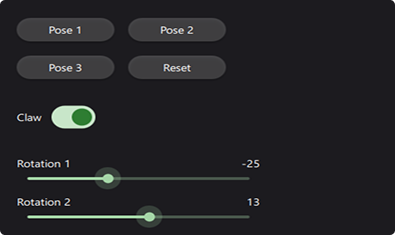
Basic Components & Events
Build your UI from scratch using shapes, colors, and input handling. For example, combine a rectangle with text and a click or a touch event to create a button.
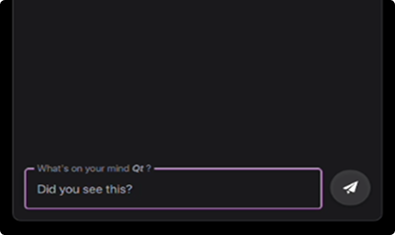
Text Input Handling
Make use of font handling for common and custom fonts. Let Qt take care of rendering, typography, localization, and text input method handling.
Layouts
Handle the relative positioning of UI elements, such as a text label and a related field, ready-made, ensuring the best look & feel with e.g. localized versions.
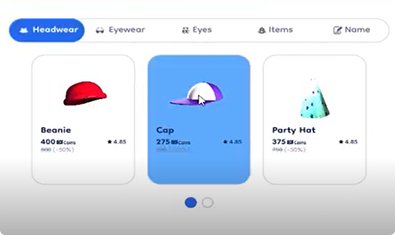
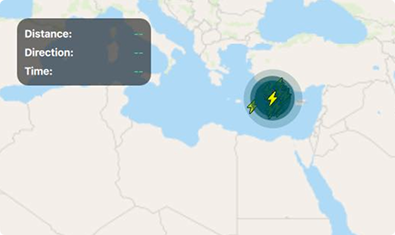
Image Handling & Maps
Easily apply effects or text on images or maps, colorize visual elements or turn them black & white, and combine in real-time location capabilities.
Effects
Create skeuomorphs, mimicking surfaces, such as glossy shine or liquid glass for more engaging UIs, or highlight UI elements where the user needs to be.
Animations
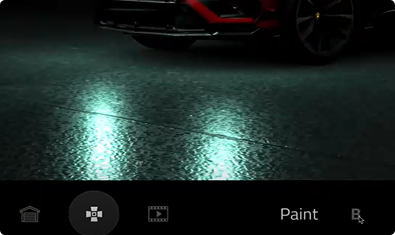
Position, color, and scale GUI elements. For example, have hovering over or clicking a button or an image enlarge it for a more responsive user experience.

Oh but there’s more. See capabilities for next-level enrichment below.
Qt naturally enables the creation of atomic UI components that can be reused across projects and appliances for a consistent, optimal user experience across different devices.
Daniel Dersmann, Head of Global GUI Framework Development, BSH
Next-Level Enrichment
Qt’s UI framework doesn’t stop at basics. It allows you to efficiently incorporate enriched components into your UI as natural extensions, without a need to separately integrate them. Imagine what you could do, for example, with these.
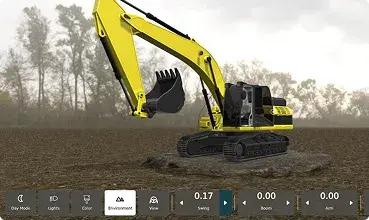
3D
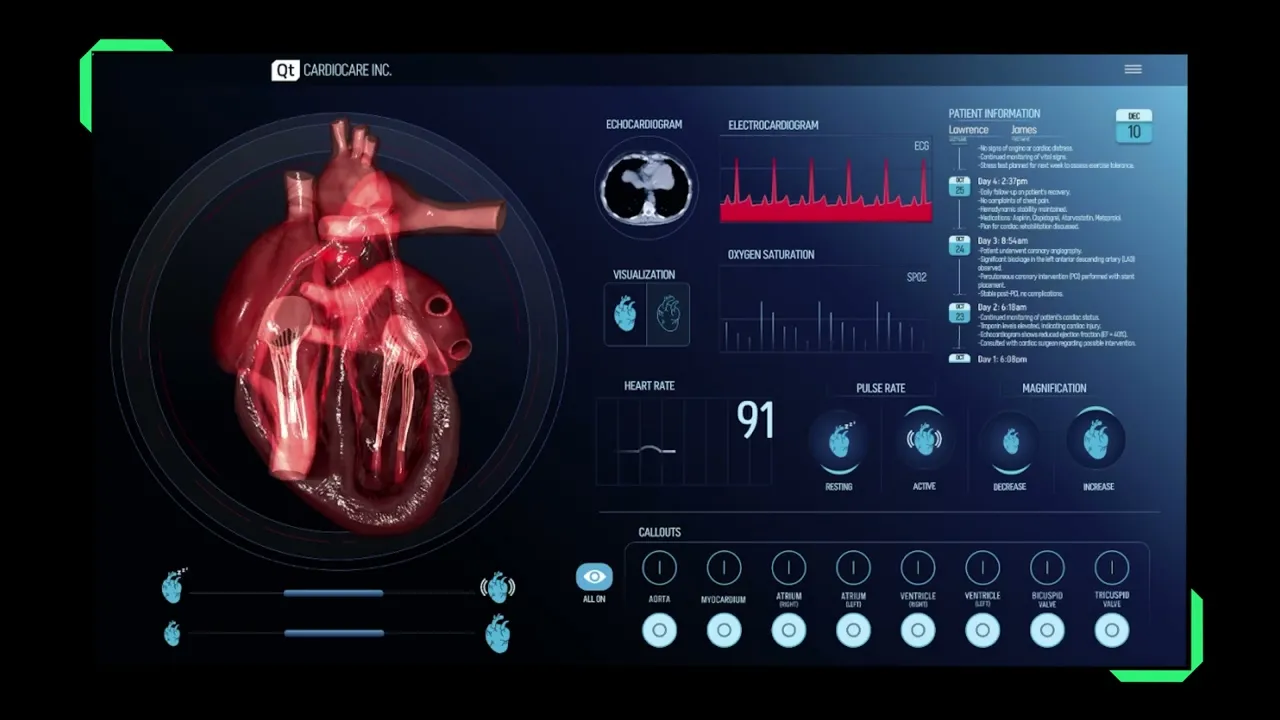
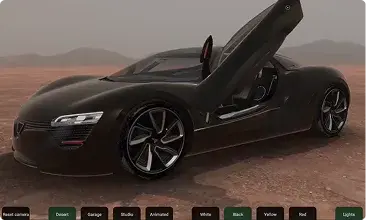
Create real-time, interactive 3D content in combination with other UI elements, using a high-level API built on top of modern graphics APIs.
Graphics
Include high-performant 2D and 3D vector graphics into your UI, using hardware-accelerated OpenGL support and a powerful scene graph architecture.

Graphs
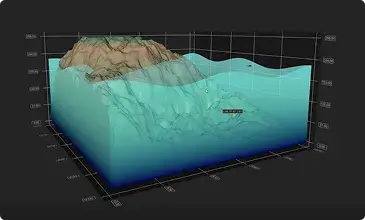
Visualize data in rapidly responding, customizable graphs from simple 2D to high-precision 3D and advanced techniques such as volumetric rendering.
Multimedia
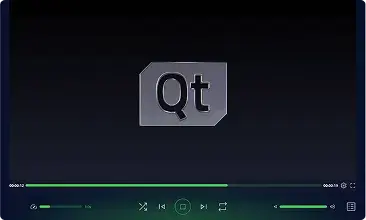
Handle audio and video playback, rendering, and recording, including access and memory buffers for system cameras, microphones, and screen captures.
Web Content, PDFs, and More
Provide a web browser engine to embed HTML, XHTML, and SVG content into your Qt application. Render PDF documents into a viewer.
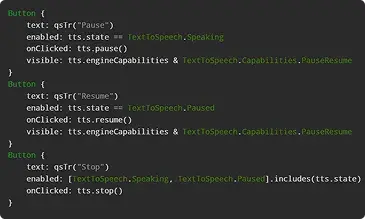
Virtual Keyboards & Text-to-Speech
Make use of ready-made building blocks for UI accessibility, such as high-contrast mode, global scaling, metadata, and accessibility tree structure.
BUILD WITH CLARITY
Clear Separation of the UI and Backend
Using a UI framework based on model-view programming allows you to tie your user interface to the backend, all the while keeping them separate. This enables hybrid UIs, needed often in larger modernization projects. In addition, Qt Framework provides a wealth of core functionality that you can very efficiently couple up with your UI.
Highlights include:
QML bindings and signal handling for the ability to react to changes
A wealth of networking & connectivity and data handling options
Pre-made accessibility features
Building blocks to help ensure cybersecurity and regulatory compliance, such as the EU Cyber Resilience Act
1000s of Developers Use Qt
See What Our Customers Say:
“Qt Framework allows a lot of data to be displayed in a really beautiful and cool way.”
Filip Berg-Nielsen, CEO, Volven
“Qt's cross-platform versatility, simulator efficiency, and multi-language productivity are all best-in-class.”
Yoshinobu Tatsui, Manager, R&D Center, Roland Corporation
“Qt cross-platform capabilities and QML's modularity make all the difference.”
Espen Skjong, Technical Director, Blue Ctrl
“We wanted to bring in state-of-the-art features, and give our developers something easy and fun to work with.”
Pierre Ossman, Product Owner for ThinLinc, Cendio
QML is one of the best languages that I’ve ever used. It takes only a few days to get the hang of it. It’s really productive, it saves lots of time, it’s a joy to use.
Daven Sanassy, CTO, Vochlea
DECLARATIVE UI DEVELOPMENT
The QML Language
QML is a declarative, memory-safe language used to design and implement user interfaces with Qt.
QML enables:
- Writing clean and readable code
- Expanding the UI description with imperative JavaScript
- Coding that is fully cross-platform on the language-level
- Fast learning with intuitive syntax
- Easy prototyping
In addition to developing UIs, QML is tightly coupled to the backend and the Qt objects system. It enables efficient event handling and, for example, application scripting with automated workflows.

More on Qt’s UI Framework
Speed up Qt Development with QML Hot Reload
This is a guest blog post by FELGO, an official Qt Technology and Serv...
Qt Quick Style Generator: Automating Qt Quick Styling with Figma
A Qt Quick Controls style defines the visual representation of the con...
More on Qt Framework
Qt Framework’s comprehensive set of libraries take away your routines from middleware to UI, 2D to 3D, platform to platform.
More on Releases & Licensing
The regular Qt Framework release cycle and the flexible licensing options allow you to choose the best fit to your product’s needs.
Get the Most out of Qt
Start experimenting with Qt's extensive, cross-platform UI framework, combining basic controls with enriched components.