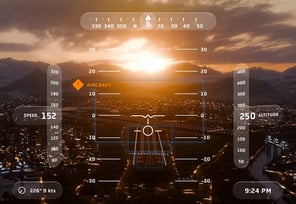
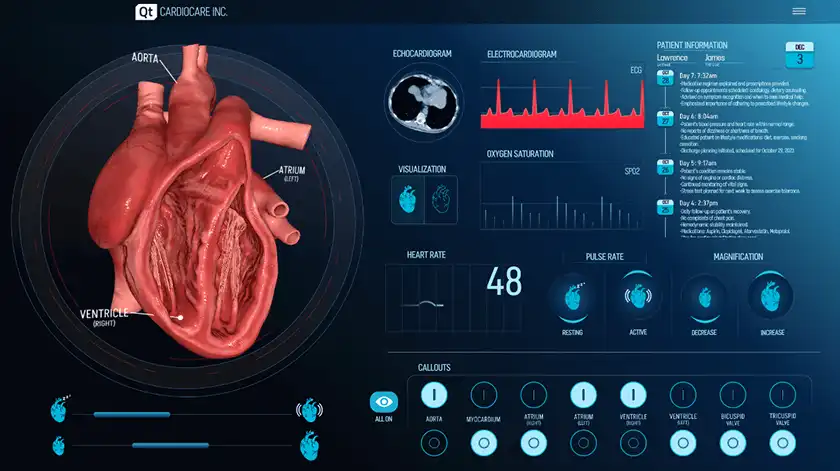
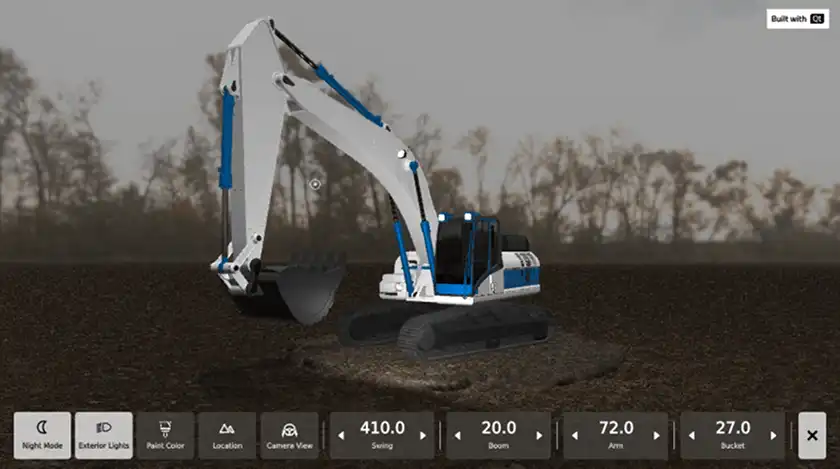
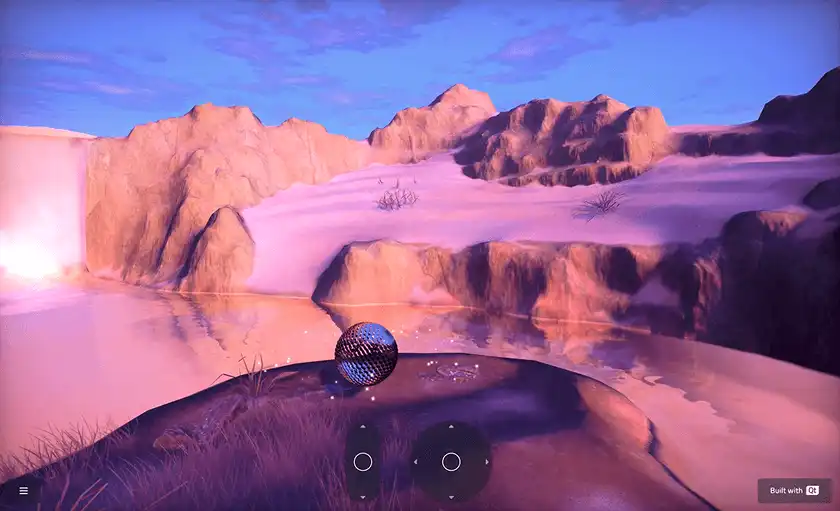
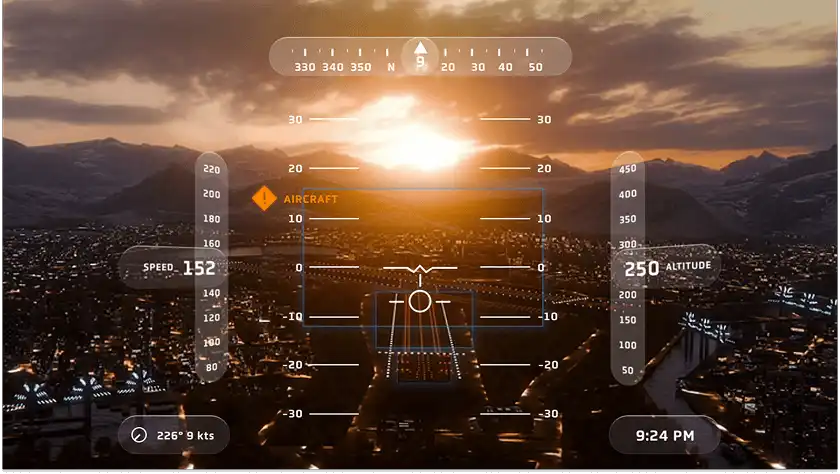
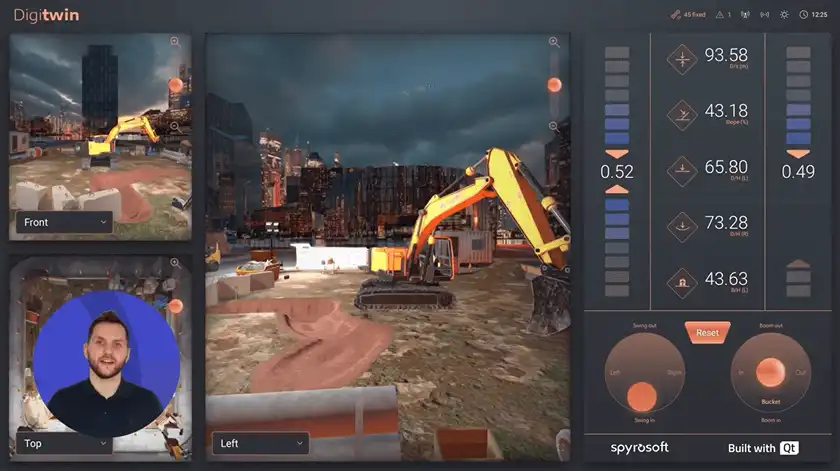
3D Framework That Performs on Real-World Hardware

Create stunning user interfaces with a 3D framework that runs smoothly on both embedded systems and mobile and desktop platforms, providing performance that stays consistent throughout your product’s lifecycle.

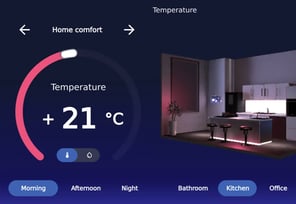
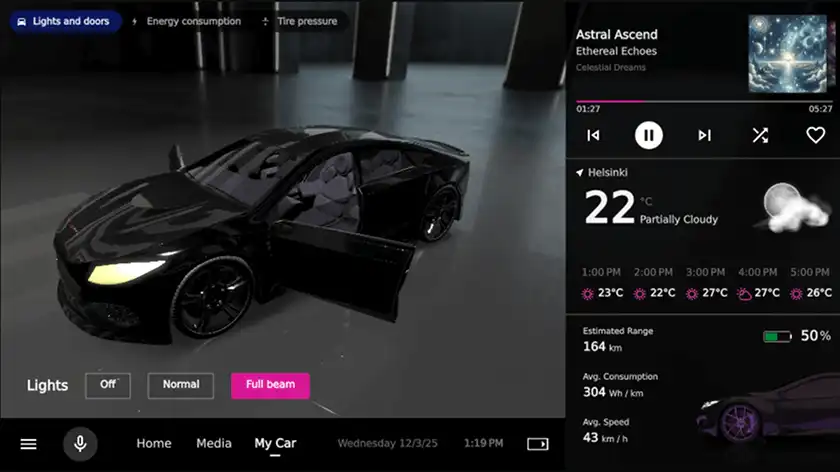
An example of car HVAC control system built with Qt, mixing both 2D and 3D graphics.
Qt-3DFramework-HighlightScene-1300-900

Qt-3DFramework-Highlight3Dwith2D-1300-900

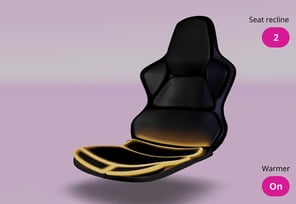
3D Objects and Effects
Qt-3DFramework-HighlightObject-1300-900-1

3D Scenes

Qt-3DFramework-HighlightScene-1300-900

3D and 2D Together

Qt-3DFramework-Highlight3Dwith2D-1300-900-1

3D Framework That Does Not Break the UX

 Qt Framework offers a range of options to best balance the degree of accuracy, detail, and realism of 3D models and scenes and the performance needs depending on your target hardware. Your 3D graphics will stay consistent over time, you can customize and optimize as needed, and your UI runs smoothly across your target platforms.

Full 3D Framework

Build modern 3D user interfaces without the overhead of a game engine, to ensure optimal and stable performance.

Build in 3D

Blend 2D and 3D Natively

Combine 2D and 3D graphics in the same user interface without switching tools or languages.

Mix & Match

Cross-Platform 3D Scenes

Create your 3D UI once and deploy it across different platforms with native performance, without rewriting code.

Render for Targets

With the previous solution, memory usage was gradually creeping up. At first, everything looked fine, but then the UI started maxing out the hardware and crashing. After switching to Qt, we immediately saw an 85% reduction in memory usage, with performance staying consistent over time.

Tero Ohranen, UX/UI Designer, Verge Motorcycles

Go to Their Story

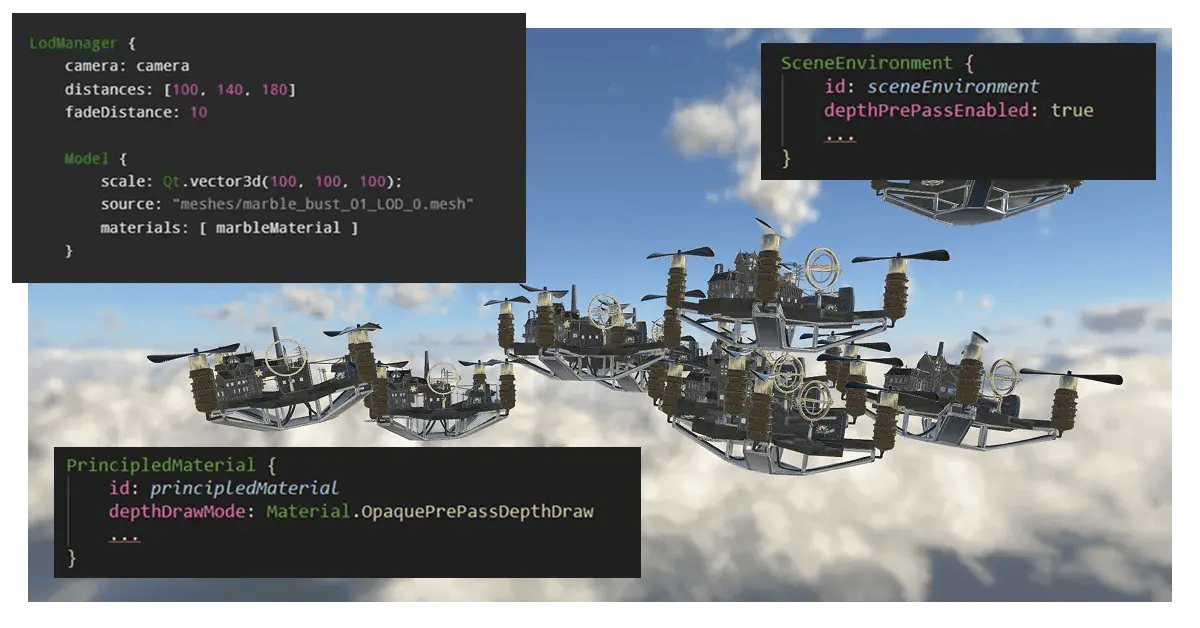
QML code sample from Qt's 3D Framework
FLUID 3D USER INTERFACES

3D Framework for High Performance

Using a powerful 3D engine along with native rendering capability is one thing. But coupling that up with mindful choices on the use of 3D techniques that affect your application performance, is where you truly ensure your UI runs smoothly on all needed target hardware.

We're hosting a developer webinar in May, proposing some hands-on tips and examples on how to create a stunning 3D UI with a balanced cost on the performance.
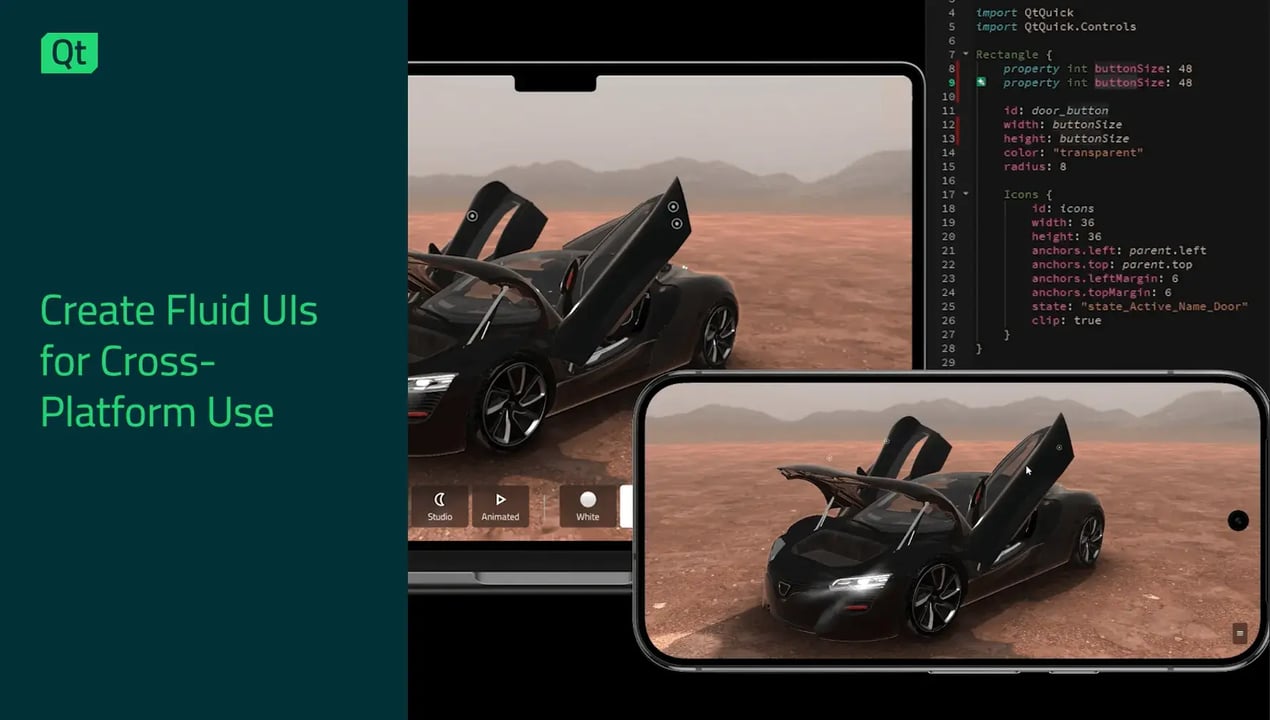
NATIVE 2D, 2.5D, 3D GRAPHICS

Blend 2D and 3D Without Workarounds

Build interfaces that mix 2D and 3D objects without the hassle of using separate toolkits.

Qt Quick 3D is an extension of Qt Quick, so you can use the same language and codebase whether you’re designing flat graphics, 2.5D effects, or complex 3D scenes.

Need to add a 3D model to a 2D dashboard? Done. Want interactive 2D controls inside a 3D environment? No problem.

It all works together naturally, letting you focus on creating great interfaces instead of wrestling with integration.

MAP 2D CONTENT INTO A 3D SCENE

Example in Git: 3D Scene with Interactive 2D Elements

Qt's 3D framework allows easily adding interactive 2D UI components inside 3D scenes or elements.

The Kappa Tau Station is a developer example built with Qt Quick 3D, demonstrating a 3D spaceship interior scene with a fully incorporated, interactive 2D screen, smaller keypads, and more. The 2D elements are built with Qt Quick, making them readily compatible with the larger 3D model, and allowing user interactions as a unified user interface.

Go to the Example’s Git Repository

Explore the 2D in 3D Documentation
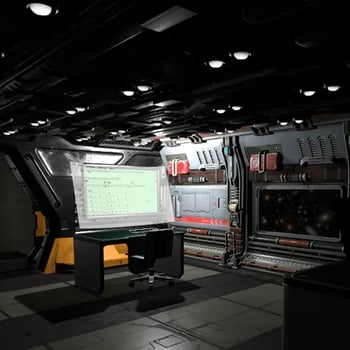
 

Qt's 3D Framework, example of embedding interactive 2D elements inside a 3D user interface


Qt naturally enables the creation of atomic UI components that can be reused across projects and appliances for a consistent, optimal user experience across different devices.

Daniel Dersmann, Head of Global GUI Framework Development, BSH

Go to Their Story

3D scene created with Qt, showing a boat navigating on a river of a modern city, going under a bridge.
3D USER INTERFACES

A Professional 3D Framework with Everything You Need

The Qt 3D framework offers the same capabilities as a game engine without unnecessary overhead like player logic, level systems, and game loops.

From simple 3D objects to complex interactive scenes, Qt provides everything you need to build professional 3D graphics.

  • Import or create models
  • Apply realistic materials and lighting
  • Add animations and physics
  • Customize with shaders as needed.

Since Qt is optimized for building user interfaces, performance remains consistent and optimal.

3D Feature Highlights

Global Illumination

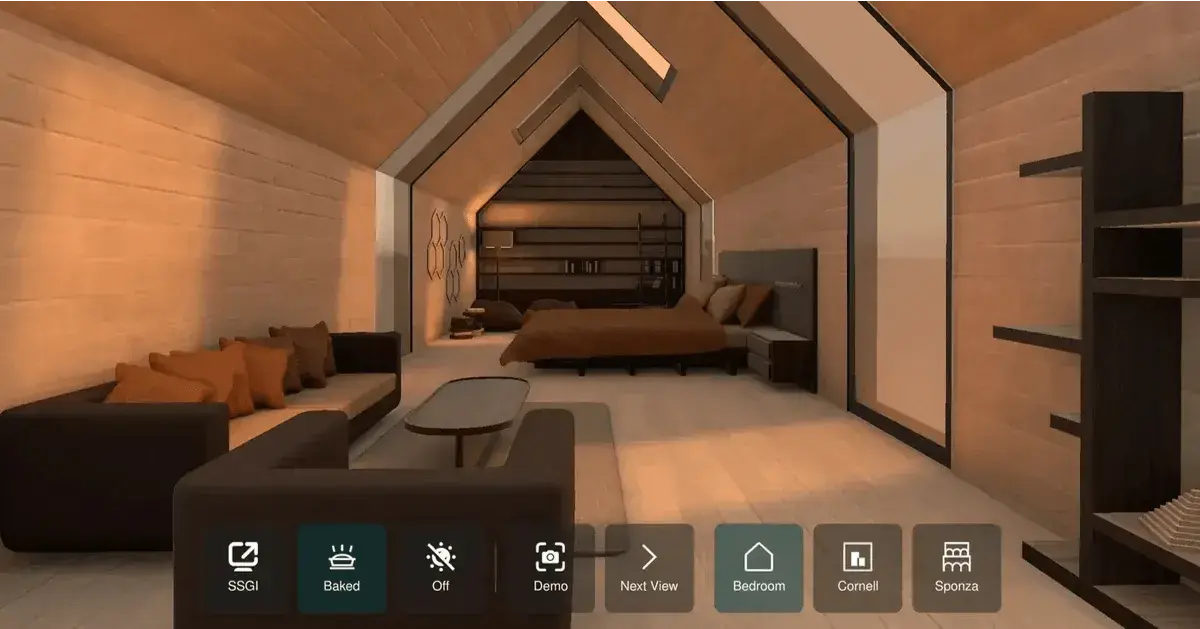
Pre-generate lighting with lightmap baking even for resource-constraint hardware, make it more dynamic with the real-time Screen Space Global Illumination (SSGI), or combine the two for a balanced end result.

Read a Tech Deep-Dive

Qt's 3D framework example on global illumination, featuring a bedroom 3D scene which you can download as a Qt example and toggle on and off global illumination and screen space global illumination

Particles

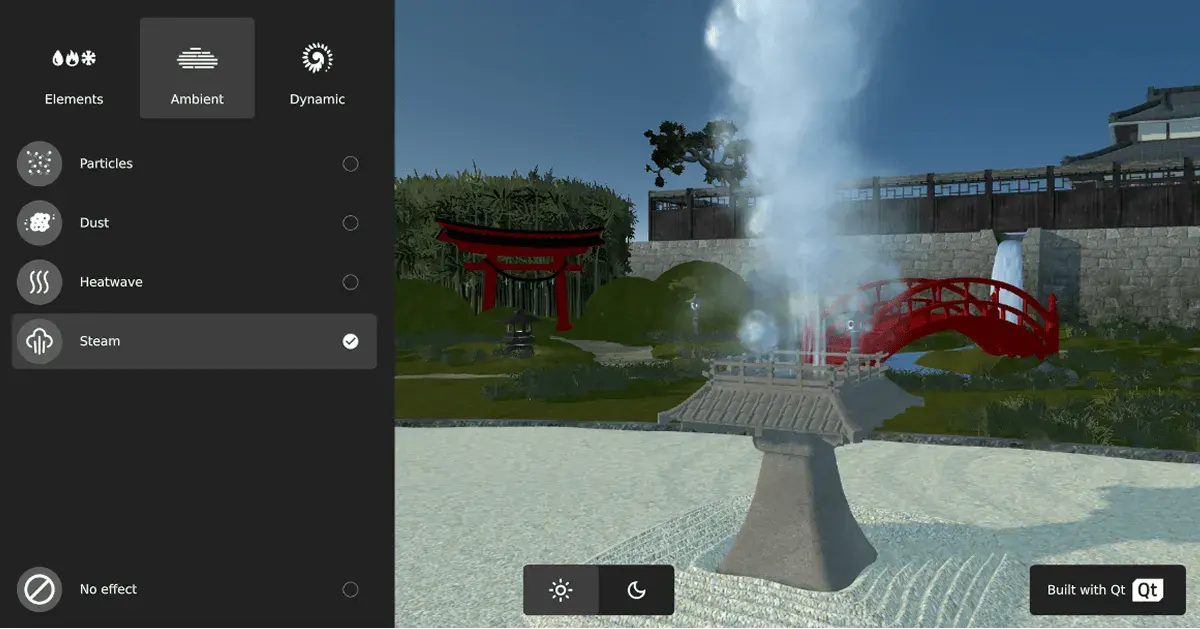
Create for example rain or snow effects with reverse particles, construct or explode a 3D model with the blend particle effect, and have particles react to 3D models and lights thanks to, e.g. a scene mesh.

See Latest News on Particles

Qt's 3D framework example on particles effects, featuring a game-like scene with a steam effect bursting from a 3D model

Reflections & Lighting

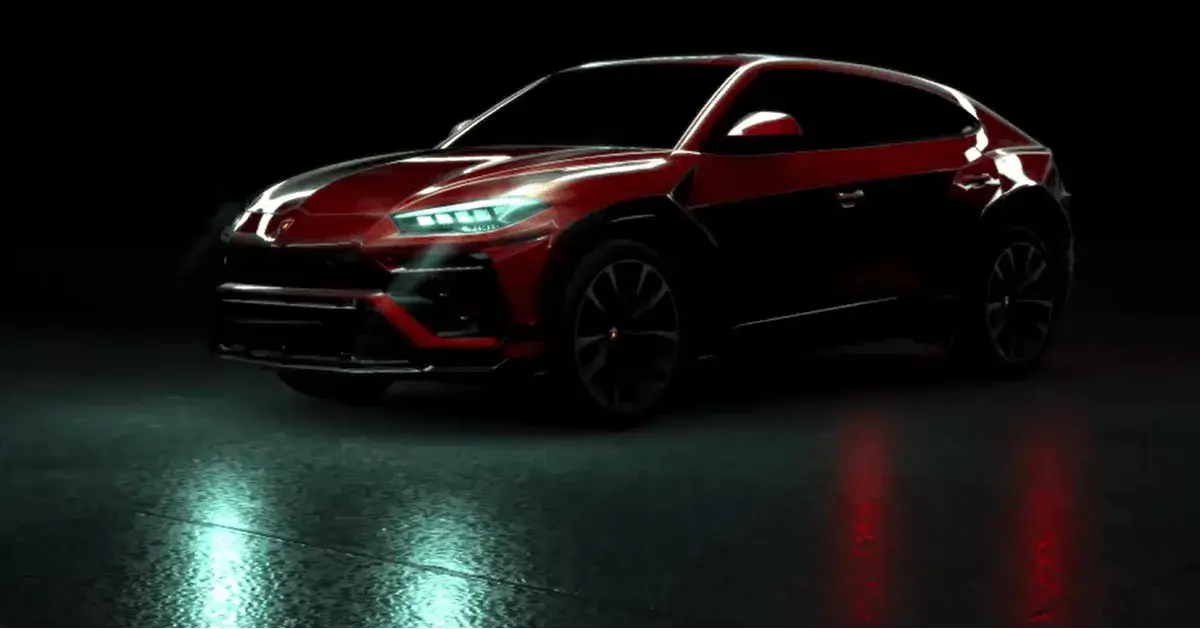
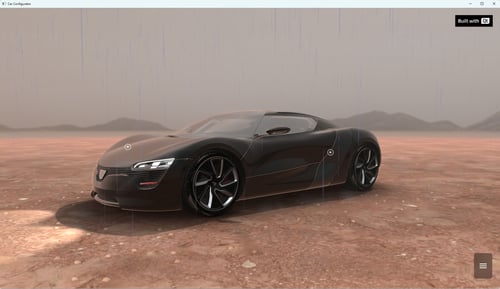
Improve realism with e.g. image-based lighting (IBL), make surfaces dynamic with shadow mapping and screen space reflections (SSR), and add consistency regardless of camera angle with the reflection probe.

Check out an SSR Example

Qt's 3D framework example on reflections and lighting, featuring a car with headlights on and a glossy surface

Flare, Glow, & Beyond

Make your 3D scene more realistic and visually appealing with various post-processing effects, such as lens flare or glow. Visualize fog or blur based on depth or height. Optimize resource usage with e.g. Level of Detail (LoD).
Explore the 3D Documentation

Qt's 3D framework example on adding flare, glow and other 3D effects, featuring a hyperrealistic 3D scene

Native Rendering Across Platforms


Qt’s 3D framework provides various rendering techniques where your choices often balance between improving realism and adding to the rendering overhead. Here are some highlights from the available techniques.

In addition, the Qt Rendering Hardware Interface, QtRhi introduced in Qt 6, is a graphics abstraction layer that enables writing rendering code once and automatically translating it for each target platform to the best-suited, native graphics API, such as Vulkan, Direct3D, Metal, or OpenGL.

With these, Qt scales naturally from low-power to high-performance systems, allowing the best graphics performance across platforms with lower CPU overhead and better GPU utilization.

Physically Based Rendering (PBR)

PBR improves the realism of your 3D elements with accurate light-material interactions. It benefits greatly from light probes (IBL).

Skeletal Animation

Skeletal animation is a technique that represents a 3D model by both "bones" (skeleton) and "skin" (a flexible 3D mesh surface). Moving the bones automatically deforms the skin, creating realistic motion. Bone count and mesh density affect model complexity and hence application performance.

Learn more about Skeletal Animation in Qt Documentation.

Morphing Animation

Morphing animation, or blendshape, is a technique that gradually transforms a model or a shape into another. It is often used for e.g. animating facial expressions. However, as it requires processing multiple vertex positions per frame and is often heavier than skeletal animation, it should be used sparingly for performance-critical scenes.

Learn more about Morphing Animation in Qt Documentation.

Instancing

Instancing, or instanced rendering, is a technique that renders several copies of the same 3D model by sending only one geometry data set to the GPU once, and telling to draw it multiple times. This significantly improves performance by reducing CPU draw calls and GPU memory usage, and enables efficiently rendering thousands of objects such as trees, grass, or crowds. Each instance can have unique properties like position, scale, rotation, or color. Qt's Instancing API is a major performance tool for complex scenes.

Learn more about Instancing API in Qt Documentation.

Order-Independent Transparency (OIT)

Order-Independent Transparency (OIT) is a technique that allows showing transparent 3D objects properly from all angles. It manages depth blending on the GPU, removing the need for manual sorting. OIT is crucial for modern real-time rendering, however, the improved realism comes at the cost of extra rendering overhead.

Try it out with a Qt Example on Order-Independent Transparency.

Antialiasing

Antialiasing is a technique such as MSAA or FXAA to smoothen jagging (pixelation) on diagonal or curved edges, making them appear smoother or more realistic. As each technique offers its own benefits and limitations, the choice of used antialiasing techniques must balance sharpness and performance depending on target hardware constraints.

Learn more about Antialiasing best practices in Qt Documentation.

Advanced Render-Pass Customization

Custom render passes allow modifying, extending, or completely replacing the standard rendering pipeline, for example, to insert customized effects. It enables breaking down the rendering process into "passes" to implement unique lighting, color, depth, or other effects at precise moments in the rendering loop. While this allows optimization, extra passes increase GPU workload and therefore require consideration regarding application performance.

CROSS-PLATFORM 3D FRAMEWORK

Consistent 3D UIs Across All Your Products

Companies with multiple product lines can provide the same high-quality 3D experience across entry-level to premium devices without rewriting from scratch for each platform.

Develop on Linux, Windows, or Mac, and deploy on a wide range of operating systems, browsers, or bare metal, powered by QtRhi.

Design once, deploy everywhere, and ensure your product family looks and performs consistently.

Check if your platform is supported Explore Graphics Documentation

More on Qt's 3D Framework

Rain effect with Quick3D Particles

Here is an overview on the new features added to the Quick3D.Particles...

Read More

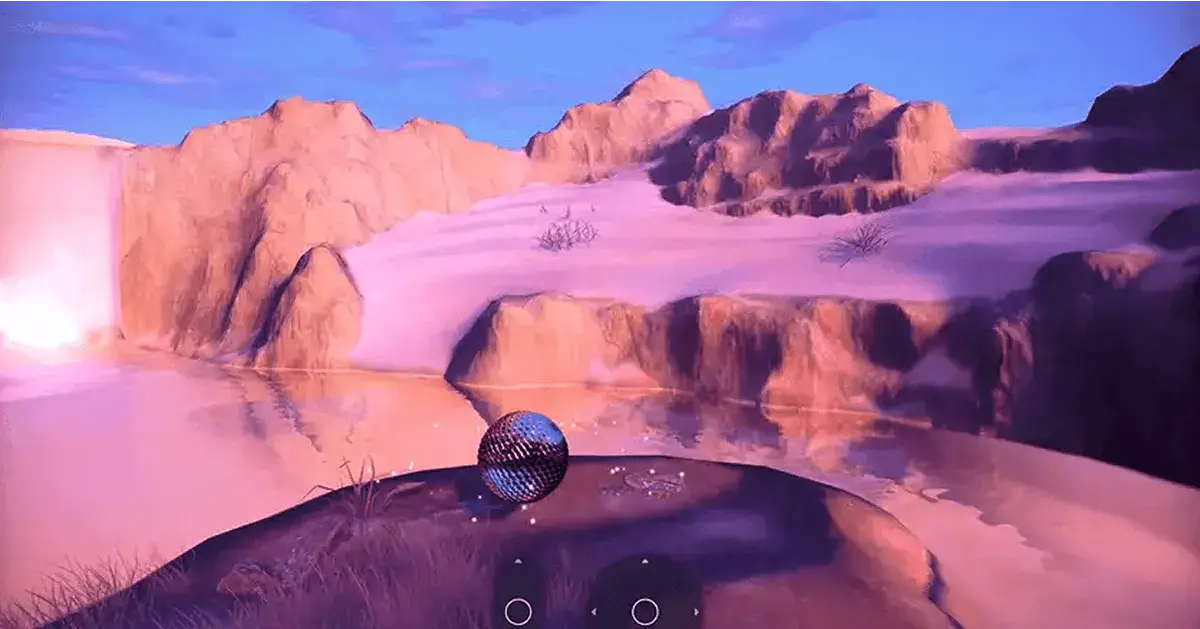
Poor Man's Volumetric Light

Building Volumetric Light Shafts with Real IES Profiles You know that ...
Read More

Qt Quick for Android - Qt 6.9 and 6.10

Just noticed that we have not posted recently updates from the Qt Quic...
Read More

Lightmap Baking and Other Improvements in Qt Quick 3D

In this blog post I will discuss some of the recent improvements aroun...

Read More

Frequently Asked Questions

Why use a non-gaming 3D framework?

  • Qt Framework 3D

Using a non-gaming 3D framework like Qt Quick 3D instead of a game engine is ideal for interactive user interfaces with high-performance needs, for example, in industrial applications, vehicle dashboards, or embedded devices. Qt provides faster load times, stability, ability to blend 2D and 3D, and cross-platform deployment.

What is hardware acceleration for 3D?

  • Qt Framework 3D

Hardware acceleration for 3D means moving rendering tasks from the CPU to GPU for efficiency, resulting in better performance and higher quality for 3D models, materials, lights, and shadows. With Qt, it’s built-in, providing high performance and stability.

How can you build realistic 3D experiences without heavy load times?

  • Qt Framework 3D

You can build realistic 3D experiences with fast load times by using optimized 3D assets that load directly in a GPUready format instead of runtime. Combined with consideration of your target hardware on choices for global illumination, lighting, and effects, and the use of Qt Rendering Hardware Interface (QRhi), you get a fluid 3D UI for flexible cross-platform use.

What are cross-platform 3D graphics?

  • Qt Framework 3D

Cross-platform 3D graphics are UI elements that are re-usable across various target platforms, from desktop to mobile to embedded systems. Qt provides the Qt Rendering Hardware Interface (QtRhi), a common API that translates high-level 3D graphics and scenes to the low-level graphics API on OpenGL, Vulkan, Direct3D, and Metal.

How to create 3D visuals for an embedded system?

  • Qt Framework 3D

Creating 3D visuals for embedded systems with UI frameworks like Qt Quick 3D provides ready-made building blocks for making use of optimized 3D assets, adding real-time reflections, lighting, particles and other effects, and utilizing hardware acceleration for high performance even on resource-constrained hardware.

How can you embed high-performance 3D rendering into your application?

  • Qt Framework 3D

The choice of the used 3D framework has a major impact on how high performant your 3D rendering is. In addition, it is recommended to balance the capacity of your target hardware with the use of techniques to enhance realism and flexibility in 3D scenes. These include physically based rendering (PBR), instancing, and antialiasing, along with the use of global illumination, lighting techniques, and effects.

Do you need a game engine to make 3D games?

  • Qt Framework 3D

Not necessarily! There are plenty of games built with Qt. One of the newest examples is Ecliptica, to be released in 2026. For more examples, see the list of Qt-based games in Wiki.

What are best practices for 3D UI development?

  • Qt Framework 3D

Best practices for 3D UI development include separating the backend from frontend, having an ability to blend 2D and 3D graphics as well as basic UI controls, and ensuring sufficient performance and easy deployment across desktop, mobile, and various embedded devices.

Why is it recommended to create both 2D and 3D interactive content with a comprehensive toolset?

  • Qt Framework 3D

Creating a UI with both 2D and 3D interactive content with a comprehensive toolset removes the hassle of switching between separate tools or languages. As Qt Quick 3D is an extension of Qt Quick, it blends basic UI controls, 2D, and 3D elements natively, in a single UI framework, without a need to separately integrate them. This makes your UI faster to build and easier to maintain.

How does 3D work together with middleware?

  • Qt Framework 3D

3D graphics work easily with middleware with 3D frameworks such as Qt, providing built-in functionality for, for example, networking and connectivity and data handling.

Incorporated middleware for 3D applications allows consistently managing what’s in between the frontend and backend, such as sensor data and user interactions, animations, slicing, vectorization, sampling and reconstruction of 3D models, or even dynamically managing Level of Detail (LOD). 

More on Qt Framework

Qt Framework’s comprehensive set of libraries take away your routines from middleware to UI, 2D to 3D, platform to platform.

More on Releases & Licensing

The regular Qt Framework release cycle and the flexible licensing options allow you to choose the best fit to your product’s needs.

Get the Most Out of Qt

Start experimenting with Qt's extensive, cross-platform UI framework, combining basic controls with enriched components.