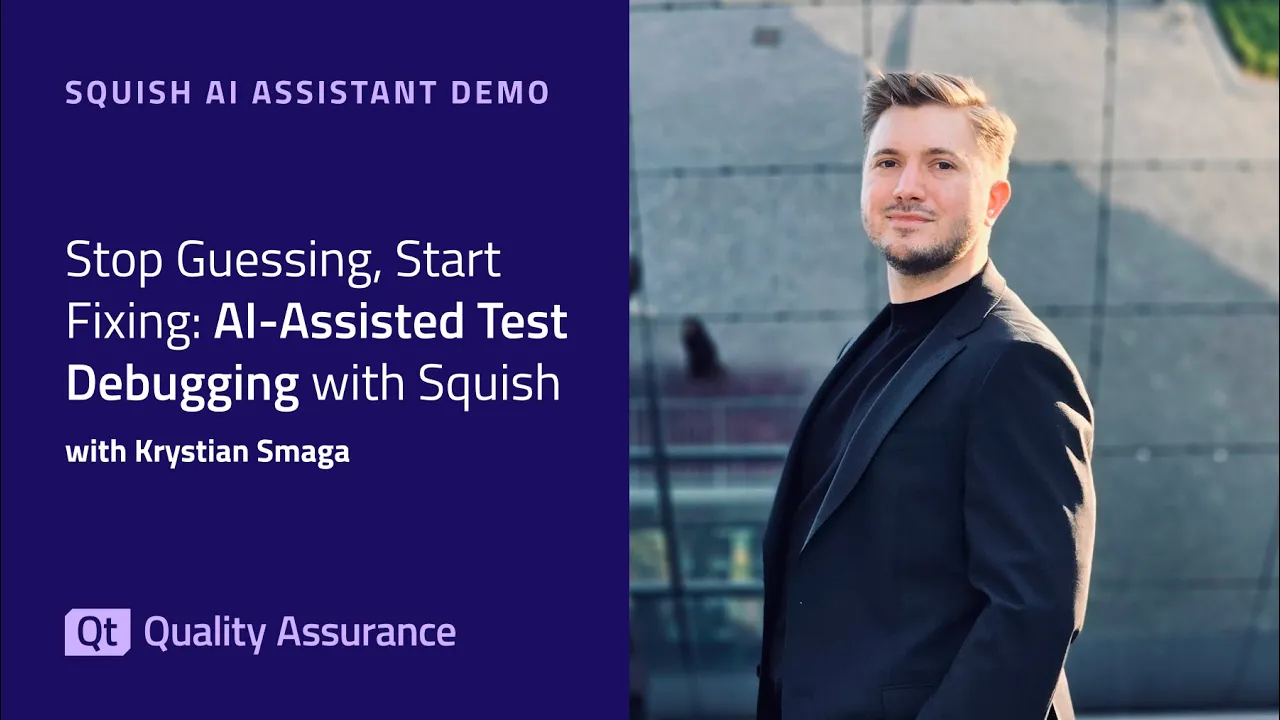
Stop Guessing, Start Fixing: AI-Assisted Test Debugging with Squish
The Squish AI Assistant brings AI-powered support directly into the Squish IDE – helping you write cleaner test scripts, understand test failures, and troubleshoot issues faster. In this demo, Qt software engineer Kristen Smaga walks you through the key capabilities: ✅ Analyze test results – Right-click on a failed test to get an instant explanation of what went wrong and how to fix it ✅ Improve test code – Select repetitive or messy code and let the assistant suggest cleaner alternatives ✅ Troubleshoot logs – Paste runner or server logs into the assistant to quickly identify root causes like version mismatches The AI Assistant is available as an optional extension for all Squish users starting with version 9.1. You decide when and how to use it – it integrates into your workflow without changing how Squish works.
Oh, here is more

Webinar: The Cyber Resilience Act: What Waiting is Costing US Software Teams
Starting September 11, 2026, the EU Cyber Resilience Act (CRA) requires companies to report actively...
Watch Video
Webinar: Architecture-Guided Migration to Rust
Rust promises memory safety and modern tooling — but migrating a large, safety-critical C or C++ cod...
Watch Video
On-Demand Webinar: CI/CD and Continuous Compliance of Embedded Software for Aerospace and Defense
Today, CI/CD for pure software products is well understood. But hardware dependencies and embedded d...
Watch Video
De-Risking AI Playbooks: How to Build Visual UI Tests That Remain 100% Deterministic
Pixel-by-pixel UI testing is too brittle for modern release cycles, yet LLMs introduce a dangerous l...
Watch Video