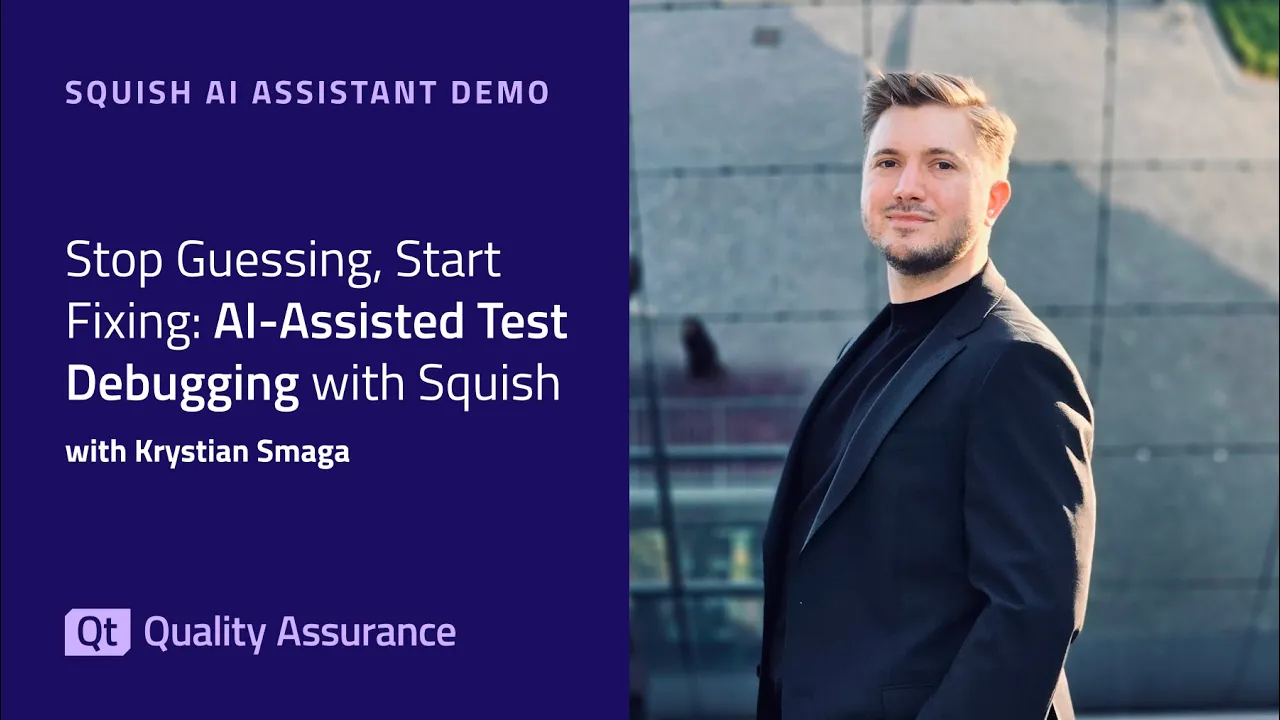
Stop Guessing, Start Fixing: AI-Assisted Test Debugging with Squish
The Squish AI Assistant brings AI-powered support directly into the Squish IDE – helping you write cleaner test scripts, understand test failures, and troubleshoot issues faster. In this demo, Qt software engineer Kristen Smaga walks you through the key capabilities: ✅ Analyze test results – Right-click on a failed test to get an instant explanation of what went wrong and how to fix it ✅ Improve test code – Select repetitive or messy code and let the assistant suggest cleaner alternatives ✅ Troubleshoot logs – Paste runner or server logs into the assistant to quickly identify root causes like version mismatches The AI Assistant is available as an optional extension for all Squish users starting with version 9.1. You decide when and how to use it – it integrates into your workflow without changing how Squish works.
Oh, here is more

On-Demand Webinar: CI/CD and Continuous Compliance of Embedded Software for Aerospace and Defense
Today, CI/CD for pure software products is well understood. But hardware dependencies and embedded d...
Watch Video
De-Risking AI Playbooks: How to Build Visual UI Tests That Remain 100% Deterministic
Pixel-by-pixel UI testing is too brittle for modern release cycles, yet LLMs introduce a dangerous l...
Watch Video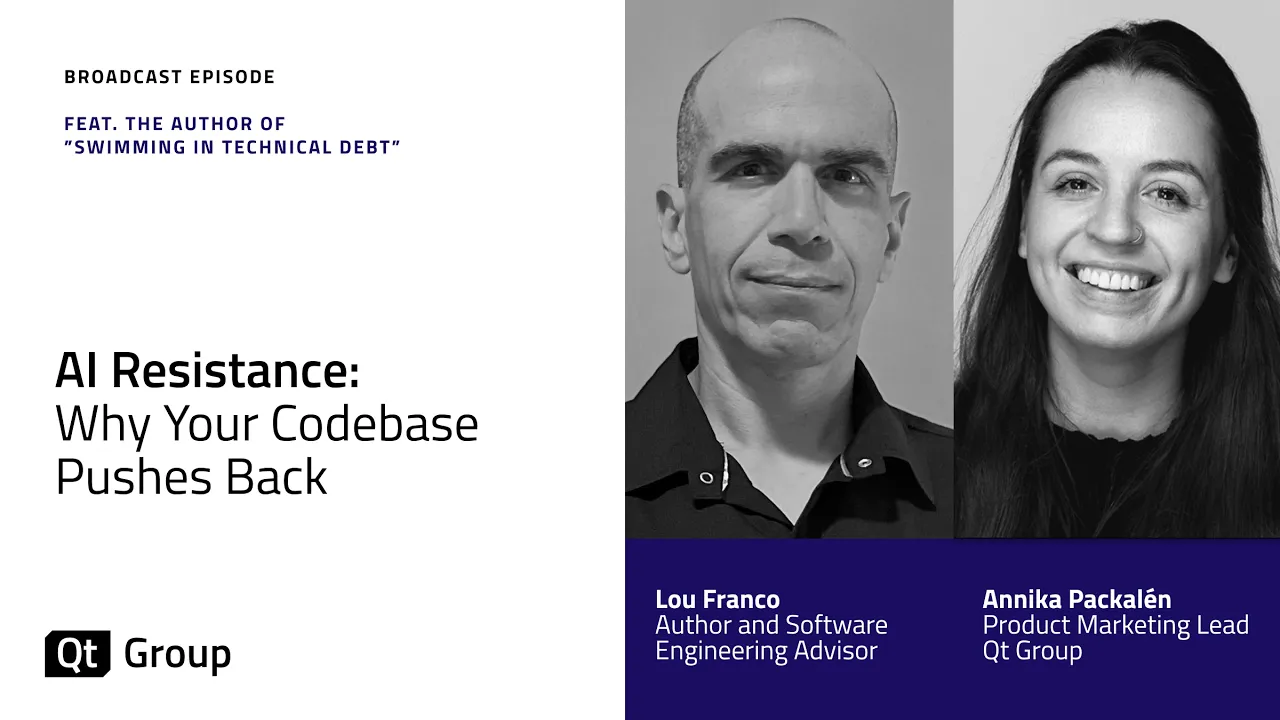
Podcast: AI Resistance: Why Your Codebase Pushes Back
AI is changing how software gets built, but it's also revealing why some systems can't keep up. In t...
Watch Video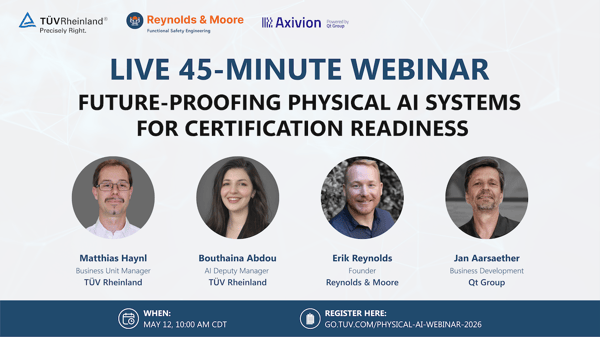
Future-Proofing Physical AI Systems for Certification Readiness
Physical AI systems are rapidly transforming industries such as robotics, autonomous systems, indust...
Watch Video