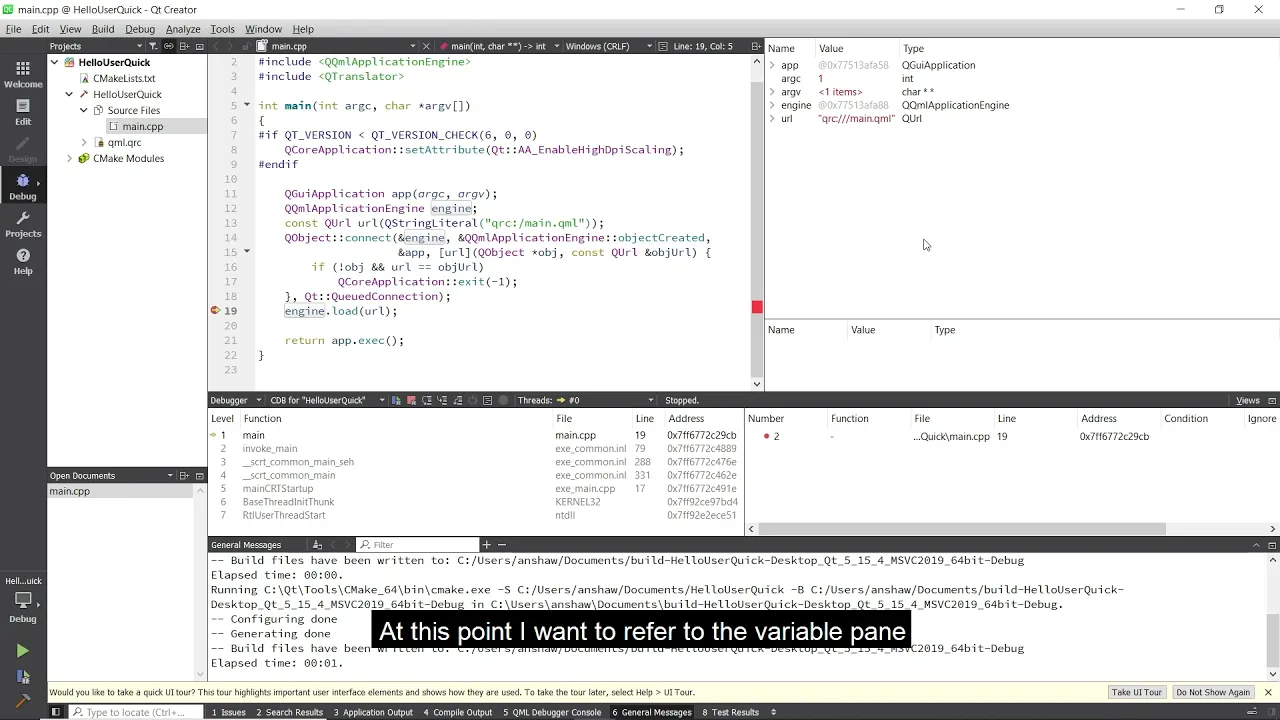
Debugging inside Qt Creator
In this video, we'll show you how to debug your application inside Qt Creator using the tools available to you. In order to debug your application then it can be useful to have the debug symbols for Qt installed as well alongside the extra helpers for Qt Creator if you are using Visual C++. So we need to first start up the Maintenance Tool for the online installer so that we can add these things to our installation. I have already logged in to save time in my case and have reached the components page ready to select the ones we need to add. So we expand our version of Qt, which is 5.15.4 in this case, and make sure that we have a tick for Sources and Qt Debug Information Files. If you are on Windows then while we are here we can scroll down to Developer and Designer Tools and make sure that Qt Creator 4.15.0 CDB Debugger Support and Debugging Tools for Windows are also checked, these are included by default so you may already have these ticked, in which case leave them as they are. And now we click on next and let it install.
Oh, here is more

Webinar: The Cyber Resilience Act: What Waiting is Costing US Software Teams
Starting September 11, 2026, the EU Cyber Resilience Act (CRA) requires companies to report actively...
Watch Video
Video: The Making of The Outpace Project
Project Outpace – Qt's Reference Panoramic 3D Automotive Cockpit. Don't Choose Between The Design Yo...
Watch Video
On-Demand Webinar: CI/CD and Continuous Compliance of Embedded Software for Aerospace and Defense
Today, CI/CD for pure software products is well understood. But hardware dependencies and embedded d...
Watch Video
On-Demand Webinar: Agentic Development for Embedded Devices: From Experiment to Production
Agentic development for embedded devices is moving from experiment to production, and regulated indu...
Watch Video