


IAR Embedded Workbench

Part of IAR Platform

IAR Embedded Workbench is a complete development toolchain with an optimized compiler, debugger, and analysis tools, streamlining embedded software development across various microcontrollers and processor architectures for performance and reliability.

Key Benefits

IAR Embedded Workbench combines advanced debugging, broad device support, and industry compliance, enabling efficient, reliable, and secure embedded development across diverse architectures.

  • All-in-One Toolchain
  • Broad Architecture and Device Support
  • Maximum Performance and Efficiency
  • Comprehensive Debugging and Analysis
debugging  on vs code with iar debugger

All-in-One Toolchain

IAR Embedded Workbench offers a fully integrated development environment (IDE) with an advanced optimizing compiler, linker, assembler, and debugger, eliminating the need for multiple third-party tools.

debugging focus on development board renesas

Broad Architecture and Device Support 

Supports over 20 architectures, including Arm, RISC-V, 8051, MSP430, AVR, AVR32, Renesas RX, RL78, RH850, V850, M16C/R8C, Renesas 78K, STM8, and many more, providing flexibility across multiple embedded platforms.

IAR IDE and VS Code efficiency flexibility female developer

Maximum Performance and Efficiency

The highly optimized IAR C/C++ Compiler delivers industry-leading performance, allowing developers to create highly efficient embedded applications with minimal code size and power consumption.

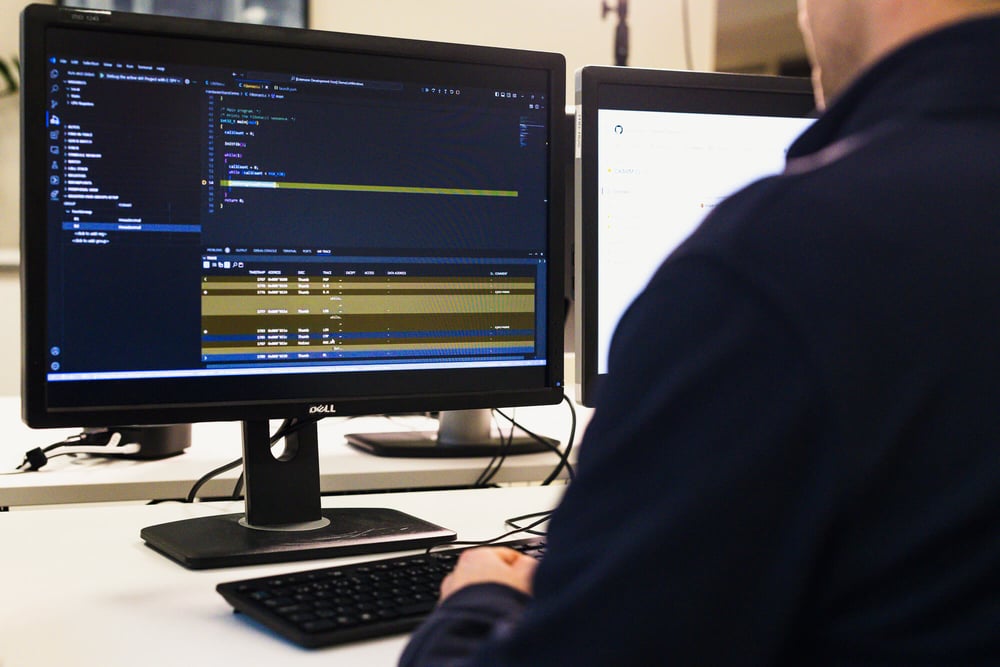
develper with mutlipe screens writting and debugging code

Comprehensive Debugging and Analysis

The built-in IAR C-SPY Debugger provides advanced debugging capabilities, including real-time trace, code coverage, function profiling, and RTOS awareness for precise debugging and system optimization.

Features

From advanced debugging to seamless IDE integration and RTOS support, IAR Embedded Workbench helps developers optimize performance, ensure compliance, and accelerate time to market.

Seamless IDE and Build Integrations

Works with VS Code and Eclipse, enabling developers to leverage IAR’s advanced toolchain within familiar environments. Supports CMake-based builds, allowing flexible project configuration, cross-platform development, and smooth integration with CI/CD pipelines for automated testing and deployment.

Multi-Project Support

Manage multiple configurations and projects within the same workspace, allowing developers to work on different versions, debug multiple targets, and easily switch between project setups for flexible and efficient embedded development.

Advanced Debugging Capabilities

The IAR C-SPY Debugger provides real-time trace, code coverage, function profiling, and RTOS awareness, helping developers gain deep insights into software execution and optimize performance efficiently.

Extensive Hardware Support

Works with a wide range of debug probes, emulators, and evaluation boards, ensuring developers can test, debug, and validate embedded systems under real-world conditions. Supports I-jet, I-jet Trace, J-Link, PE Micro and ST-LINK probes, providing reliable and efficient debugging.

Integrated Static and Runtime Analysis

Use IAR C-STAT for static code analysis to enforce coding standards and IAR C-RUN* for runtime error detection, helping identify vulnerabilities, improve reliability, and ensure high-quality embedded applications.

*Available for Arm and RX.

RTOS Support

Gain instant RTOS awareness with built-in plugins for leading real-time operating systems, like PX5 RTOS and Zephyr RTOS, enabling task-level debugging, event tracing, and seamless integration with RTOS-specific features for enhanced embedded software development.

TUV_Functional_Small test 5

Functional Safety Certification

IAR Embedded Workbench is certified by TÜV SÜD to meet multiple functional safety standards. Each new platform release undergoes certification, ensuring consistently high-quality development processes and software.
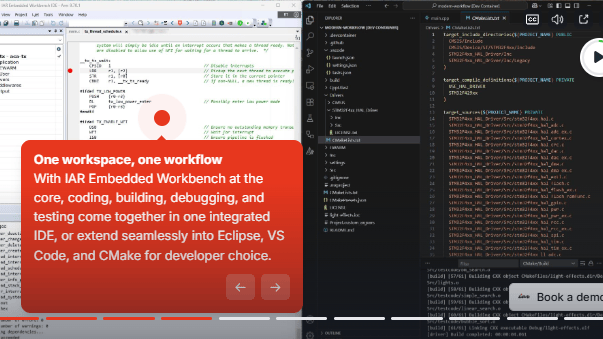
Supademo screen

TRY OUT IAR'S PLATFORM

Interactive Demo

Experience IAR's platform and get an introduction to how it works.

Supported Architectures

  Arm RISC-V Renesas RL78 Renesas RH850 Renesas RX STM8 AVR32 MSP430 8051 AVR Renesas 78K Renesas V850 Renesas M16/C/R8C
IAR Embedded Workbench checked checked checked checked checked checked checked checked checked checked checked checked checked
FuSa certified checked checked checked checked checked checked un-checked un-checked un-checked un-checked un-checked un-checked un-checked
  • Legacy architectures such as ColdFire, CR16C, H8, HCS12, M32C, MAXQ, R32C, S08, SAM8, and SH are available by request only.

Third Party Integration

IAR Extensions for Visual Studio Code

Develop your IAR Embedded Workbench projects directly in Visual Studio Code with our powerful extensions. Discover how IAR is revolutionizing embedded development with C-SPY Listwindows, featuring tools like Registers, Symbolic Memory, Live Watch, Trace, Profiling, and Code Coverage.

Explore Extension

IAR Eclipse Plugins

Enhance your Eclipse IDE for C/C++ Developers with the free IAR Eclipse plugins, enabling seamless integration with IAR Embedded Workbench. Leverage high-quality IAR build toolchains and advanced debugging features for supported target architectures.

Explore Plugins

Zephyr RTOS Support

Combine Zephyr’s flexibility with IAR’s reliability: optimized builds, RTOS-aware debugging, and safety-certified toolchains for modern embedded systems.

Learn More

IAR IDE and VS Code efficiency flexibility female developer

Supported Standards

Language Supported standards Standard libraries
C ISO/IEC 9899:2018
ISO/IEC 9899:1990
ISO/IEC 9899:1995
C standard library
  • DLIB
C++ ISO/IEC 14882:2017 ISO/IEC 14882:2014
ISO/IEC 14882:2017
  • Libc++
*Legacy compilers might not support the latest standards.

Supported Devices

Architecture Manufacturer Family Device
Loading…
Video Thumbnail

HOW TO GET STARTED

Integrating CMSIS-Toolbox with IAR Embedded Workbench

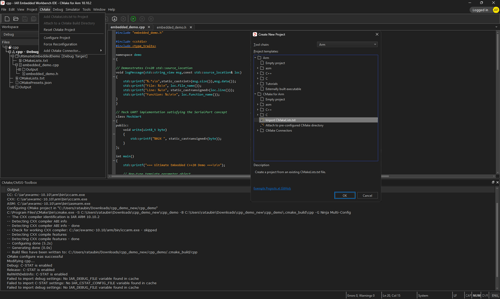
This video explores CMSIS-Toolbox and its integration with CMake for managing software packs in the Open-CMSIS-Pack format. It provides a step-by-step demonstration of using a csolution.yml file within IAR Embedded Workbench, covering importing, building, and debugging. By combining CMSIS-Toolbox, CMake, and IAR’s development environment, it enhances workflow efficiency and maximizes the capabilities of IAR C-SPY debugging. Whether for beginners or experienced developers, this guide helps streamline the embedded development process.

MIGRATION HELP

Project Migration Tools

Smoothly transition your existing project to IAR Embedded Workbench with our migration tools and comprehensive documentation.

IAR Extensions for Visual Studio Code

Develop your IAR Embedded Workbench projects directly in Visual Studio Code with our powerful extensions. Discover how IAR is revolutionizing embedded development with C-SPY Listwindows, featuring tools like Registers, Symbolic Memory, Live Watch, Trace, Profiling, and Code Coverage.

Get Tool on GitHub

Further Migration Guides

Migration guides are available for 8051, MSP430, Arm, Renesas RX, and Renesas RL78.

For more resources, visit IAR MyPages.

Access My Pages

Need guidance?

Contact our experienced FAEs, who will help take you further.

Connect with an Expert

FAQ

What architectures and microcontrollers are supported?

IAR Embedded Workbench supports a wide range of microcontrollers, including Arm, RISC-V, 8051, MSP430, AVR, AVR32, Renesas RX, Renesas RL78, Renesas RH850, Renesas V850, M16C/R8C, Renesas 78K, and STM8. Legacy architectures such as ColdFire, CR16C, H8, HCS12, M32C, MAXQ, R32C, S08, SAM8, and SH are available by request only.

How does it improve development efficiency?

By integrating compilation, debugging, and analysis in a single environment, developers can reduce context switching and streamline their workflow.

Can it be used in functional safety applications?

Yes, IAR Embedded Workbench includes certified tools for functional safety development, with TÜV SÜD-certified versions available for compliance with industry safety standards.

Can IAR Embedded Workbench be integrated with other development environments?

Yes, IAR Embedded Workbench integrates with VS Code via the IAR Build and Debug extensions, allowing developers to code and debug using a modern interface. It also supports Eclipse IDE through plug-ins for workflow compatibility. Additionally, it can be integrated with third-party build and CI/CD systems such as Jenkins, GitHub Actions, and GitLab CI/CD using IAR Build Tools. This ensures flexibility for teams that work in hybrid development environments.

Can IAR Embedded Workbench support third-party extensions?

Yes, the toolchain supports third-party RTOS debugging extensions such as FreeRTOS, Azure RTOS, Zephyr RTOS and PX5 RTOS. It also allows the use of middleware libraries, including TCP/IP stacks, file systems, and security frameworks. Additionally, it is compatible with hardware debugging tools from vendors like Segger, PE Micro, and Renesas, TI, and more, enabling cross-platform debugging.

Get Access to All

Scale development operations with freedom and flexibility, accelerate innovation with code confidence and simplify compliance while strengthening security.

  • Architecture and device agnostic
  • Cloud-ready, tailored for enterprises
  • Functional safety always included
  • End-to-end embedded security

With our platform, you get access to everything.
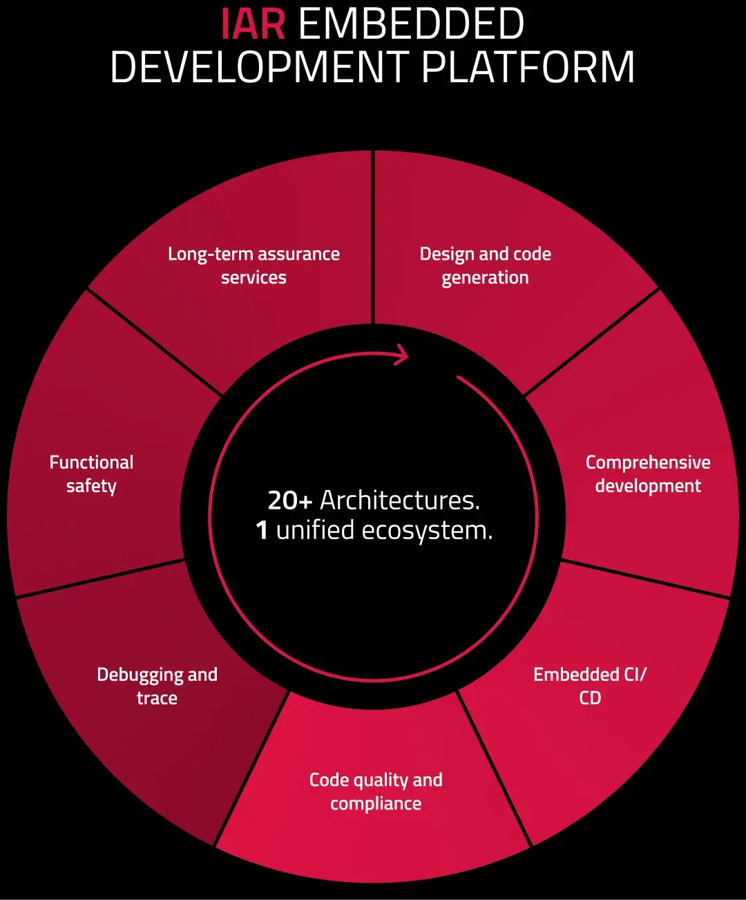

Explore the Platform

Platform wheel without header bigger canvas


Get started today.
Our worldwide sales team is here to guide you.