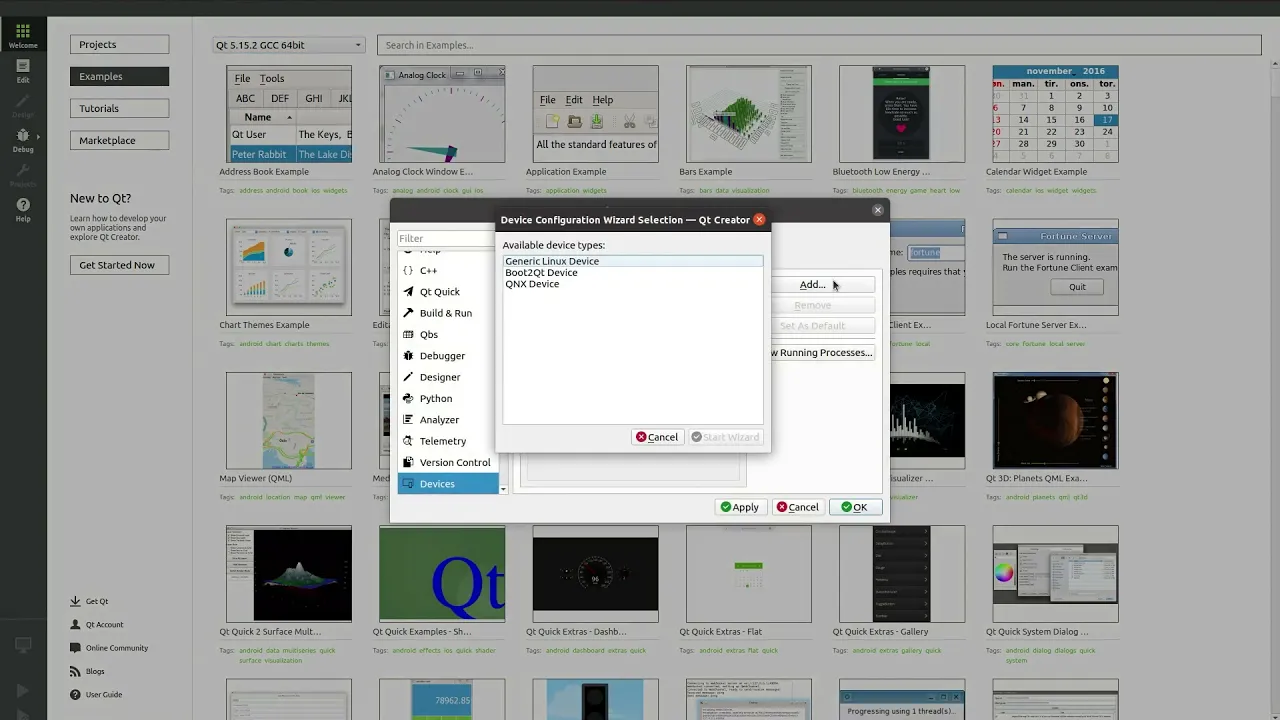
How to set up and deploy an application using Qt for Device Creation
In this video, we'll show you how to setup and deploy an example application for your device using Qt for Device Creation. We will be using the Toradex Apalis iMX6 device for this video, but the process can be followed for your own device too. It is also assumed that it is already setup so that you can boot from the SD card. If you need help with this then please contact Qt Support. The example application we will be using for this is the one from making your first Qt Quick application video.
Oh, here is more

On-Demand Webinar: How to Design Production Ready UX
We will do a deep dive into the new tool for embedded UI/UX designers: available in beta by the time...
Watch Video
On-Demand Webinar: Qt Custom Drawing Methods: From Past to Present
Qt's custom painting story spans decades, from QPainter and classic widgets to hardware-accelerated ...
Watch Video
On-Demand Webinar: From Rectangles to Shader Effects: How Controls, Graphs and Everything Between Works Together
A hands-on look at Qt's UI framework. Discover how to combine basic controls, animations, graphs, an...
Watch Video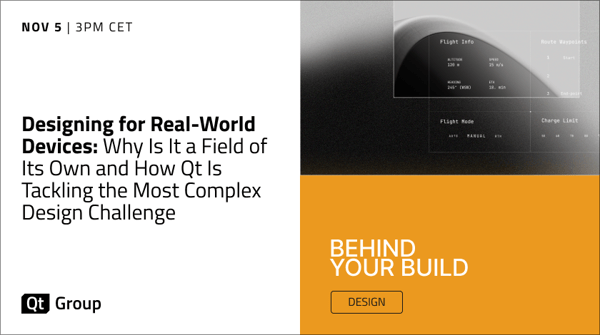
On-Demand Webinar: Designing for Real-World Devices: Why Is It a Field of Its Own and How Qt Is Tackling the Most Complex Design Challenge
In this keynote, we discuss UX design for real-world devices and why we believe it needs solutions t...
Watch Video