Real-time 3D made easy with Qt Design Studio and Qt Quick 3D
Imbue your designs with HDR lighting, physically-based PBR materials, custom animations/transitions, and more. Learn how to get started on your own 3D UI, import your model, customize to your liking, and render it all at 60fps together with Qt's Technical Artist Shawn Dorsey and Siili's UX/UI Designer Mateusz Skoczylas. We will be using Qt Design Studio and Qt Quick 3D to showcase those features inside an automotive instrument cluster you can use in your own projects.
Oh, here is more

On-Demand Webinar: Agentic Development for Embedded Devices: From Experiment to Production
Agentic development for embedded devices is moving from experiment to production, and regulated indu...
Watch Video
CRA-ready in der industriellen Automatisierung: Von der Entwicklung bis zur Integration
Industrielle Softwareteams arbeiten unter zunehmendem Druck - knappe Budgets, CRA-Compliance-Fristen...
Watch Video
Video Podcast: Five Things From Auto China 2026 That Should Change Your SDV Roadmap
The modern in-vehicle experience starts in the architecture underneath the cockpit. The world’s bigg...
Watch Video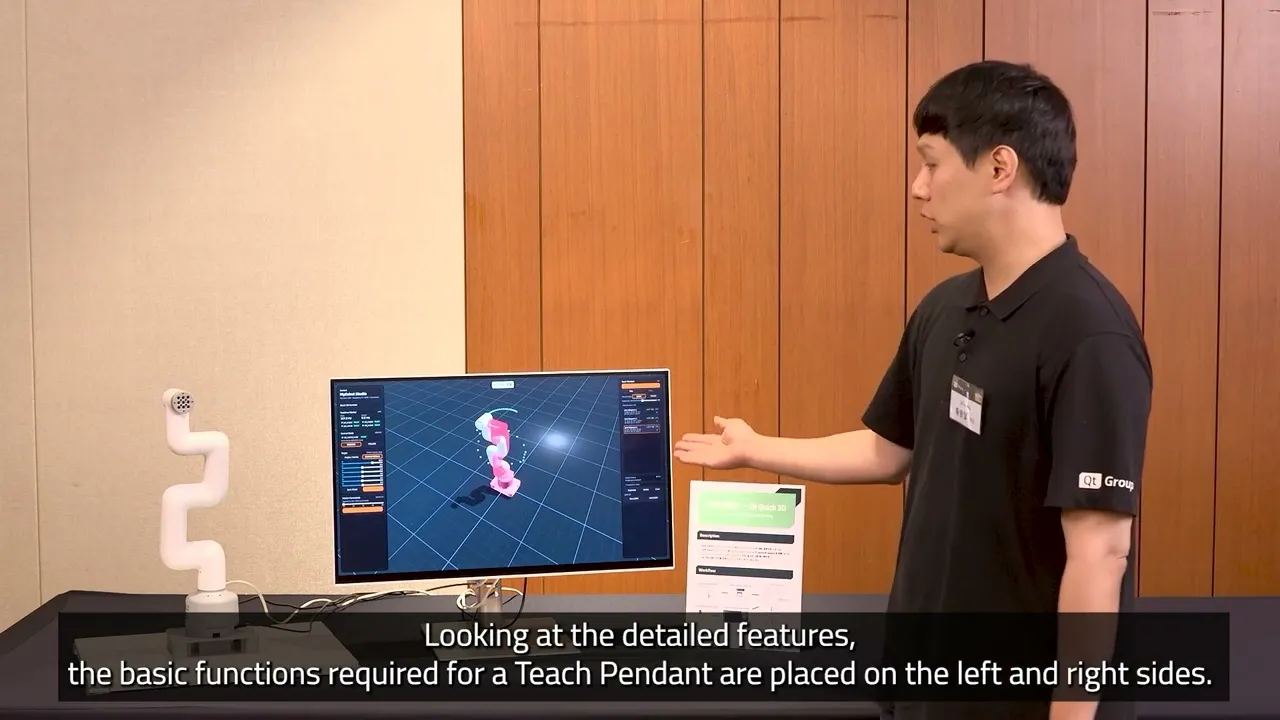
URDF to QML: Prototyping a Teach Pendant App with Qt Quick 3D
In this demo, Eric Hwang, Business Development Engineer, shows how to build a Teach Pendant by conve...
Watch Video