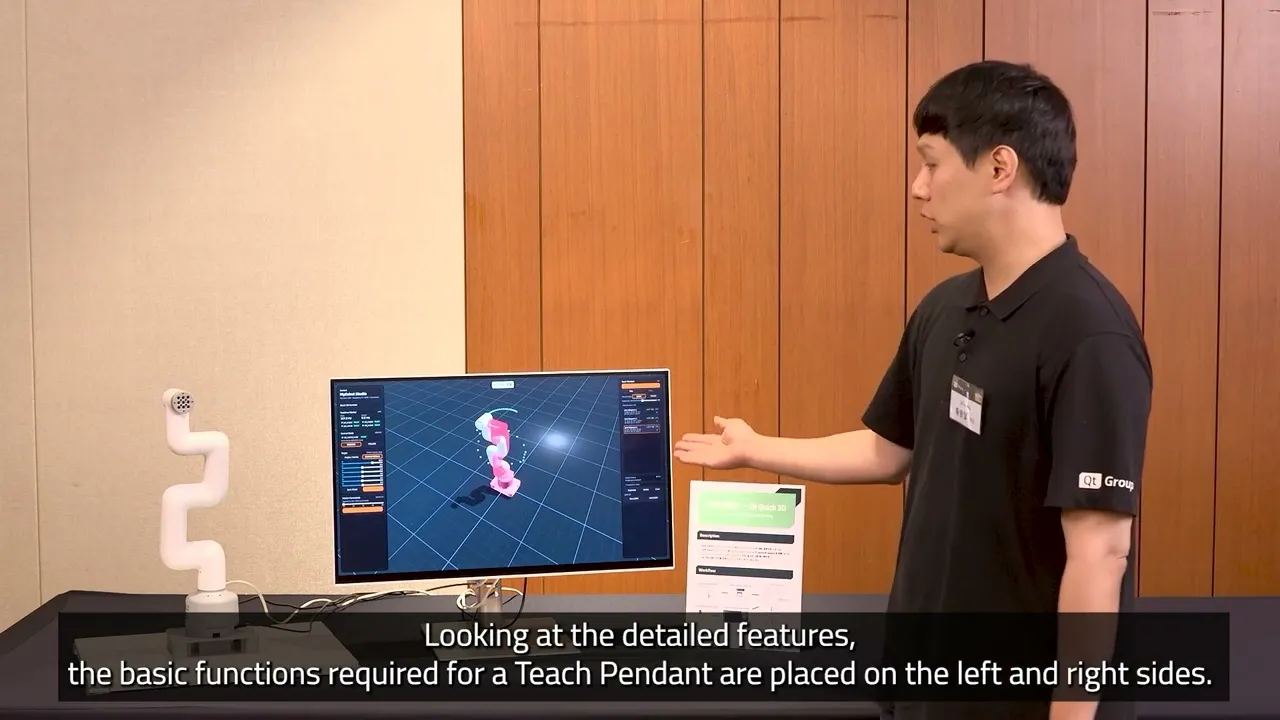
URDF to QML: Prototyping a Teach Pendant App with Qt Quick 3D
In this demo, Eric Hwang, Business Development Engineer, shows how to build a Teach Pendant by converting ROS URDF data into a Qt Quick 3D / QML application—without manually authoring 3D scene code. What the demo covers: → Parsing a URDF file with Python to extract joint, link, and mesh data → Auto-generating QML from the parsed URDF structure → Converting 3D meshes with the Qt Quick 3D Balsam Importer → Exposing joint values as QML properties to drive a 2D control UI → Implementing a record-and-playback feature via the ROS connection layer The result: a functional Teach Pendant UI—2D control panels plus a live 3D robot visualization—built in a fraction of the time required by a manual workflow.
Oh, here is more

Webinar: The Cyber Resilience Act: What Waiting is Costing US Software Teams
Starting September 11, 2026, the EU Cyber Resilience Act (CRA) requires companies to report actively...
Watch Video
Video: The Making of The Outpace Project
Project Outpace – Qt's Reference Panoramic 3D Automotive Cockpit. Don't Choose Between The Design Yo...
Watch Video
On-Demand Webinar: CI/CD and Continuous Compliance of Embedded Software for Aerospace and Defense
Today, CI/CD for pure software products is well understood. But hardware dependencies and embedded d...
Watch Video
On-Demand Webinar: Agentic Development for Embedded Devices: From Experiment to Production
Agentic development for embedded devices is moving from experiment to production, and regulated indu...
Watch Video