
Training: Programming for Microcontrollers (STMicroelectronics)
Qt for MCUs is a complete graphics framework and toolkit with everything you need to design, develop, and deploy GUIs/HMIs on MCUs.
During the training session, you'll learn the basics and get your hands-on programming with Qt for MCUs. The lecturer will introduce you to the Qt Quick Ultralite rendering engine, running on bare metal or FreeRTOS, with Ultralite Controls and an optimized subset of QML. This enables you to create smartphone-like user experiences on microcontrollers with the familiar Qt Creator IDE and other tools.
Learn about:
• Qt for MCUs package content
• Building and running an application using the command line
• Qt for MCUs application build process
• CMake API
• Qt for MCUs specific components
• Configuring Qt Creator IDE
• Asset management
• Styling controls
• Internationalization
• C++/QML integration
Live coding exercises will be included in the training, and you'll create your own Qt for MCUs application!
*The reference target platforms used in the training will be the following STMicroelectronics microcontrollers:
• STM32F769I-DISCOVERY
• STM32F7508-DISCOVERY
• STM32H750B-DISCOVERY
• STM32F469I-DISCOVERY
System Requirements and downloads
• Watch the Installation Instructions video
• Windows 10 64-bit is currently the only operating system for development (support for Linux and macOS is planned)
• Qt for MCUs Evaluation Package 1.X. Please download Qt for MCUs and Qt Creator at www.qt.io/download, select 'Try Qt' on the download page. During the installation process, select 'Qt for MCUs Evaluation package 1.X' and 'Qt Creator 4.12.4.'
• CMake 3.17 (or higher): https://cmake.org/download
• MSVC v142 - VS 2019 C++ x64/x86 build tools OR the corresponding 2017 version Windows 10 SDK: https://visualstudio.microsoft.com/visual-cpp-build-tools/
- If challenges arise when building the applications, please check the documentation here for a fix.
Please contact Qt for any questions or comments regarding the Qt product and premium support. If you can't make this session, tailor-made courses for MCUs and other topics are available for you and your colleagues. Reach out to the Qt Training Team for inquires. Qt Professional Services also have a wide range of additional services available. Check out the complete offering by Qt Professional Services.
Visit Qt https://www.qt.io/
Download Qt at https://www.qt.io/download
Oh, here is more

Webinar: The Cyber Resilience Act: What Waiting is Costing US Software Teams
Starting September 11, 2026, the EU Cyber Resilience Act (CRA) requires companies to report actively...
Watch Video
Video: The Making of The Outpace Project
Project Outpace – Qt's Reference Panoramic 3D Automotive Cockpit. Don't Choose Between The Design Yo...
Watch Video
On-Demand Webinar: CI/CD and Continuous Compliance of Embedded Software for Aerospace and Defense
Today, CI/CD for pure software products is well understood. But hardware dependencies and embedded d...
Watch Video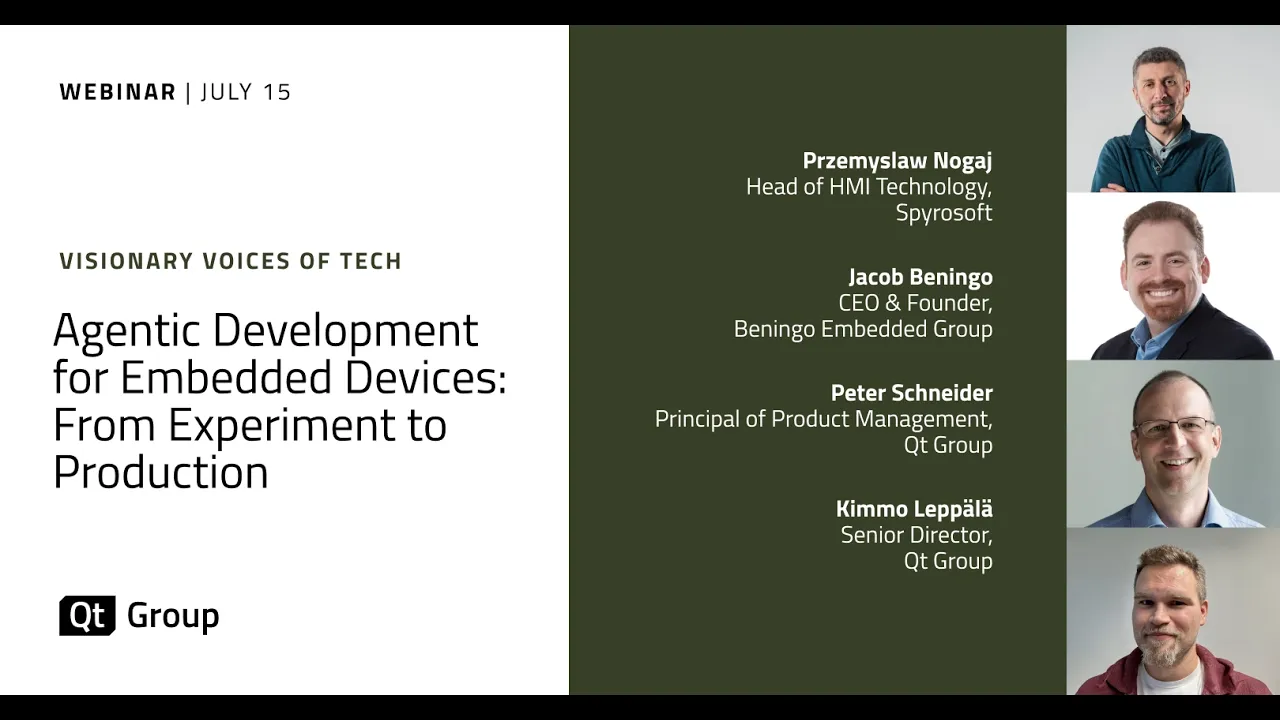
On-Demand Webinar: Agentic Development for Embedded Devices: From Experiment to Production
Agentic development for embedded devices is moving from experiment to production, and regulated indu...
Watch Video