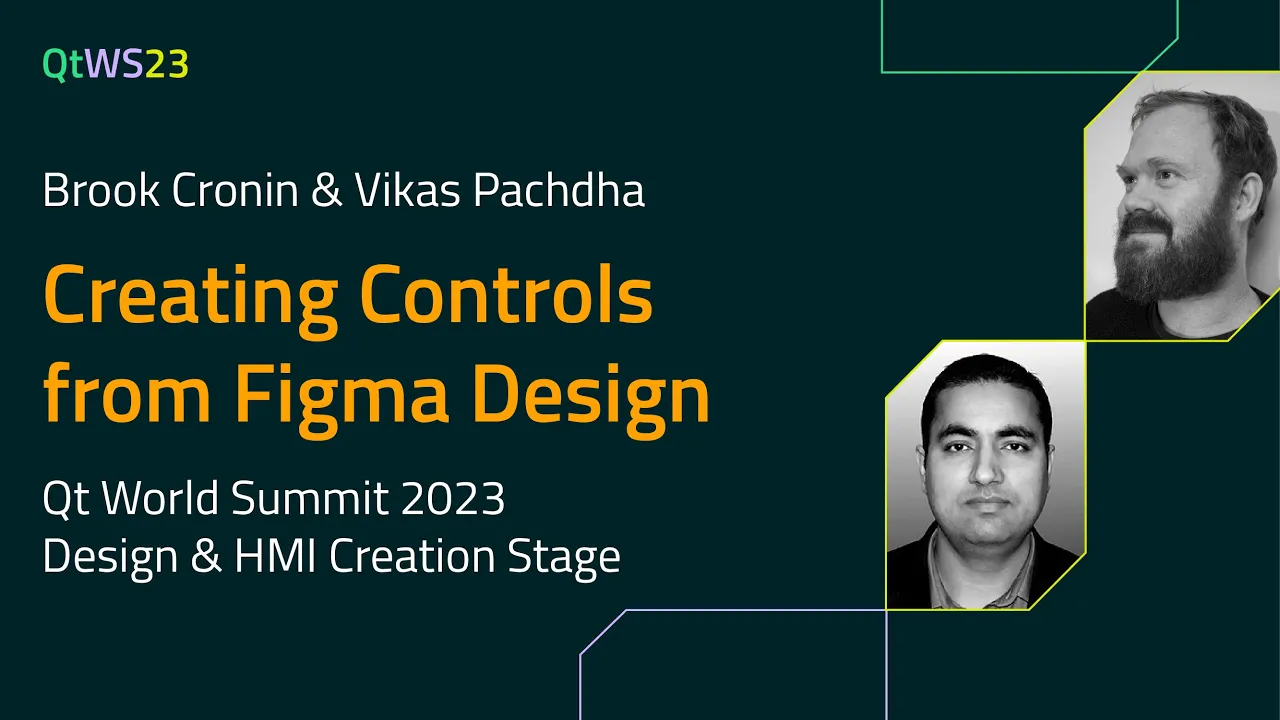
Creating Controls from Figma Design with Brook Cronin & Vikas Pachdha | #QtWS23
Abstract: Vikas and Brook will take you on a tour through the process of designing and creating control templates in Figma that can be imported into Qt Design Studio as working Qt Quick Controls. Covering the concept, design, and philosophy of Figma and Qt design systems, to how all the magic happens in the importer code itself. Join us to learn more about the potential for templates to level up your designer workflow and hear what we have in store for future features with our templating mechanism.
About the Speakers: Brook Cronin is a UI / UX and design system expert working as the lead designer for Qt Design Studio. He has a background in graphic design, interaction, and animation with interests in coding and building things both digital and physical. Design Hacker, Prototyper and Tool Maker. When he’s not working for Qt you will find him outdoors, in the countryside. Vikas Pachdha is a Senior software engineer at The Qt Company GmbH. Vikas has been part of the team since the conception days of Qt Design Studio. He is a seasoned engineer with experience in technologies like C++, Qt, JS, Typescript, etc. He helped bring the concept of UI generation from design tools like Photoshop, sketch, Figma, and XD. He implemented and maintains the Qt-Bridge plugins and the asset import plugin in Qt Design Studio.
Oh, here is more
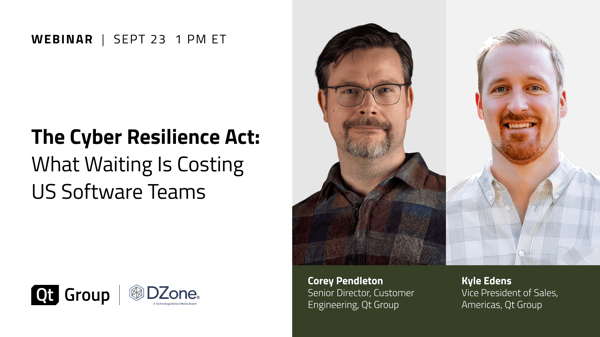
Webinar: The Cyber Resilience Act: What Waiting is Costing US Software Teams
Starting September 11, 2026, the EU Cyber Resilience Act (CRA) requires companies to report actively...
Watch Video
Video: The Making of The Outpace Project
Project Outpace – Qt's Reference Panoramic 3D Automotive Cockpit. Don't Choose Between The Design Yo...
Watch Video
On-Demand Webinar: CI/CD and Continuous Compliance of Embedded Software for Aerospace and Defense
Today, CI/CD for pure software products is well understood. But hardware dependencies and embedded d...
Watch Video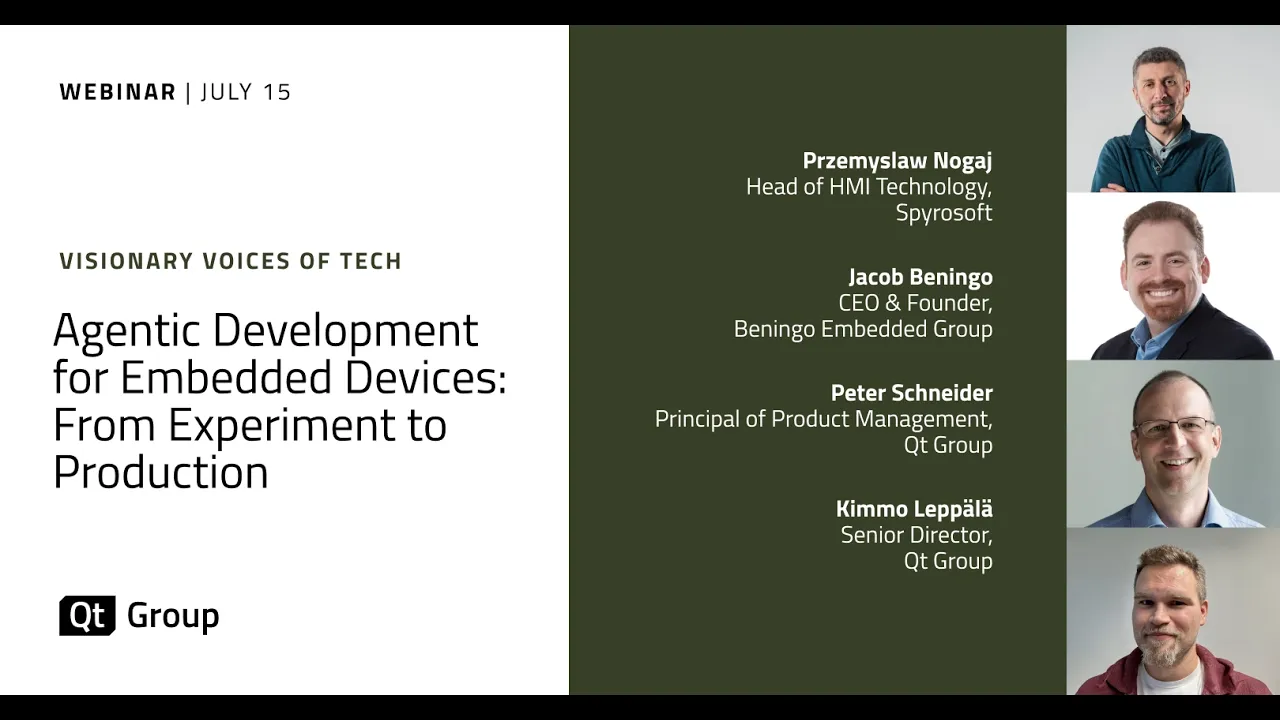
On-Demand Webinar: Agentic Development for Embedded Devices: From Experiment to Production
Agentic development for embedded devices is moving from experiment to production, and regulated indu...
Watch Video