Qt 6.5 LTS Technical Features Overview
In this webinar we will introduce you the main new features coming with the Qt 6.5 LTS releases. We will talk about API updates and changes and show you how to use the new functionalities with examples.
Agenda:
- TableView - How to use the QML TableView types with user inputs such as cells editing or resizing Qt QML Core module
- Introduction of the QML Settings type that provides persistent platform-independent application settings Qt Location module
- How to render 2D maps into a Qt Quick application and work with routing, place searching, Qt Serial Bus module
- How to use the new classes to work with CAN bus Qt Multimedia module
- How to capture a screen with QScreenCapture class Qt Quick Controls module
- Styles updates Qt Quick Effects module and Qt Quick Effect Maker tool
- How to create simple to high-performance graphical effects for Qt Quick Permission handling in Qt Core module
- How to use the new permissions API to allow applications to check or request permissions for features that require user consent before use
Oh, here is more

Webinar: The Cyber Resilience Act: What Waiting is Costing US Software Teams
Starting September 11, 2026, the EU Cyber Resilience Act (CRA) requires companies to report actively...
Watch Video
Video: The Making of The Outpace Project
Project Outpace – Qt's Reference Panoramic 3D Automotive Cockpit. Don't Choose Between The Design Yo...
Watch Video
On-Demand Webinar: CI/CD and Continuous Compliance of Embedded Software for Aerospace and Defense
Today, CI/CD for pure software products is well understood. But hardware dependencies and embedded d...
Watch Video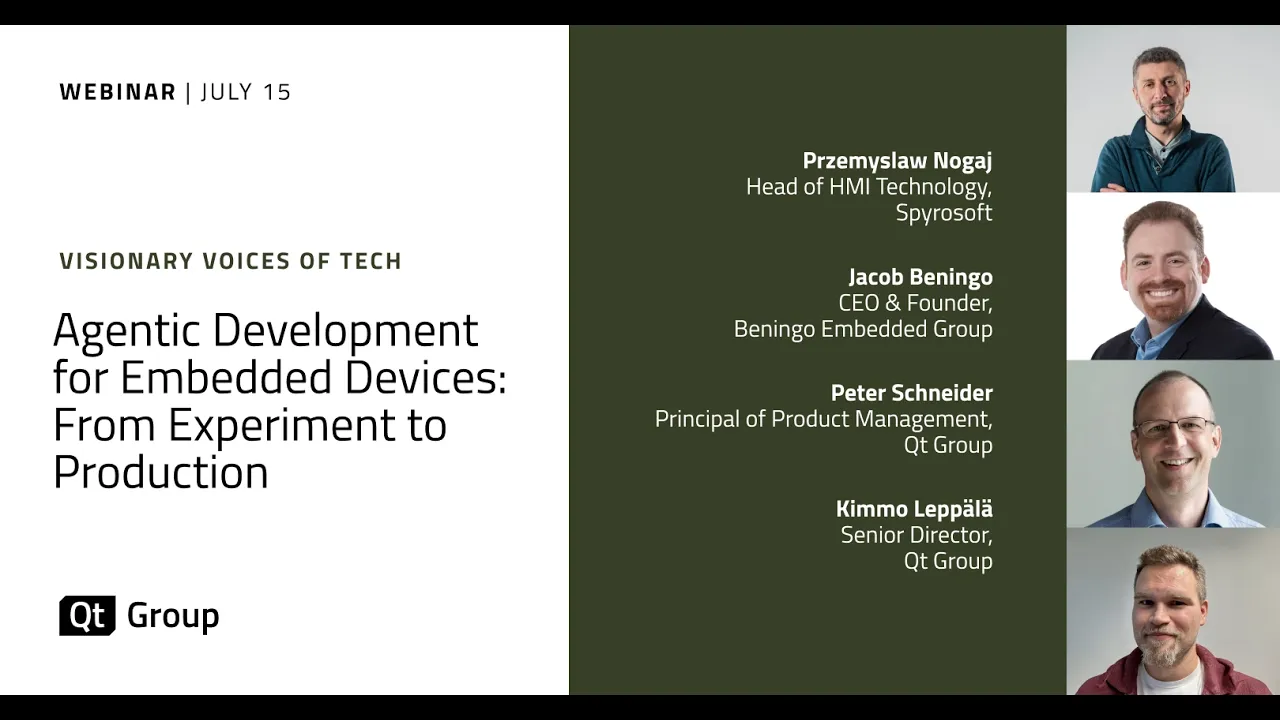
On-Demand Webinar: Agentic Development for Embedded Devices: From Experiment to Production
Agentic development for embedded devices is moving from experiment to production, and regulated indu...
Watch Video