3D Objects and Effects
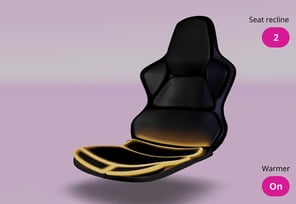
3D Scenes
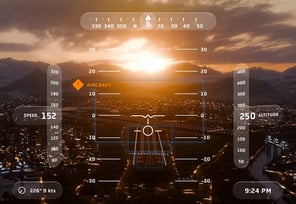
3D and 2D Together
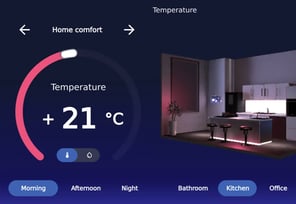
FLUID 3D USER INTERFACES
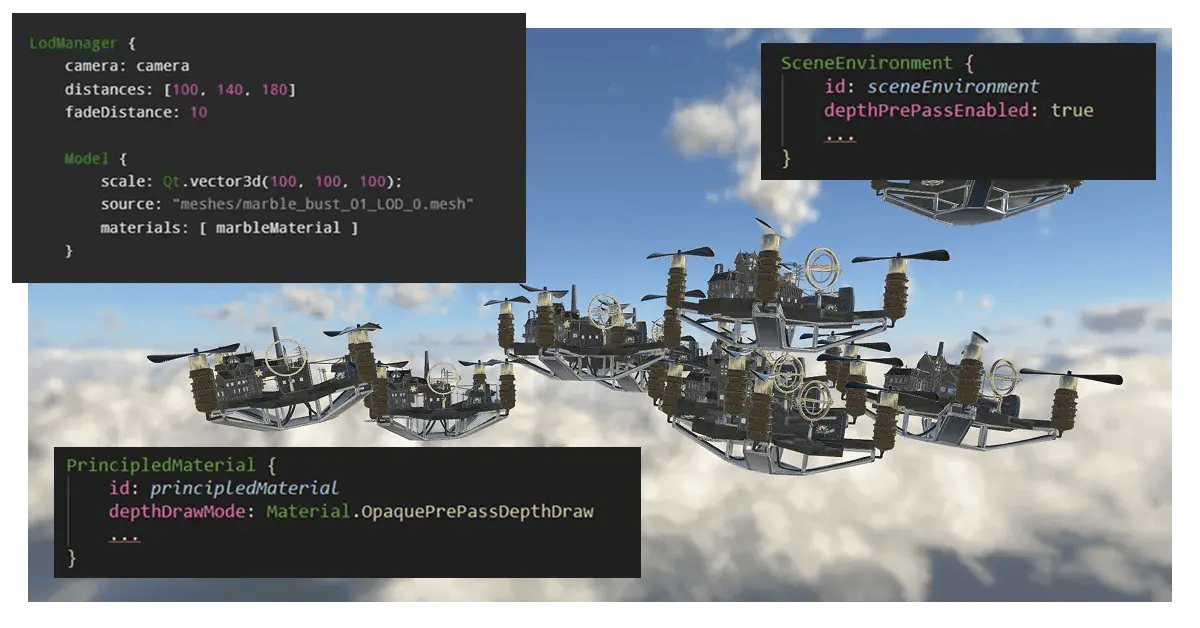
3D for Optimized Performance
Using a powerful 3D engine along with native rendering capability is one thing. But coupling that up with mindful choices on the use of 3D techniques that affect your application performance, is where you truly ensure your UI runs smoothly on all needed target hardware.
We host a developer-to-developer webinar, covering hands-on tips and examples on how to create a stunning 3D UI with a balanced cost on the performance.
NATIVE 2D, 2.5D, 3D GRAPHICS
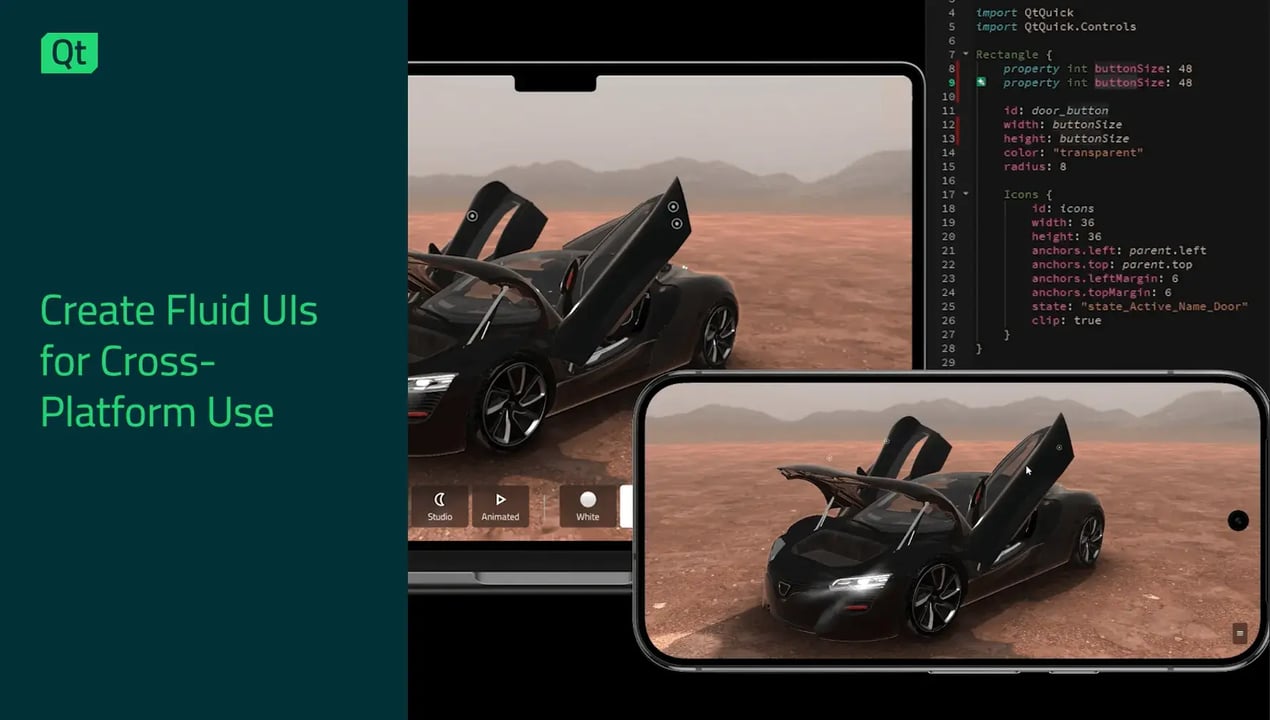
Blend 2D and 3D Without Workarounds
Build interfaces that mix 2D and 3D objects without the hassle of using separate toolkits.
Qt Quick 3D is an extension of Qt Quick, so you can use the same language and codebase whether you’re designing flat graphics, 2.5D effects, or complex 3D scenes.
Need to add a 3D model to a 2D dashboard? Done. Want interactive 2D controls inside a 3D environment? No problem.
It all works together naturally, letting you focus on creating great interfaces instead of wrestling with integration.
MAP 2D CONTENT INTO A 3D SCENE
Example in Git: 3D Scene with Interactive 2D Elements
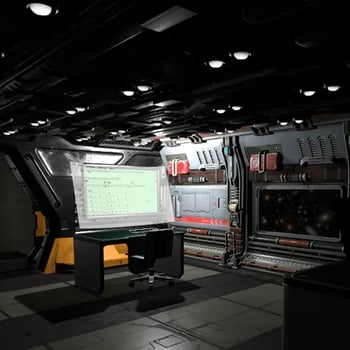
Qt allows easily adding interactive 2D UI components inside 3D scenes or elements.
The Kappa Tau Station is a developer example built with Qt Quick 3D, demonstrating a 3D spaceship interior scene with a fully incorporated, interactive 2D screen, smaller keypads, and more. The 2D elements are built with Qt Quick, making them readily compatible with the larger 3D model, and allowing user interactions as a unified user interface.
Go to the Example’s Git Repository
Explore the 2D in 3D Documentation
See More Qt's 3D Graphics Examples and Demos
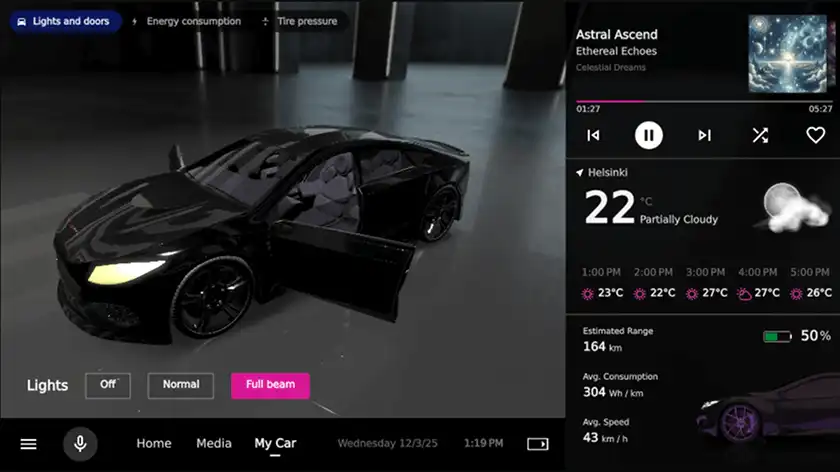
Automotive
In-Vehicle Infotainment (IVI) system created with Qt, featuring 3D graphics, visual effect, motion design, and more.
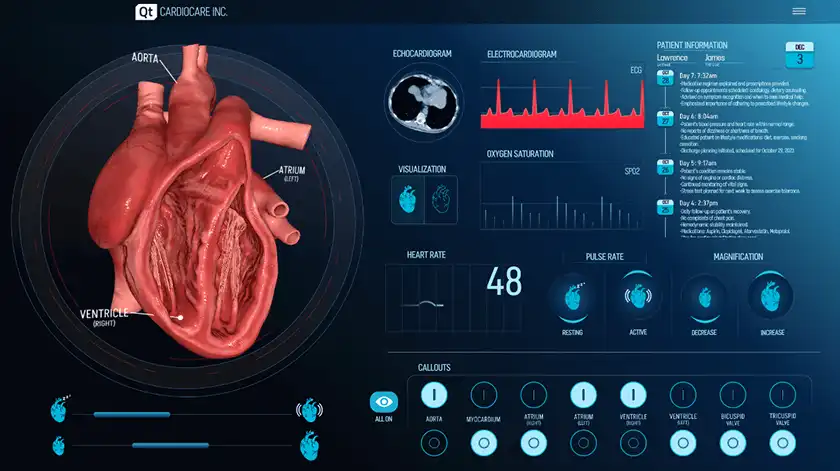
Medical
Animated UI which includes 2D assets, a 3D FBX model, animations, interactive buttons & sliders, and more.
See It in Action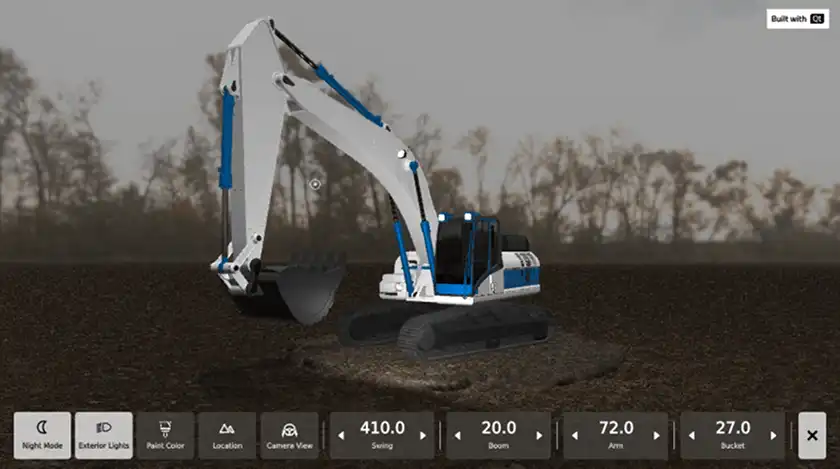
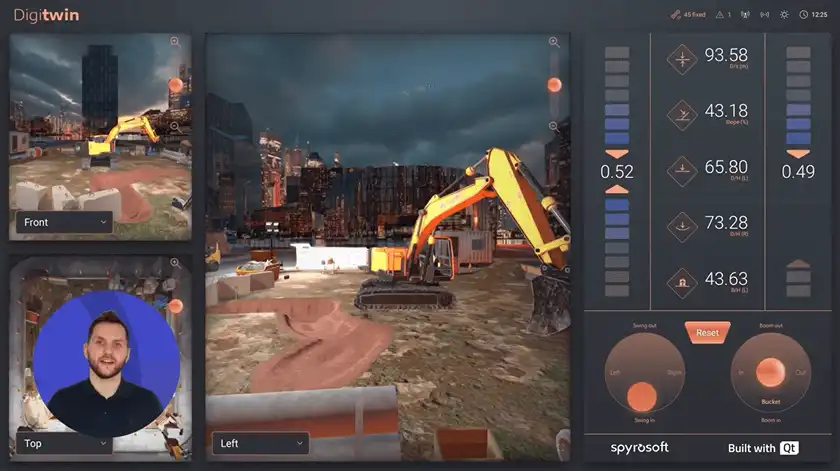
Digital Twin
Industrial showcase application that includes Figma integration, reusable components, visual state logic, and smooth transitions.
Try It Online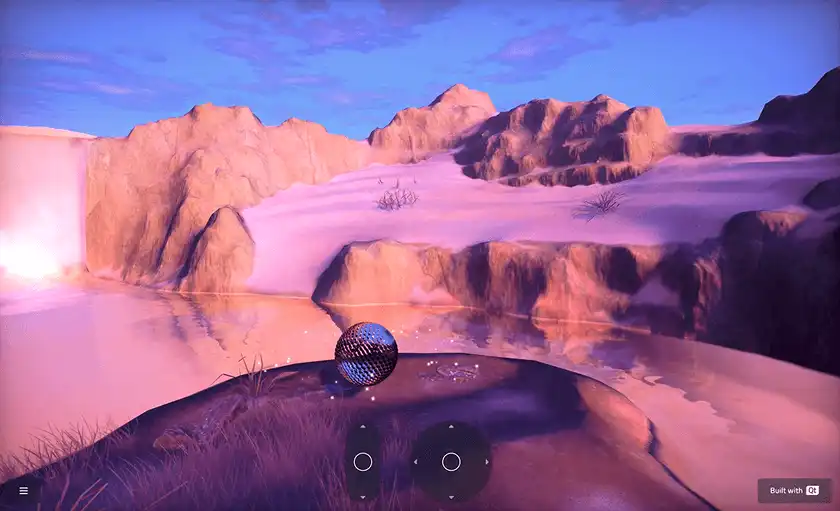
Hyperrealistic World
A dynamic environment with sky, ground, mountains, water, waterfalls, and animated 3D objects all living together in real time.
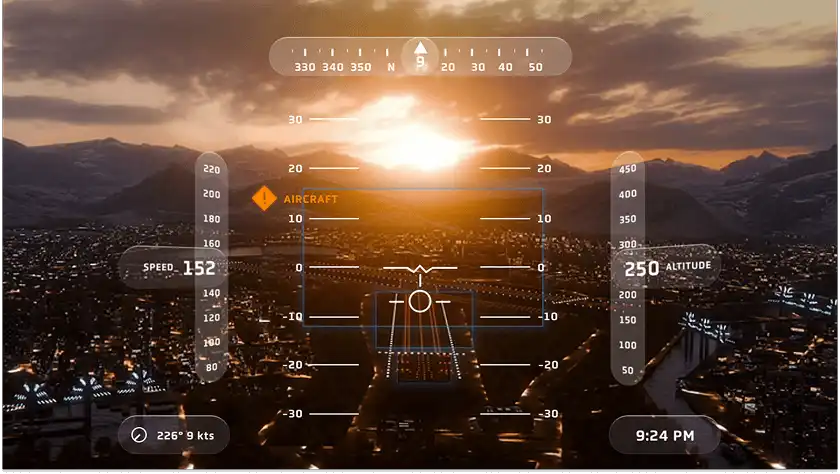
Mobility Experience
A single-person simulated autonomous driving experience, taking you through a range of scenes that are made with Qt.
3D Graphics for Embedded
Learn how to achieve real-time reflections, shadow casting, and other advanced visual effects on embedded platforms.

3D USER INTERFACES
A Professional 3D Framework with Everything You Need
Qt offers the same capabilities as a game engine without unnecessary overhead like player logic, level systems, and game loops.
From simple 3D objects to complex interactive scenes, Qt provides everything you need to build professional 3D graphics.
- Import or create models
- Apply realistic materials and lighting
- Add animations and physics
- Customize with shaders as needed.
Since Qt is optimized for building user interfaces, performance remains consistent and optimal.
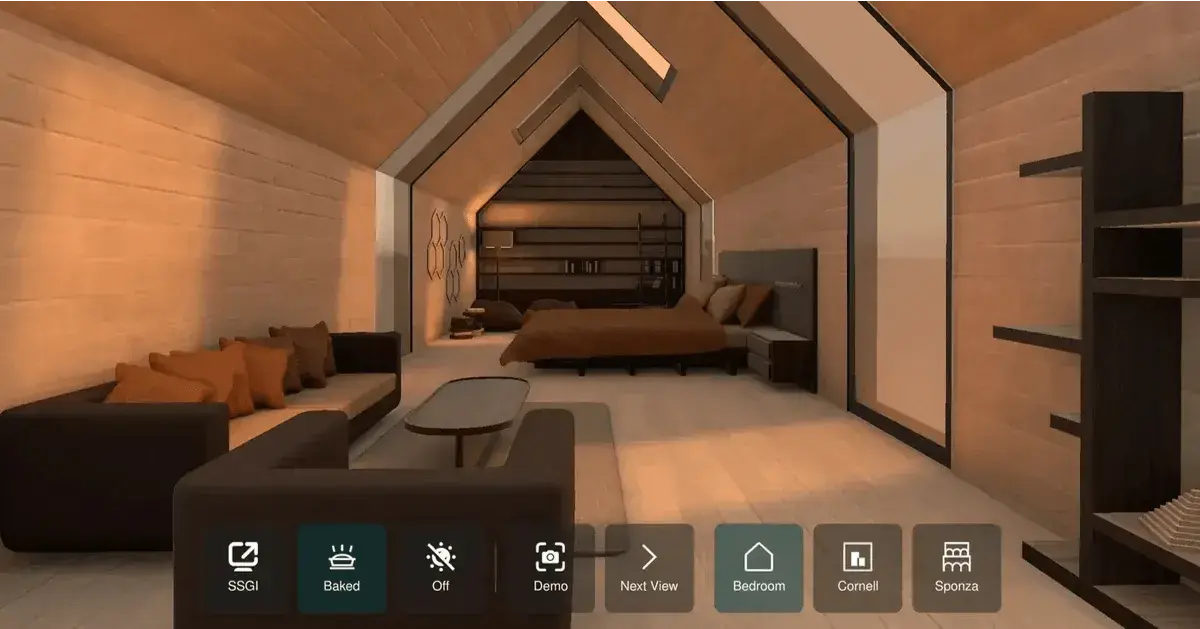
Global Illumination
Pre-generate lighting with lightmap baking even for resource-constraint hardware, make it more dynamic with the real-time Screen Space Global Illumination (SSGI), or combine the two for a balanced end result.
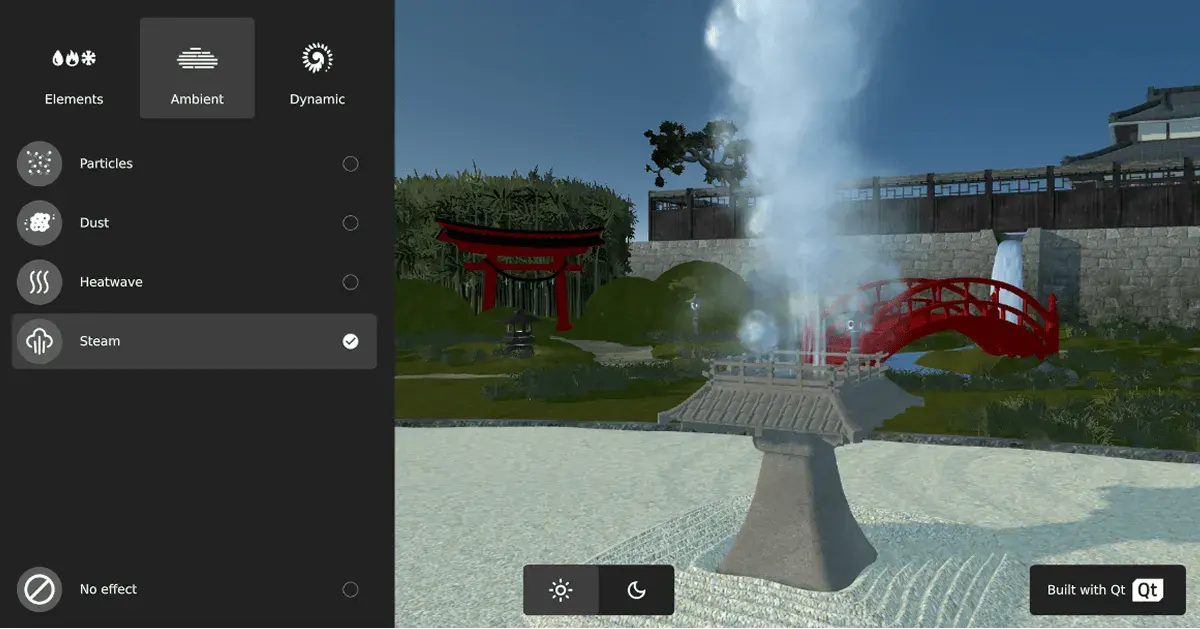
Particles
Create for example rain or snow effects with reverse particles, construct or explode a 3D model with the blend particle effect, and have particles react to 3D models and lights thanks to, e.g. a scene mesh.
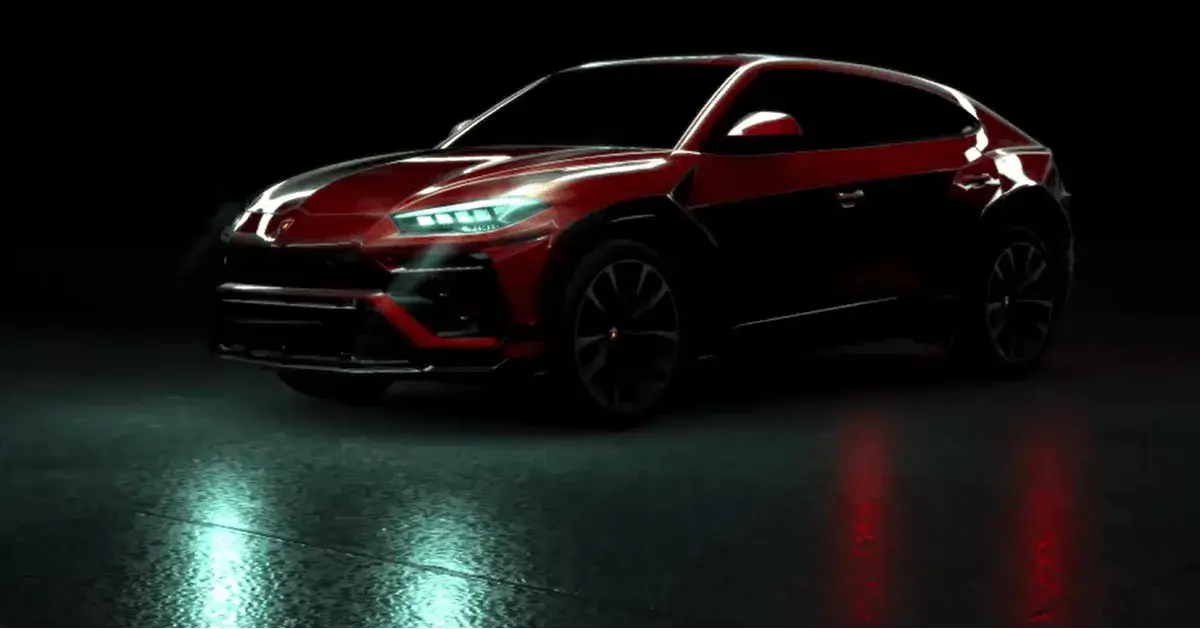
Reflections & Lighting
Improve realism with e.g. image-based lighting (IBL), make surfaces dynamic with shadow mapping and screen space reflections (SSR), and add consistency regardless of camera angle with the reflection probe.
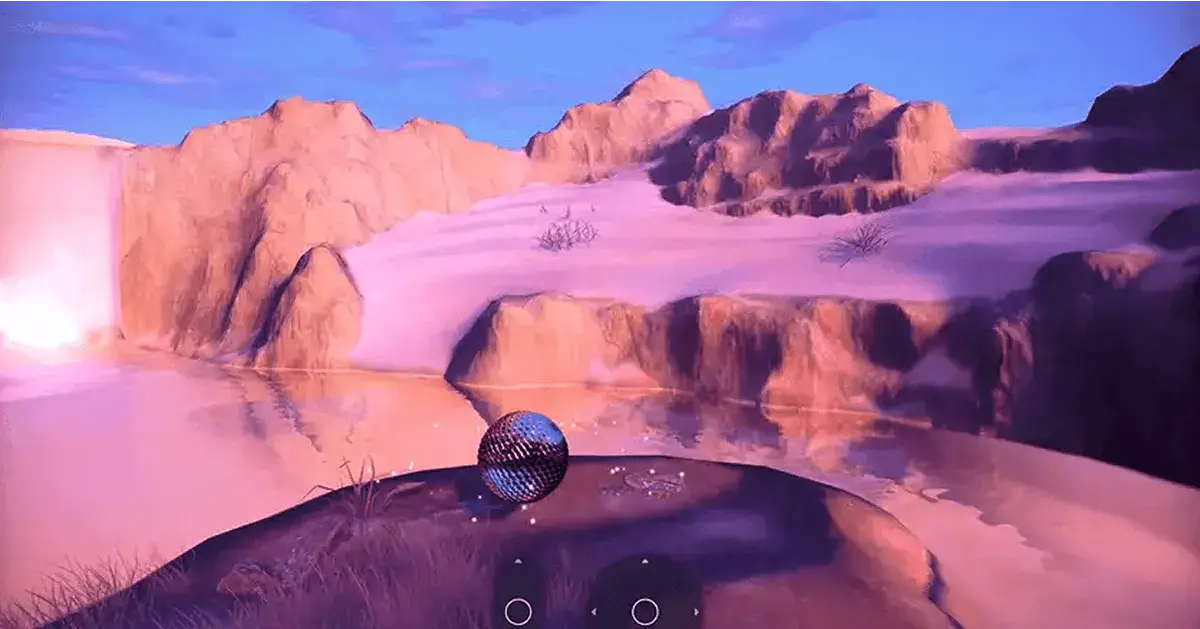
Flare, Glow, & Beyond
Make your 3D scene more realistic and visually appealing with various post-processing effects, such as lens flare or glow. Visualize fog or blur based on depth or height. Optimize resource usage with e.g. Level of Detail (LoD).
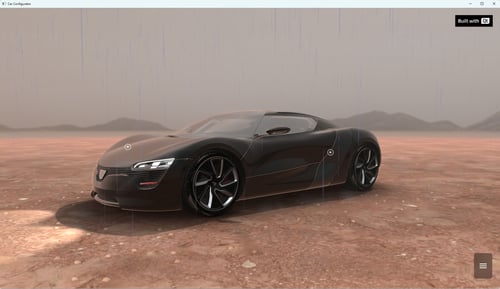
Rain effect with Quick3D Particles
Here is an overview on the new features added to the Quick3D.Particles...
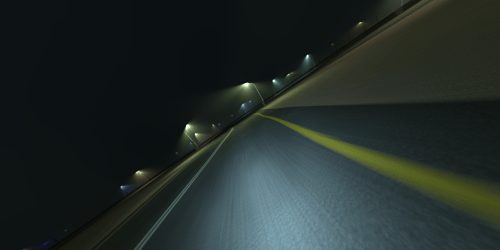
Poor Man's Volumetric Light
Building Volumetric Light Shafts with Real IES Profiles You know that ...
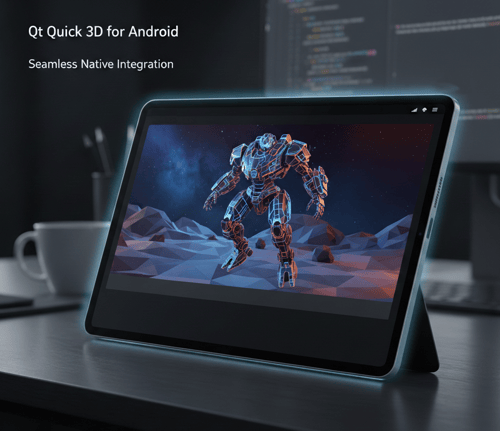
Qt Quick for Android - Qt 6.9 and 6.10
Just noticed that we have not posted recently updates from the Qt Quic...
Lightmap Baking and Other Improvements in Qt Quick 3D
In this blog post I will discuss some of the recent improvements aroun...
1.5M+ Developers Use Qt