Rust GUI with Qt
The Qt Bridge for Rust gives Rust GUI development a mature, GPU-accelerated, cross-platform frontend option. It adds cleanly on top of your backend logic, in a way that feels native to Rust.
The Wait for a Mature Rust UI Stack Is Over
Whether you're building dashboards, scientific tools, or industrial UIs, have your graphs needs covered with Qt’s extensive data visualization libraries and high-performance capabilities. Visualize simple datasets quickly or for complex, high-precision cases, flexibly use advanced techniques such as volumetric rendering or 2D slicing from 3D.
Mature
Proven, long-term stability that scales with native UI performance across platforms.
Feature-Rich
All the GUI capabilities you need, from basics to advanced graphics and accessibility.
Integrated
Adds cleanly on top of your backend logic, in a way that feels native to the Rust ecosystem.
The Qt Bridge for Rust is in Technology Preview. Try it out and send us your feedback!
BEHIND THE Qt BRIDGES PROJECT
Why Try the Qt Bridge for Rust?
- Works smoothly cross-platform, currently on Linux, Windows and macOS
- Provides a mature Rust GUI stack: controls, styles, animations, accessibility, i18n, high-DPI
- Uses Qt's newer UI framework, QML and Qt Quick, with GPU-accelerated rendering
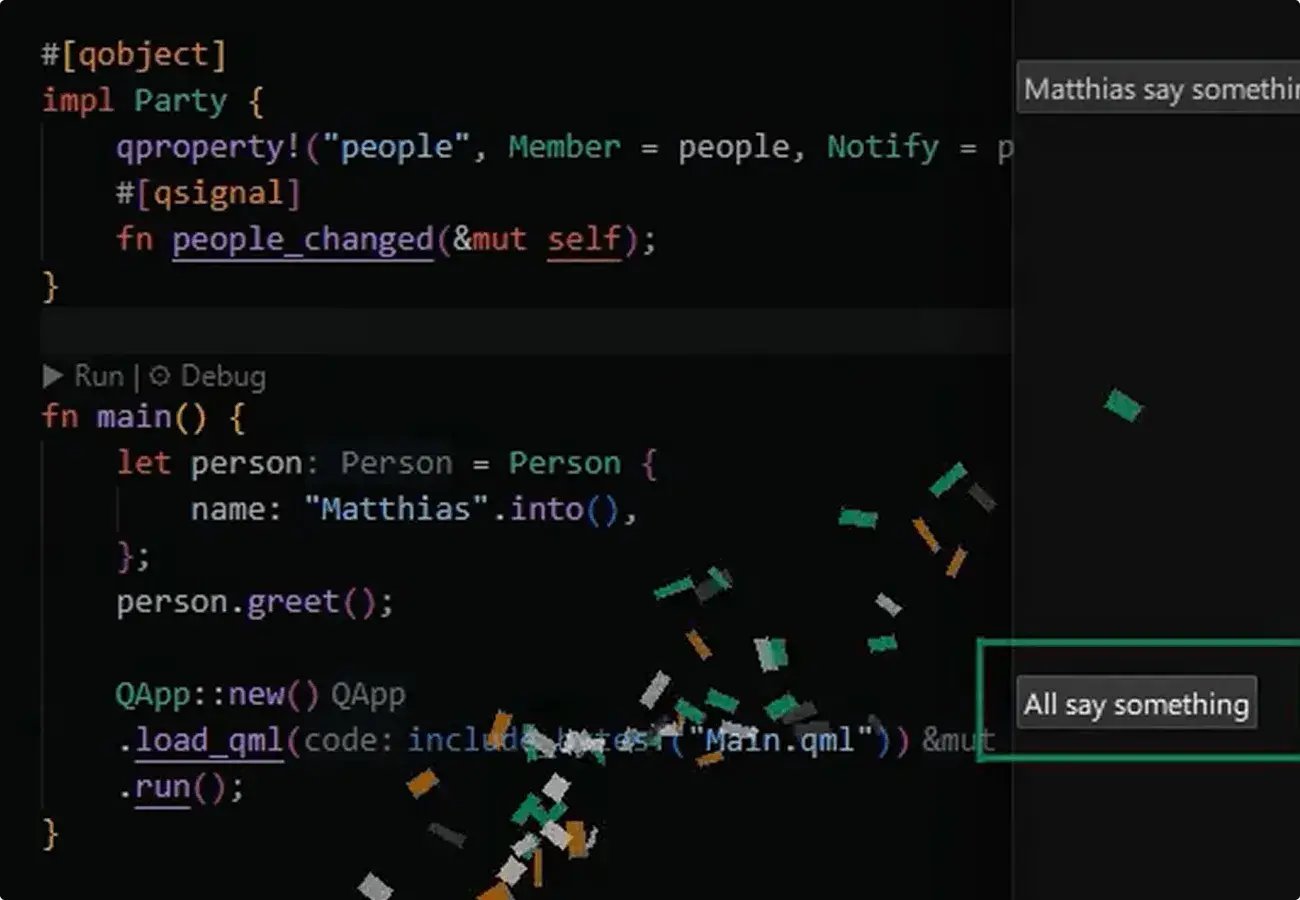
- Keeps your familiar Rust workflow, such as attribute macros on plain Rust and building with cargo.
Rust UI Feature Highlights
Native Controls & Styling
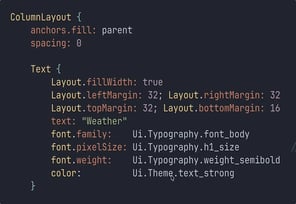
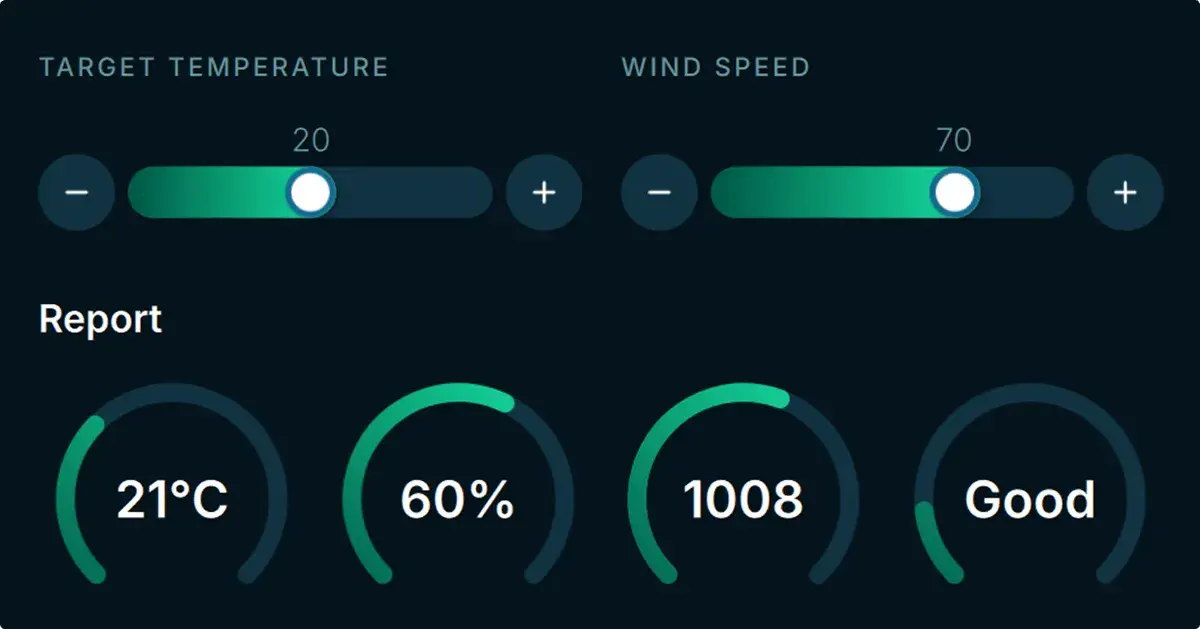
Qt Quick comes with all the UI capabilities you need for modern, cross-platform applications, including native menus, trays, ready-made controls, and styling that adapts to target platform.
Accessibility
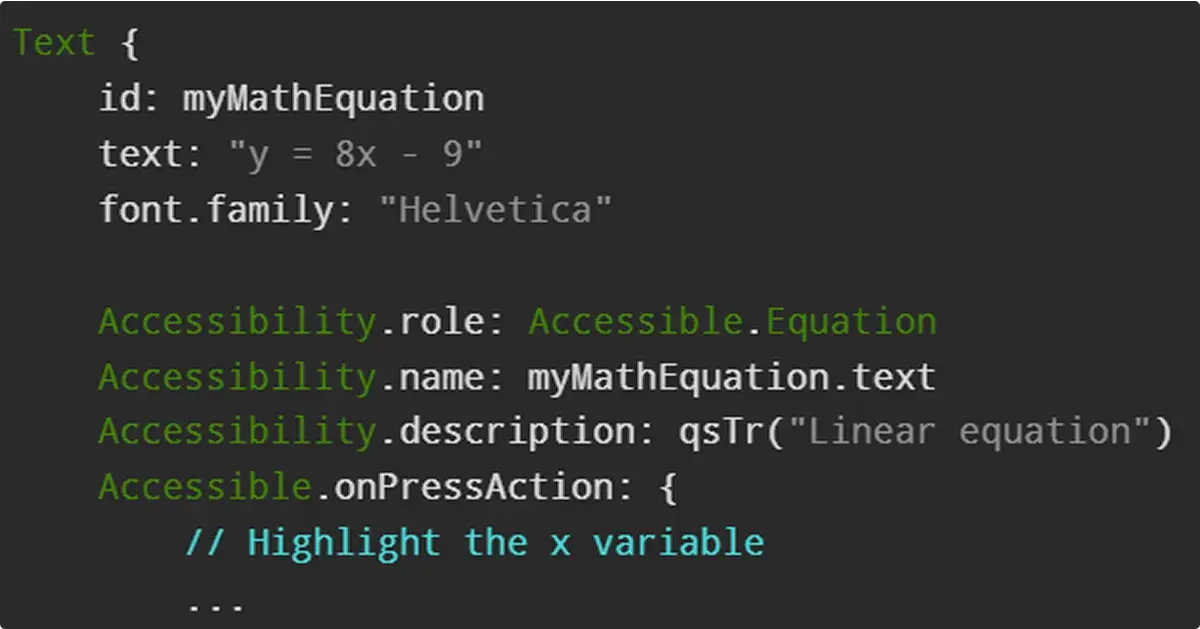
Easily ensure your product is accessible to everyone. Qt Quick comes with ready-made UI accessibility capabilities that work out-of-the-box, cross-platform. They’re also easily customizable.
Memory-Safety
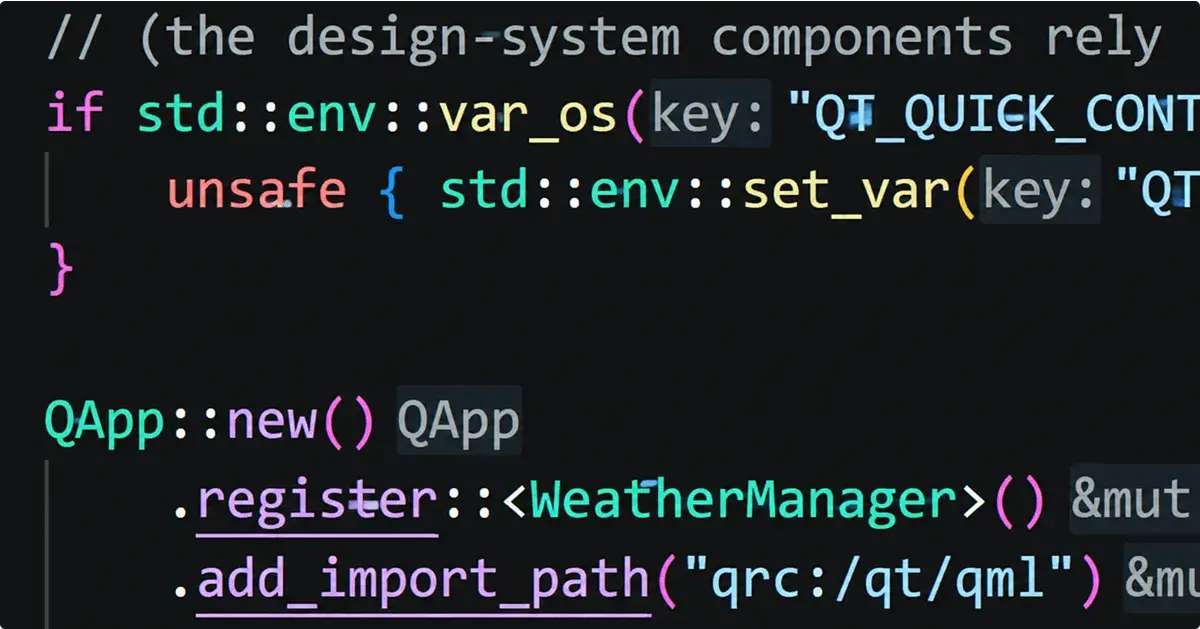
The Qt Bridge for Rust reduces the amount of code exposed to manual-memory risks; regular Rust code is compiler-checked for safety, and any minor unsound parts are marked "unsafe" and manually checked.
Performance
Qt matches nicely with Rust also because it has a much lower memory footprint than web-based UI options, and it takes only little CPU and GPU power. In addition, Qt Bridges comes with snappy and fast hot paths.

EASY TO LEARN AND USE
Get Started with the Qt Bridge for Rust
Install the Qt Bridge for Rust with Cargo, keep your Rust workflow, and add QML as your UI layer.
Follow these steps to get started:
-
Choose your setup. Currently available for Windows, macOS and Linux. Follow the installation instructions for your OS.
-
Run the Hello World! app.
-
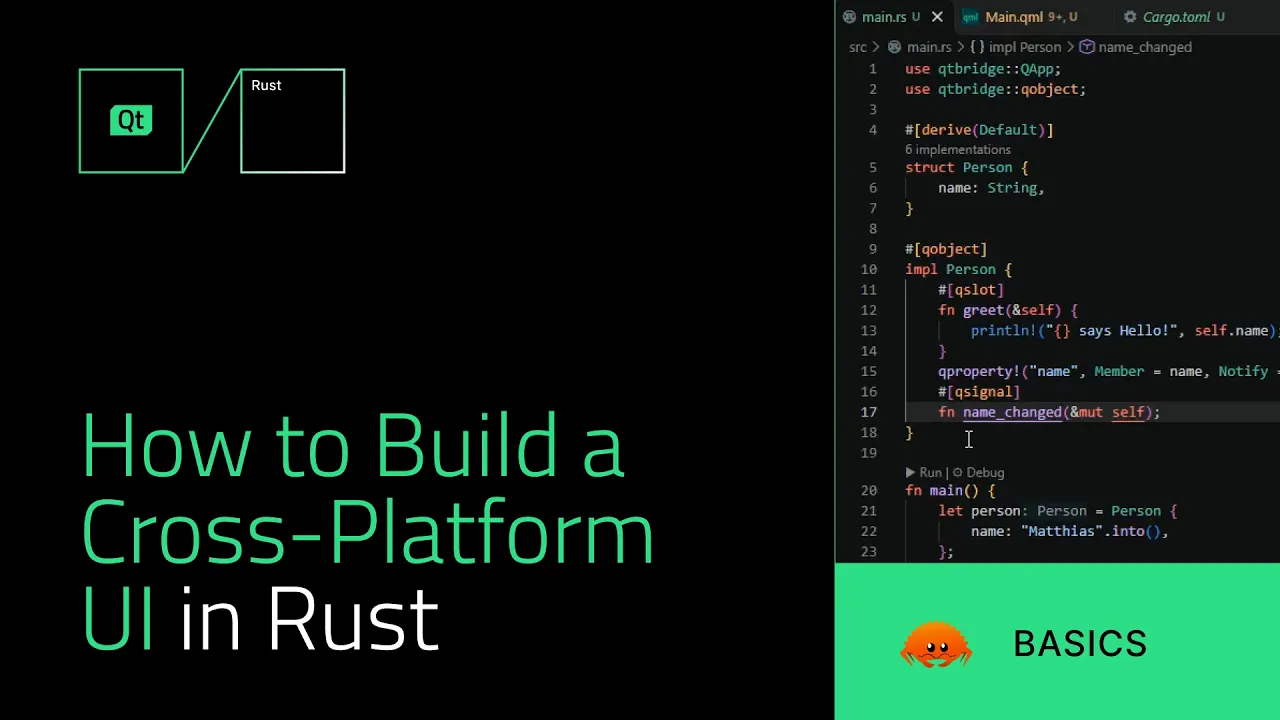
Learn how to play with it; watch the step-by-step tutorial.
-
Share your feedback.
HELP US MAKE QT BRIDGES BETTER
Share Your Feedback
The Qt Bridge for Rust is in the Technology Preview state. That means you can install it, try it out, and give us feedback on what you think works well, what you’d like improved, or what features you might want to see there in the future.
Your feedback is crucial for us to make Qt Bridges the best it can be.
Get in Contact and Learn More
Mailing List
Sign up on our mailing list to be among the first to hear news about our project. No spam.
Bug Tracker
Track, report, and discuss bugs, and make suggestions for future improvements.
Forum for Qt Bridges
Join the discussion with our developers, share feedback, and learn what’s new.
Frequently Asked Questions on Rust GUIs
What’s the difference between Qt Bridges and the Qt Bridge for Rust?
- Qt Bridge for Rust
Qt Bridges gives you access to QML and Qt Quick UI technology from several backend languages. Bridging works differently in each language, so there is one bridge per language, but every bridge provides the same UI capabilities. The Qt Bridge for Rust is the one for building Rust UIs.
How is Qt Bridges related to CXX and CXX-Qt?
- Qt Bridge for Rust
CXX is a Rust library for safe calls between Rust and C++. Qt Bridges, or more specifically, the Qt Bridge for Rust, uses CXX to bring Qt Quick’s UI capabilities into pure Rust applications. That allows you to stay fully in Rust even though Qt is C++-based. CXX-Qt, maintained by KDAB, solves a different problem: adding Rust to an existing C++ Qt application.
Which Rust UI framework is easiest to integrate with an existing Rust backend?
- Qt Bridge for Rust
If your Rust backend already keeps logic separate from the UI, the Qt Bridge for Rust lets you leave that backend untouched and put a QML frontend in front of it. You register your Rust types with QML and stay in Cargo and your usual Rust workflow, with no need to write C++ or learn Qt’s own container types.
Why use Qt as a Rust UI framework for cross-platform apps?
- Qt Bridge for Rust
The Qt Bridge for Rust brings Qt Quick, a mature, GPU-accelerated, feature-rich UI framework, to Rust. You can re-use the UI across target platforms or even across projects, and you get native look and feel as well as native UI performance even with more advanced UI elements. Qt doesn’t rely on a browser runtime, so its memory footprint is much lower than web-based UI options.
Does Qt’s Rust UI library support Windows, macOS, and Linux?
- Qt Bridge for Rust
Yes. The Qt Bridge for Rust supports desktop applications on Windows, macOS, and Linux, on both x86 and ARM devices. Embedded Linux, such as Boot to Qt or Raspberry Pi, also works because it behaves like regular Linux. iOS, Android, and web targets aren’t yet supported in the Technology Preview.
How do I start building an app with Qt’s Rust UI library?
- Qt Bridge for Rust
The Qt Bridge for Rust installs with Cargo, the way any Rust crate does, and is available for Windows, macOS, and Linux. Follow the installation instructions for your OS, run the Hello World app, and then build on it; you stay in your normal Rust workflow and add QML as your UI layer. Watch the tutorial for a fun way to get you started.
How do I add native menus and trays in a Rust desktop app?
- Qt Bridge for Rust
Qt Quick comes with ready-made controls, styles, native menus, and trays, and the Qt Bridge for Rust lets you use them from QML while your app logic stays in Rust. The same UI you create works on Windows, macOS, and Linux.
Which Rust UI framework is easiest to learn and use?
- Qt Bridge for Rust
It depends on your app and your background, but the Qt Bridge for Rust keeps the learning curve small. You install it like any Rust crate, keep writing plain Rust with attribute macros, and build with cargo. You do need Qt Framework to back it up, and the one new skill is QML, a declarative UI language: you describe what the UI should look like, which makes it quick to prototype.
Why should I use Qt Bridges as a Rust UI framework for my next project?
- Qt Bridge for Rust
Use it when your Rust application needs a mature, production-grade user interface with solid performance, cross-platform consistency, memory safety, and a wealth of UI capabilities. The Qt Bridge for Rust gives you access to Qt Quick’s feature-richness, from basic to advanced UI elements. It’s in Technology Preview, so now is a good time to try it and tell us what you need.
Blogs on Rust UIs
Qt Bridge for Rust 0.3 Beta: CXX-Qt Compatibility and Soundness
As part of the on-going development of Qt Bridges, we are out with a n...
A Cross-Platform Rust UI Framework via Qt’s Bridging Technology
Rust has achieved something extraordinary: it genuinely excites people...
Qt Bridges: Public Beta for the Rust Bridge Is Out!
Qt Bridges is a project we have been developing since 2025 to bring Qt...
More Backends with the Same Frontend
Qt Bridges is to support multiple backend languages, with now also C# in Technology Preview. No more switching from one UI option to another.
More on Qt Framework
Qt Framework’s comprehensive set of libraries take away your routines from middleware to UI, 2D to 3D, platform to platform.
Build Your Cross-Platform Rust GUI
Stay in your Rust workflow and easily integrate a mature UI framework to it.