




Stay up to date with the latest marketing, sales and service tips and news.
A week ago I received my Raspberry Pi Zero W to play a bit with some IoT device. The specs of this small device computer are the following:

But the interesting part comes with the connectivity:
And especially from one of the hidden features that allows one to use the device as a headless device and connect using SSH over USB adding the following line to config.txt:
dtoverlay=dwc2
And modifying the file cmdline.txt to add:
modules-load=dwc2,g_ether
remember to create a file called ssh to enable SSH access to your Raspberry Pi. There are plenty tutorials over the Internet showing this! :D
To build a Qt version for the device you can follow this guide.
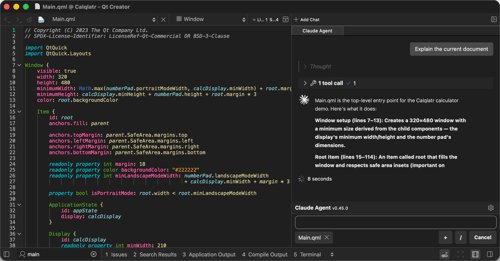
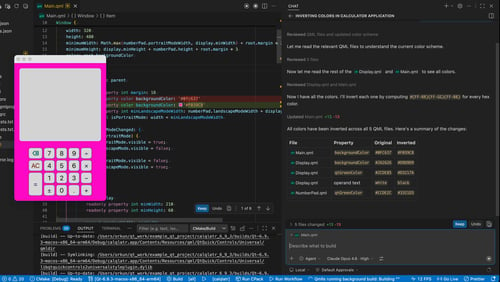
In the following screen shot, we can see the calqlatr example running directly on the Raspberry Pi:

One of the use cases which comes to my mind using this device and this feature is being able to create portable presentations and show them on any computer without the need of installing new software.

For the presentation, I used the qml-presentation-system (link).
More use cases could be:
Please comment if you have other ideas or use cases.
Stay up to date with the latest marketing, sales and service tips and news.
Download the latest release here: www.qt.io/download.
Qt 5.12 was developed with a strong focus on quality and is a long-term-supported (LTS) release that will be supported for 3 years.
Find webinars, use cases, tutorials, videos & more at resources.qt.io
Check out all our open positions here and follow us on Instagram to see what it's like to be #QtPeople.
Näytä tämä julkaisu Instagramissa.Henkilön Qt (@theqtcompany) jakama julkaisu